
Blog
How AI CRM Automation Improves Sales Follow-Up and Reporting
Sales teams lose many good leads during follow-up. However, the problem is usually not effort. Instead, the real issue is scattered information.
For example, a new inquiry may arrive from a website form, email, ad campaign or phone call. When your team has to copy details by hand, update a CRM and remember the next step, delays happen fast.
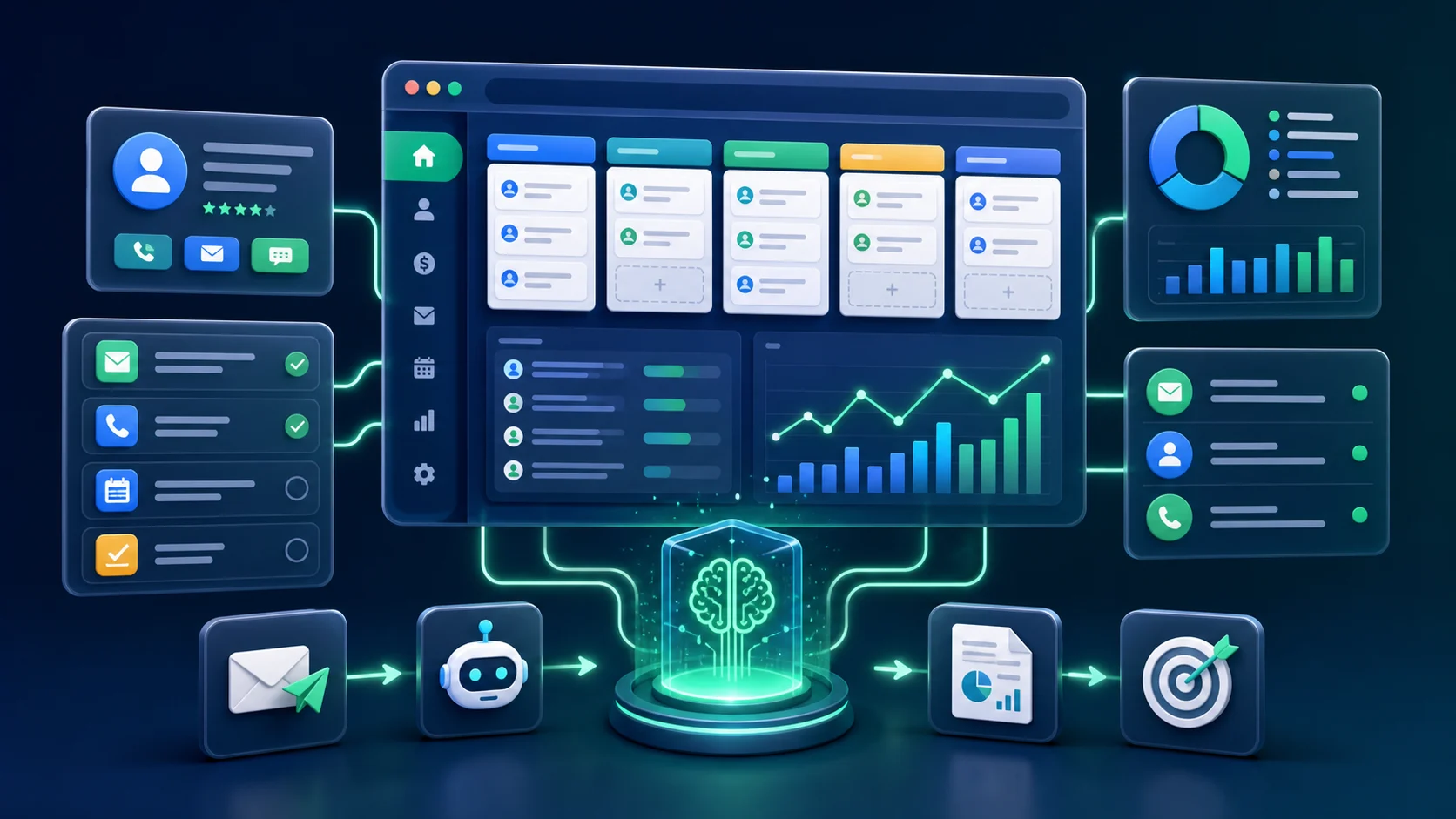
As a result, AI CRM automation helps fix this. It connects lead capture, CRM updates, follow-up reminders and reporting into one cleaner workflow.
Quick Summary
- AI CRM automation helps sales teams respond faster.
- It reduces manual CRM updates and missed follow-ups.
- It can summarize leads, create tasks and support weekly reporting.
- The best first workflow is usually lead capture and follow-up.
What AI CRM Automation Means
AI CRM automation uses connected tools, rules and language models to keep sales data organized. It can qualify inquiries, update fields, summarize messages, assign tasks and remind the team what to do next.
For IQBIRDS clients, this connects directly with our AI Automation Services and AI CRM Development.
Therefore, the goal is simple: help your sales team handle every good inquiry quickly and clearly.
For wider context, Salesforce explains CRM as a way to manage customer relationships. HubSpot explains sales automation as a way to reduce repetitive sales tasks. AI CRM automation brings both ideas together.
Why CRM Follow-Up Matters
When someone asks for a quote, they may contact more than one company. Therefore, if your team responds late, that customer may already be talking with a competitor.
Fortunately, a simple AI workflow can help immediately. It can send a confirmation, collect missing details and alert the right person while the lead is still active.
Common Problems AI Automation Solves
- Website form submissions sit unread in an inbox.
- Team members copy lead details manually into the CRM.
- Teams forget follow-up dates.
- Customers receive generic replies.
- Reports take too long because data is spread across many tools.
At first, each problem looks small. However, together they create lost revenue. As a result, automation turns those weak points into a repeatable process.
How AI CRM Automation Works
First, a practical workflow starts when a customer submits a form, sends an email or requests a quote.
Next, the system captures the inquiry, summarizes the need, scores the lead, updates the CRM and creates the next follow-up task.

After that, reporting becomes easier. The CRM can organize lead status, open tasks, pipeline movement and weekly sales summaries in one place.
AI CRM Automation vs Manual CRM Work
| Area | Manual CRM Work | AI CRM Automation |
|---|---|---|
| Lead capture | The team copies form or email details into the CRM. | The workflow adds new inquiries automatically with cleaner fields. |
| Follow-up | Reminders depend on memory, spreadsheets or manual tasks. | The workflow creates follow-up tasks automatically. |
| Lead quality | Every lead may look the same until someone reviews it. | AI can summarize needs and help prioritize strong inquiries. |
| Reporting | Managers build reports manually from scattered tools. | Pipeline activity and task updates can feed weekly reports. |
| Team focus | Sales teams spend time on admin and cleanup. | Teams spend more time responding and selling. |
Example Workflow for a Service Business
- A visitor submits a quote request.
- The automation reads the message and identifies the service type.
- It checks the location and scores the lead.
- It adds or updates the CRM record.
- It sends a helpful response and creates a follow-up task.
If the lead is urgent, the workflow can mark it as high priority. When details are missing, it can ask the customer for more information.
Finally, when the inquiry is not a fit, it can still send a polite reply and keep the CRM clean.
Where AI CRM Development Fits In
In addition, a CRM should be more than a database. With AI CRM development, your pipeline can summarize conversations, organize leads by priority and prepare weekly reports.
As a result, owners can see what is happening without digging through every email, spreadsheet or note.
If your current CRM feels messy, our AI CRM Development service can help design a cleaner process around your sales workflow.
What to Automate First
First, start with the task that happens often, takes time and affects revenue. For many businesses, that task is lead response and follow-up.
- Automate one form first.
- Connect one CRM pipeline.
- Create one follow-up sequence.
- Test it with real examples.
- Expand only after it works.
How IQBIRDS Builds Practical AI Automation
First, we begin with a workflow audit. We look at where leads come from, how your team responds, which tools you use and where delays happen.
Next, we build a controlled automation that your team can test before rollout. This matters because every business has different tools, customers and approval steps.
Above all, a good AI workflow should make your team faster. It should not create another complicated system to manage.
FAQs About AI CRM Automation
Can AI CRM automation replace my sales team?
No. It removes repetitive admin work so your sales team can respond faster and focus on revenue conversations.
Which CRM tools work with automation?
You can connect many CRMs through APIs, forms, email tools and automation platforms. The right setup depends on your current workflow.
What should a business automate first?
Start with lead capture and follow-up because they are directly connected to inquiries and revenue.
Is AI CRM automation safe for customer data?
Yes. You can keep it safe when you plan permissions, data access and approval steps properly. Also, use sensitive data only when the workflow truly needs it.
Final Takeaway
Overall, AI CRM automation is most useful when it removes friction from real sales work. It helps your team respond faster, follow up better and report more clearly.
Explore our AI Automation Services to see how IQBIRDS can build a workflow around your current sales process.