
Blog
WooCommerce Email Templates Customization
In today’s digital landscape, customer communication plays a crucial role in e-commerce success. For WooCommerce users, customizing email templates can improve brand consistency, elevate the customer experience, and drive engagement. Let’s dive into WooCommerce email Templates customization and how it can enhance your store’s presence.

There are two main methods to customize WooCommerce email templates Customization.
- WooCommerce Email Templates Customization by Overriding Files
- Using a Plugin for WooCommerce Email Templates Customization
1. WooCommerce Email Templates Customization by Overriding Files
Customizing email templates manually gives you full control over their look and feel. To do this, you need some knowledge of HTML and CSS.
Here’s a step-by-step guide to creating custom templates for WooCommerce emails.
Step 1: Create a Child Theme (Optional but Recommended)
WooCommerce email templates customization directly in your theme is risky because theme updates could override your changes. To avoid this, it’s best to create a child theme.
- Create a folder named
your-theme-childinsidewp-content/themes. - In this folder, add a
style.cssfile and define it as a child theme by including the parent theme’s details in the header. - Activate the child theme in your WordPress dashboard under Appearance > Themes.
Step 2: Locate WooCommerce Email Templates
WooCommerce email templates are stored in wp-content/plugins/woocommerce/templates/emails. These files are in PHP and control the structure of each email sent from your store.
Step 3: Copy the Template to Your Child Theme
- In your child theme folder, create a new directory called
woocommerce/emails. - Choose the email template you wish to customize, such as
customer-completed-order.phpfor completed order emails. - Copy the chosen file from the WooCommerce templates folder into the newly created
emailsfolder in your child theme. For example:wp-content/themes/your-theme-child/woocommerce/emails/customer-completed-order.php
Step 4: Customize the Template
Open the copied PHP file and make your desired changes. Here are some customizations you might consider:
- Change Text and Structure: Modify text, headings, and HTML structure to create a unique email format.
- Add Branding Elements: Insert your logo or custom styling using CSS.
- Adjust the Layout: Update the layout to align with your brand’s style.
Step 5: Test Your Customization
Once you’ve customized the template, send a test email to ensure everything looks correct. WooCommerce offers a way to resend emails from WooCommerce > Orders. Select an order and click the Order Actions dropdown to resend the email.
Additional Tip: Use WooCommerce Hooks and Filters
WooCommerce provides various hooks and filters for email templates, allowing you to add or alter content without modifying the template file directly. Some commonly used hooks include:
woocommerce_email_header– for customizing the email header.woocommerce_email_footer– for footer changes.woocommerce_email_order_details– for customizing order details.
With hooks and filters, you can achieve dynamic email content adjustments without needing to modify templates every time.
2. WooCommerce Email Templates Customization Using Plugins
If coding isn’t your strong suit or you need a quick solution, WooCommerce plugins can simplify email template customization.
Here are some of the top plugins for this purpose:
1. Email Customizer for WooCommerce by ThemeHigh
If you run an online store, customer communication is key. One important element in your communication strategy is email. With WooCommerce, emails are automatically sent to customers for various actions, such as order confirmations, shipping updates, and account notifications. Customizing these email templates to match your brand and improve user experience can help your store stand out. In this guide, we’ll explore two primary methods for customizing WooCommerce email templates: using custom templates and through plugins.

Key Features:
- Customize layout, fonts, and colors with a live preview.
- Drag-and-drop editor for adding elements like images, texts, and buttons.
- Different layouts for different email types (e.g., Order Confirmation, Shipping Details).
- No coding skills required.
How to Use:
- Install and activate the plugin from the WordPress repository.
- Go to WooCommerce > Email Customizer to access the customization dashboard.
- Choose an email type to customize and use the drag-and-drop elements to build your email.
- Preview the email and save your changes.
2. Kadence WooCommerce Email Templates Customizer
This plugin is highly rated for its straightforward customization features and integrates seamlessly with WooCommerce.
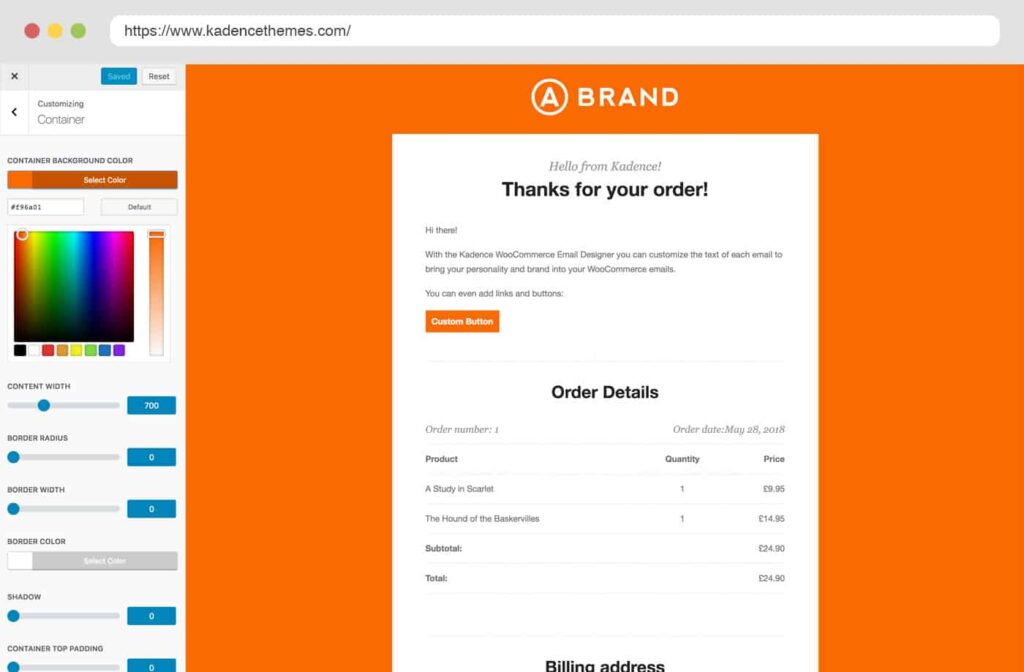
Key Features:
- Customizes email templates with live previews.
- Offers font and color customization to match your brand.
- Supports images and custom logo uploads.
- Works out of the box without any coding.
How to Use:
- Install the Kadence WooCommerce Email Designer from the plugins directory.
- Go to WooCommerce > Email Customizer in the WordPress dashboard.
- Select an email template to edit, such as the order confirmation or shipping update.
- Make changes using the customization options and see a live preview.
- Save and send test emails to verify the final look.
3. YITH WooCommerce Email Templates Customizer
This premium plugin offers a range of professional, pre-designed templates and customization options to make your WooCommerce emails stand out.
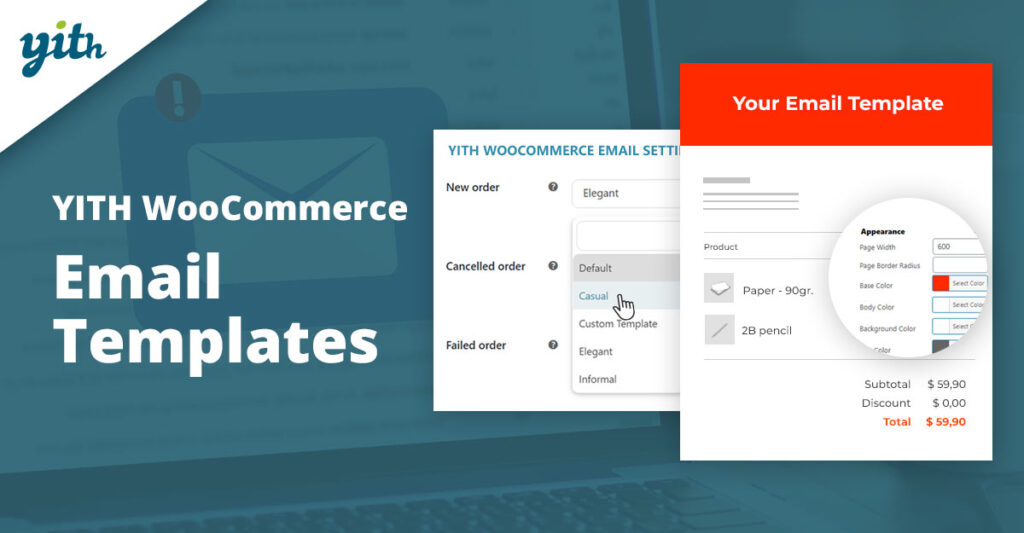
Key Features:
- Provides a set of pre-made email templates.
- Allows you to personalize text, colors, and images.
- Supports shortcodes to add dynamic content (e.g., customer name, order details).
How to Use:
- Install and activate the YITH WooCommerce Email Templates plugin.
- Go to YITH > Email Templates and choose from the pre-designed templates.
- Customize the template to suit your brand’s style, adjusting colors, font sizes, and text content.
- Save your changes, and apply the template to your WooCommerce emails.
4. YayMail – WooCommerce Email Templates Customizer
YayMail is a free WooCommerce email template customizer with YayMail Premium Addons, a drag-and-drop interface. When combined with you will unlock the visual email designer integration to go with 70+ third-party WooCommerce plugins.
With YayMail, you can drag and drop elements to the email templates. Each element makes a block in the WooCommerce visual email editor. And it is very easy to edit content and design email layouts, just like how you do it with the Gutenberg editor or Elementor page builder.
Exclusively, you can also send personalized email templates using shortcodes, placeholders, and WooCommerce conditional logic.
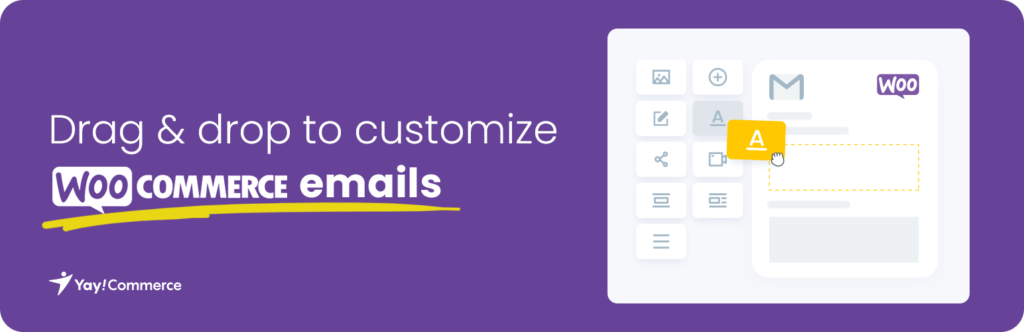
Features:
- Visual editor with customization blocks.
- Different styles for each email type.
- Options to add images, texts, and links.
How to Use:
- Install and activate YayMail.
- Navigate to WooCommerce > Email Customizer.
- Use the visual blocks to design your email. Customize each email type, such as order confirmation or shipping update.
- Save your changes and test the emails
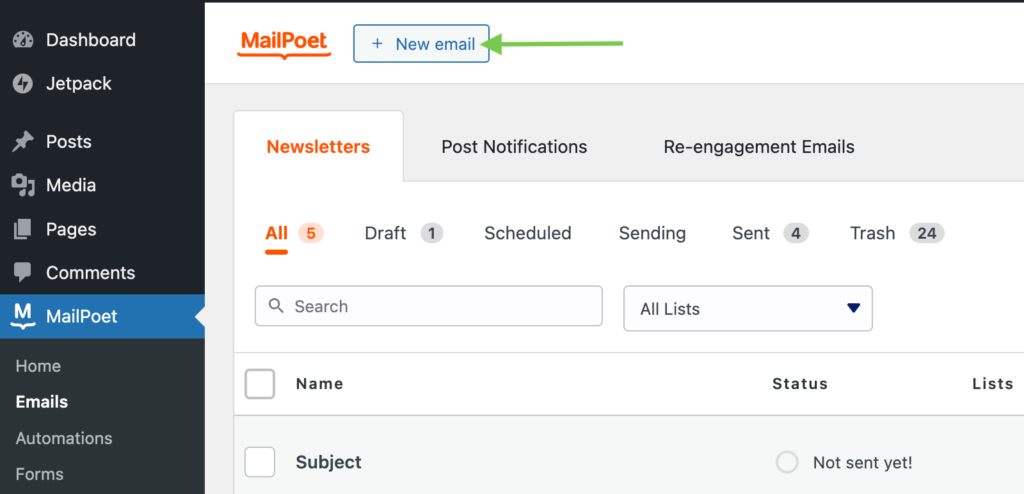
5. Mailpoet-WooCommerce Email Templates Customizer
More than 600,000 websites are using MailPoet to keep in touch with their subscribers. Enjoy everything in one place. MailPoet works seamlessly with your favorite CMS so you can start sending emails right now.
Quickly add content and images directly from your media library. No need to upload files to third-party services when it’s all right there, ready to use in your WordPress dashboard.
Features:
- Customizable email templates.
- Segmentation and automation options.
- Built-in analytics.
How to Use:
- Install Mailpoet and activate it.
- Go to Mailpoet > Emails and select WooCommerce emails.
- Choose an email type, customize it with text, images, and buttons, and preview the changes.
6. WooCommerce Email Customizer by Flycart
WooCommerce Email Customizer plugin can help you build your brand and create a great impression among your customers. Customize the default WooCommerce Emails and style them to fit your branding. Change the logo, edit the text, header, footer, include customer notes. Customize every aspect of the WooCommerce emails easily.
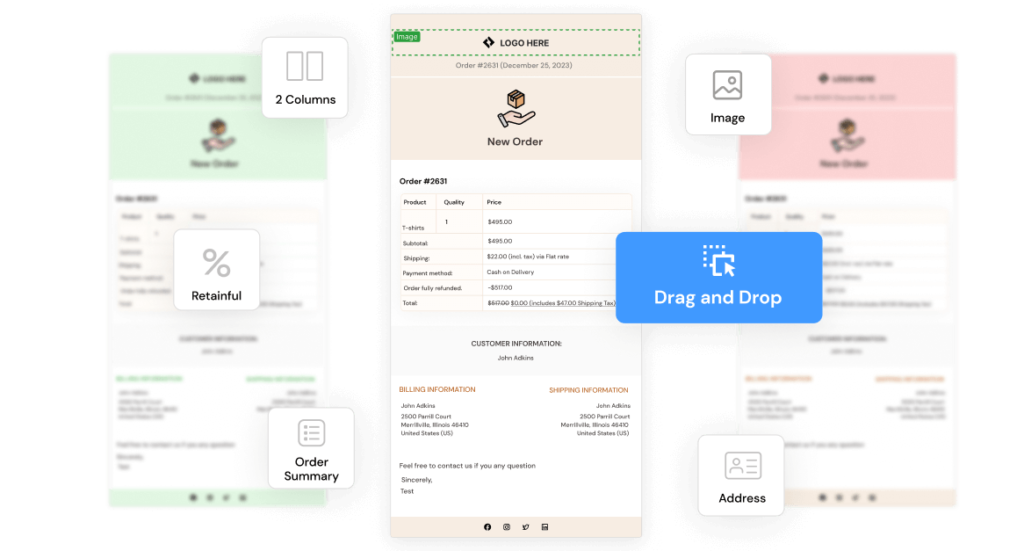
Features:
- Drag-and-drop editor.
- Pre-made layouts and color schemes.
- Real-time email previews.
How to Use:
- Install and activate the plugin.
- Go to WooCommerce > Email Customizer by Flycart.
- Customize each email type using the editor, drag elements into the layout, and adjust colors, fonts, and spacing.
- Preview and save changes.
Conclusion
Customizing WooCommerce email templates enhances your brand’s identity and creates a consistent experience for your customers. Whether you prefer the flexibility of custom templates or the convenience of plugins, WooCommerce provides a range of options to help you personalize emails. If you’re comfortable with HTML and PHP, the manual method gives you more control. For those seeking a quicker route with less coding, plugins like ThemeHigh’s Email Customizer, Kadence, or YITH’s Email Templates can provide excellent customization features.
With these tools and techniques, you can ensure that your WooCommerce emails reflect your brand and keep your customers engaged.
Ready to upgrade your store’s emails? Start customizing today with the method that fits you best!
For more tips on enhancing your WooCommerce store, visit our website at iqbird.com.