
AI Automation
Why Local Businesses Need AI Beyond Chatbots
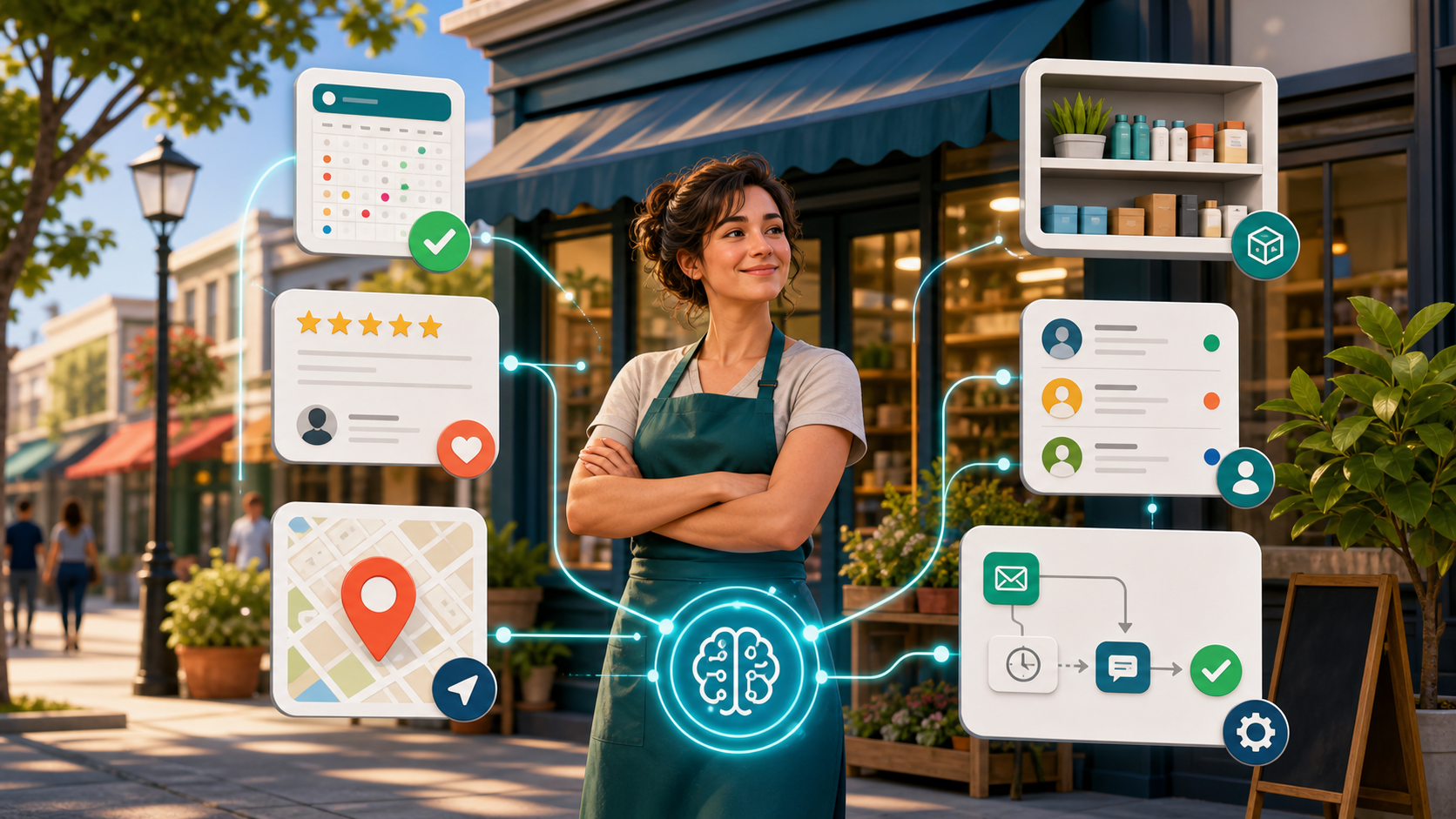
Many local businesses think AI starts and ends with a chatbot. That makes sense at first. A chatbot can answer common questions, collect basic details, and help customers after hours. However, chat is only one small part of what AI can do for a local business.
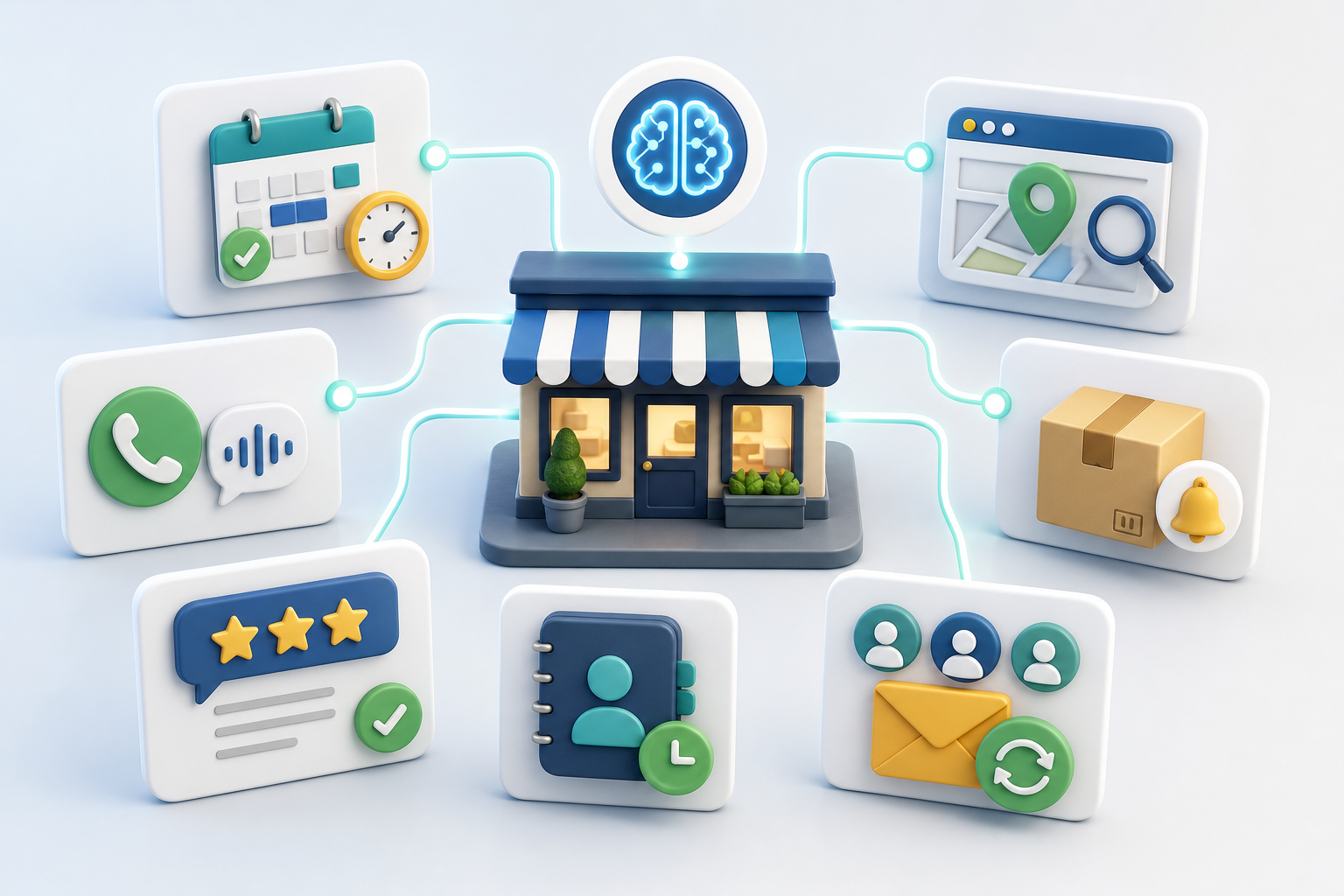
AI for local businesses becomes more valuable when it supports the whole customer journey. It can help with missed calls, appointment booking, review replies, local search updates, lead follow-up, CRM records, customer reminders, inventory alerts, and reporting. As a result, the business becomes easier to run and easier for customers to choose.
The real goal is not to replace local service. Instead, AI should help owners and teams respond faster, stay organized, and give customers a smoother experience. For a busy local team, that kind of support can matter more than another chat box on the website.
Why Chatbots Are Only the First Step
Chatbots are useful because they make a business easier to contact. A visitor can ask about hours, prices, services, or availability without waiting for a call back. Also, a simple chatbot can collect a name, phone number, email address, and service request.
Still, a chatbot has limits if it is not connected to the rest of the business. If the chat collects a lead but no one follows up, the customer may move on. When the chat answers questions but does not update the CRM, the team loses context. Also, when the chat books an appointment but does not send reminders, no-shows can still happen.
Therefore, the best question is not, “Do we need a chatbot?” A better question is, “What should happen after the customer asks for help?” That is where broader AI automation becomes useful.
What AI for Local Businesses Should Actually Do
AI should help local businesses handle the tasks that happen again and again. For example, a dental clinic may need appointment reminders and missed call follow-up. A salon may need booking help, review replies, and customer reactivation. A repair company may need lead routing, quote follow-up, and job status updates.
In each case, the value is practical. AI helps the business respond, remember, sort, and act. It can watch for new inquiries, organize customer details, suggest the next step, and alert the team when a person needs human attention.
Most importantly, AI should connect tools that already matter. Your website, forms, phone calls, email, Google Business Profile, CRM, booking system, and reports should not feel separate. When these tools work together, the customer experience becomes smoother.
Practical AI Use Cases Beyond Chatbots
First, AI can help with missed call follow-up. Many local customers call while comparing options. If no one answers, they may call the next business. An AI workflow can send a quick text, create a task, and log the call in the CRM.
Next, AI can support appointment booking. It can suggest open time slots, send reminders, and help customers reschedule. Because of this, the front desk spends less time repeating the same scheduling steps.
AI can also help with reviews. It can alert the team when a new review appears, draft a polite response, and flag reviews that need a manager. However, sensitive reviews should still get human review before a reply goes live.
In addition, AI can help with local lead management. It can score inquiries, route urgent requests, and remind the team to follow up. For local businesses that depend on quick response, this can protect leads that would otherwise be missed.
Finally, AI can support operations. It can watch stock levels, summarize customer notes, prepare daily task lists, and show simple reports. These tasks may not look exciting, but they save time every week.
Chatbot-Only AI vs Full Local Business AI
| Feature | Chatbot-Only AI | Full Local Business AI |
|---|---|---|
| Customer questions | Answers basic questions on the website | Answers questions and starts the right workflow |
| Lead follow-up | May collect contact details | Routes leads, sends reminders, and updates the CRM |
| Appointments | May point people to a booking page | Helps schedule, confirm, reschedule, and reduce no-shows |
| Reviews | Usually does not manage review workflows | Tracks reviews, drafts replies, and flags urgent issues |
| Operations | Does little beyond conversation | Supports tasks, inventory, summaries, and reporting |
| Business value | Helpful but limited | More connected, measurable, and useful for growth |
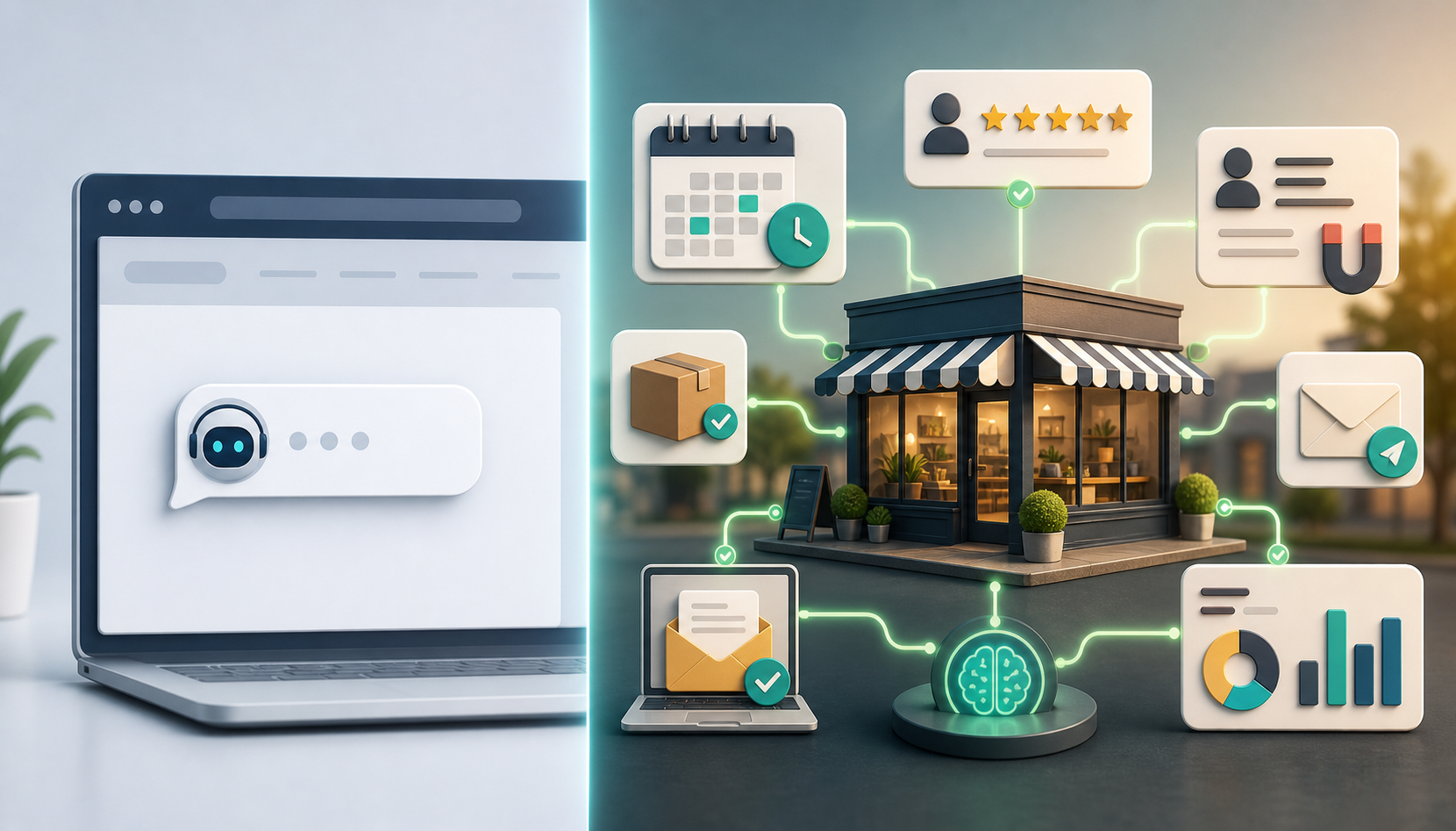
The table shows why a chatbot should not be the whole AI strategy. A chatbot can help customers start a conversation. However, full local business AI helps the company act on that conversation. It connects the request to booking, follow-up, reviews, reporting, and human review.
Where Local AI Fits Into Your Existing Tools
Local business AI works best when it connects to the systems your team already uses. That may include your website, forms, phone system, booking calendar, email platform, CRM, payment tools, and Google Business Profile.
If you are planning this kind of setup, IQBIRDS can help through AI Automation Services, AI CRM Development, AI Marketing Automation, and AI Integration Services. These services help connect the tools behind better customer follow-up.
You can also build on related IQBIRDS guides, including how AI can help local businesses respond to leads faster, AI automation for small businesses, and AI chatbot vs AI workflow automation.
For outside context, Google explains that complete and accurate Business Profile details can help customers understand a local business and that reviews can help a business stand out. Google Analytics also recommends tracking key events that matter to business success. IBM describes intelligent automation as combining automation and AI to improve processes. HubSpot provides helpful background on local SEO and why local visibility matters.
Helpful references include Google Business Profile local ranking tips, Google Analytics key events, IBM intelligent automation, and HubSpot local SEO guide.
Why This Matters for Local Competition
Local customers often make decisions quickly. They may search on a phone, compare two or three nearby options, read reviews, check hours, and call the business that feels easiest to trust. Because of that, slow response can cost more than many owners realize.
AI helps local businesses protect these moments. For example, it can remind the team to update hours before a holiday, follow up after a missed call, or send a review request after a completed job. These small actions add up because they improve the customer journey at the exact points where people often drop off.
Also, local competition is not only about ads or rankings. It is about trust, speed, and consistency. A business that replies faster, keeps better records, and follows up at the right time can look more professional even with a small team.
This is why AI beyond chatbots matters. It gives local teams a way to act on customer signals, not just answer questions. As a result, the business can serve more people without making the owner carry every detail alone.
For example, a local gym can use AI to follow up with trial visitors, remind members about renewals, and notice when someone has stopped booking classes. A home service company can use AI to sort urgent repair requests, remind customers about maintenance, and send a helpful message after the job is complete.
Step-by-Step Guide to Using AI Beyond Chatbots
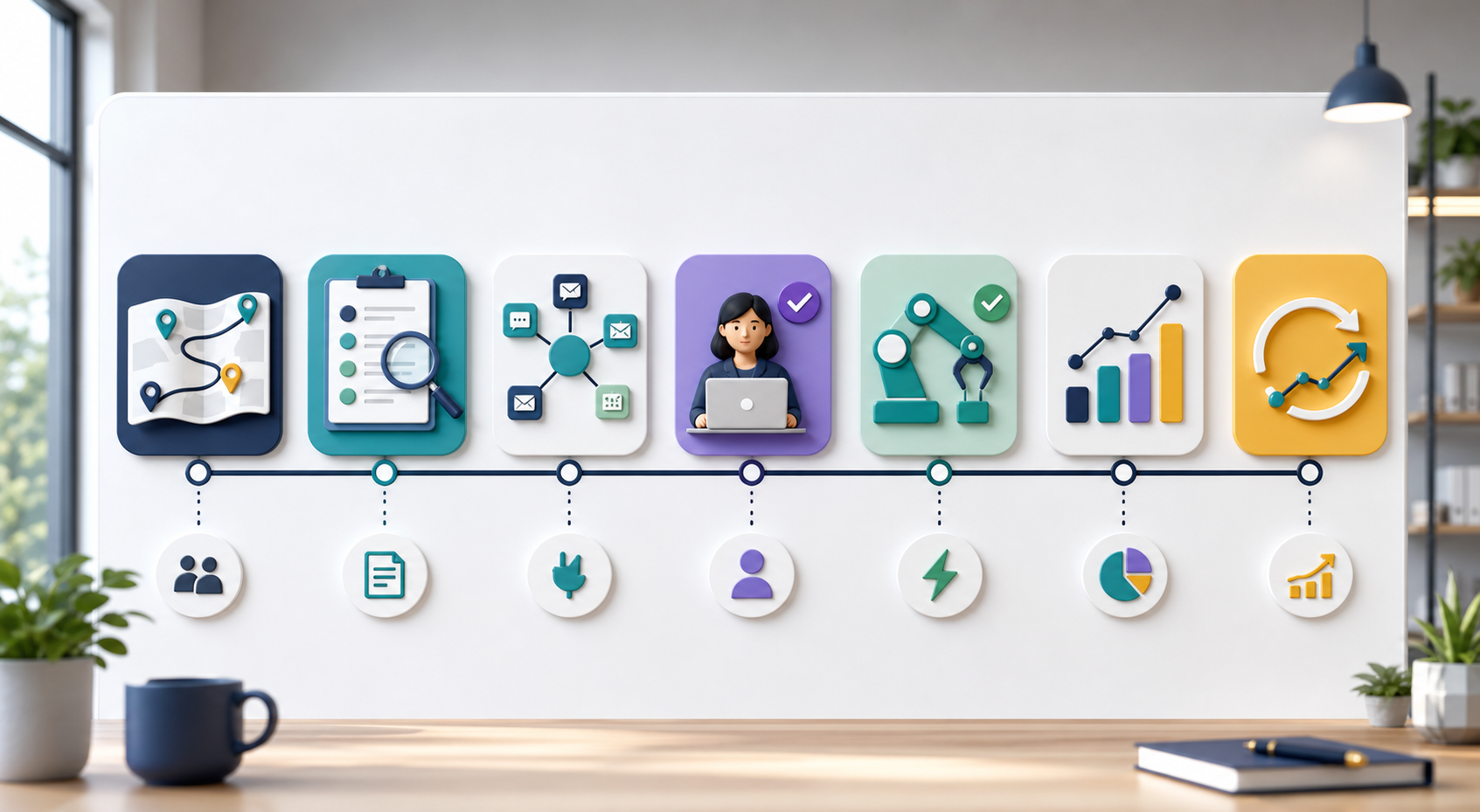
1. Map the customer journey
Start by listing how customers find you, contact you, book, buy, review, and return. This shows where the process slows down.
2. Find repeated tasks
Next, look for work your team repeats every day. Common examples include answering the same questions, confirming appointments, replying to reviews, and sending follow-up messages.
3. Choose one useful workflow first
Do not automate everything at once. Instead, choose one workflow with clear value, such as missed call follow-up or appointment reminders.
4. Connect the right tools
After that, connect the tools needed for the workflow. For example, a booking workflow may need your website form, calendar, email, SMS, and CRM.
5. Add human review
AI should not make every decision alone. Add review steps for complaints, high-value leads, unclear requests, and sensitive customer messages.
6. Test with real examples
Then, test the workflow with real customer examples. Make sure the messages sound natural, the timing feels right, and the team understands the process.
7. Measure and improve
Finally, track response time, booked appointments, missed calls recovered, reviews answered, leads followed up, and revenue impact. Use those results to improve the workflow.
Key Benefits of AI for Local Businesses
- Faster response to calls, forms, chats, and emails
- Fewer missed leads from after-hours inquiries
- Better appointment reminders and fewer no-shows
- More consistent review response workflows
- Cleaner CRM records with useful customer context
- Better local marketing follow-up
- Less manual admin work for busy teams
- Clearer reporting on what brings customers in
Common Mistakes to Avoid
Buying tools before mapping the process
A tool cannot fix a messy workflow by itself. First, map the process. Then, choose the AI tool that supports it.
Using a chatbot with no follow-up plan
If a chatbot collects leads but no one responds, customers still leave. So, connect chat to tasks, alerts, and CRM records.
Automating sensitive replies too quickly
Review replies, complaints, refunds, and urgent requests need care. AI can draft the message, but a person should approve it.
Ignoring local data quality
Wrong hours, old phone numbers, missing services, and messy CRM records can weaken any AI workflow. Keep business data clean and current.
Trying to automate everything at once
Start small. A useful first workflow is better than a large system your team does not trust or use.
How IQBIRDS Helps Your Business
IQBIRDS helps local businesses move beyond basic chatbots and build AI workflows that support real daily work. First, we map the customer journey. Then, we find the repeated tasks that slow down your team or cause missed opportunities.
Next, IQBIRDS can connect your website, CRM, forms, booking tools, email, SMS, review workflows, and reporting dashboards. We can also add human approval steps so AI supports your team without removing judgment.
The goal is practical implementation. Your business should respond faster, keep better records, follow up more consistently, and understand which local marketing efforts bring real customers.
FAQs
What does AI for local businesses mean?
AI for local businesses means using artificial intelligence to support local customer service, booking, follow-up, reviews, CRM updates, marketing, and daily operations.
Are chatbots enough for local businesses?
Chatbots can help, but they are not enough by themselves. A local business also needs follow-up, booking, review management, CRM updates, and reporting.
What is the best first AI workflow for a local business?
A good first workflow is missed call follow-up, appointment reminders, or lead routing. These are simple to understand and often create quick value.
Can AI help local businesses get more reviews?
Yes. AI can remind teams to request reviews, draft replies, track new reviews, and flag negative feedback for human review.
Does AI replace local employees?
No. AI should support employees by handling repeated admin work. People still handle trust, judgment, service quality, and customer relationships.
How much data does a local business need for AI?
You can start with basic data from forms, calls, bookings, reviews, and CRM records. Later, you can add more data as the workflow grows.
How can IQBIRDS help my business?
IQBIRDS can map your customer journey, connect your local business tools, build AI automation workflows, add human review, and create dashboards that show what is working.
Conclusion
Local businesses need AI beyond chatbots because customer experience does not stop at one conversation. A customer may call, search, book, review, ask for help, and return later. Each step needs a clear process.
AI can help connect those steps. It can support faster response, better follow-up, cleaner records, stronger review workflows, and clearer reporting. However, the best results come from simple workflows, clean data, and human review.
If your local business is ready to use AI in a practical way, IQBIRDS can help you build a workflow that goes beyond chat and supports real growth.
Need AI Automation?
Discover how IQBirds helps businesses automate workflows and build custom digital products.