
AI Automation
Top 10 AI Automation Platforms for Businesses in 2026
AI automation platforms are becoming a serious part of business operations in 2026.
For a while, many companies used AI as a writing assistant or research helper. That was useful, but limited. The bigger shift is happening now: businesses want AI connected to their real tools, CRM data, emails, documents, support systems, calendars, finance workflows, and internal processes.
That is where AI automation platforms matter.
The right platform can help a business route leads, update a CRM, summarize support tickets, draft follow-up emails, process documents, trigger approvals, and connect different apps without forcing the team to copy data all day.
The wrong platform can become another tool nobody maintains.
In this guide, we will compare the top 10 AI automation platforms for businesses in 2026. Each platform uses the same layout so you can compare them clearly: best for, what it does, AI automation strengths, business use cases, and a practical note.
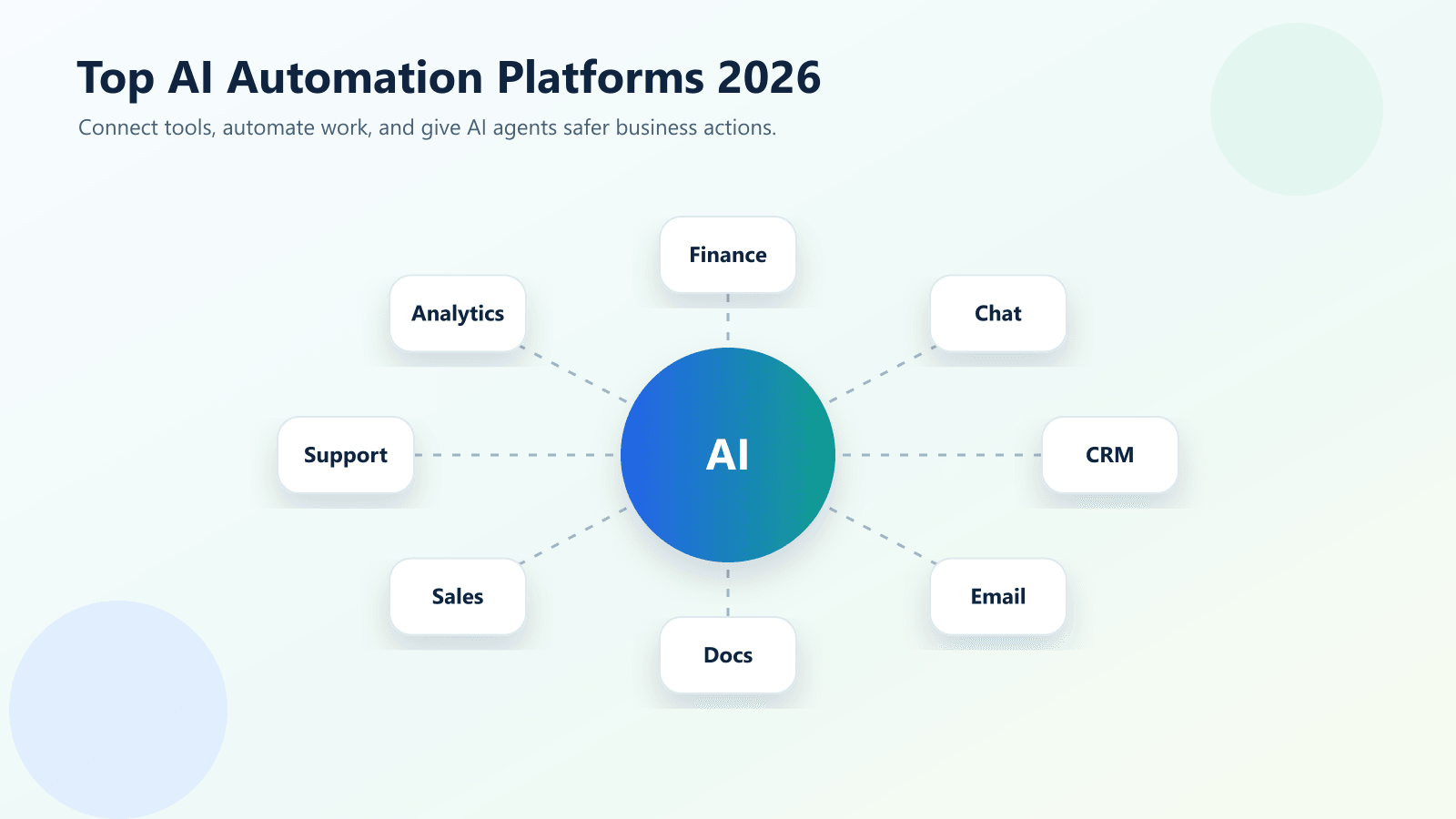
What Makes a Good AI Automation Platform in 2026?
A good AI automation platform should do more than send data from one app to another.
In 2026, businesses need automation tools that can connect apps, trigger workflows, use AI where it helps, handle approvals, keep data secure, and give teams enough visibility to trust the process.
The best platform usually depends on five things:
- Your current software stack
- Your workflow complexity
- Your team’s technical skill
- Your governance and security needs
- Your budget and maintenance capacity
For example, a small agency may need Zapier or Make because speed matters. A Microsoft-heavy company may get more value from Power Automate. A large enterprise with legacy systems may need UiPath or Automation Anywhere. A sales team built around Salesforce may prefer Agentforce.
The point is simple: do not choose a platform because it is popular. Choose it because it fits the workflow.
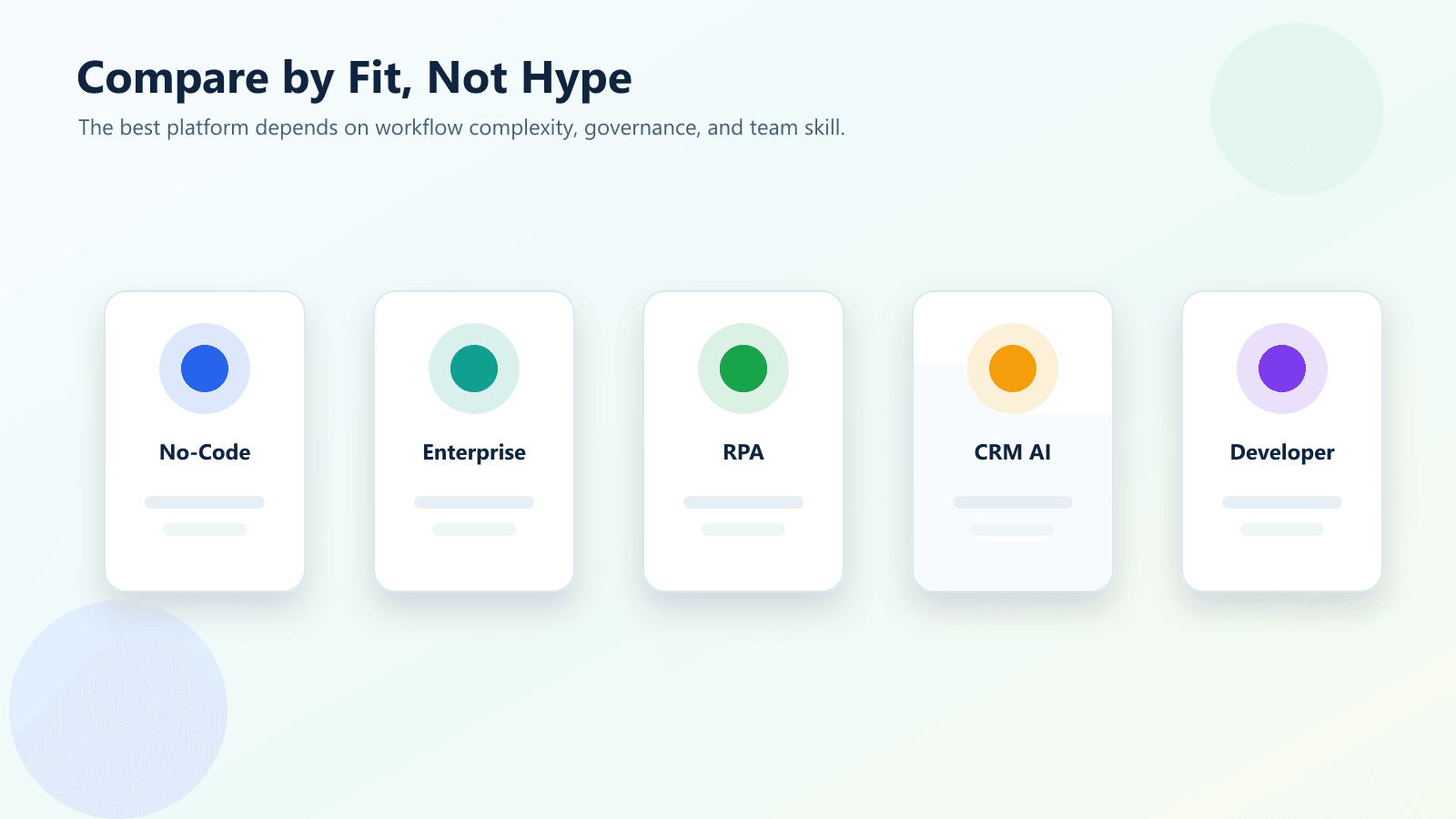
Quick Comparison of the Top AI Automation Platforms
| Platform | Best Fit | Main Strength | Practical Use Case |
|---|---|---|---|
| Zapier | Small businesses and agencies | No-code app automation and AI orchestration | Lead routing, email drafts, CRM updates |
| Make | Visual workflow builders | Flexible multi-step scenarios | Marketing operations and data workflows |
| Microsoft Power Automate | Microsoft-based businesses | Microsoft 365 and enterprise workflow automation | Approvals, SharePoint, Teams, Dynamics |
| n8n | Technical teams | Flexible self-hostable automation | API workflows and custom AI automations |
| UiPath | Enterprises | RPA, agents, governance, document automation | Legacy system and back-office automation |
| Automation Anywhere | Enterprise RPA teams | Bot-based process automation | Finance, HR, and operations automation |
| Workato | Mid-market and enterprise teams | Integration and governed automation | RevOps, IT, finance, and customer lifecycle workflows |
| Tray.ai | Enterprise AI orchestration | Agents, MCP governance, iPaaS | Governed AI agents and multi-system automation |
| Salesforce Agentforce | Salesforce teams | CRM-based AI agents | Sales, service, and customer workflows |
| HubSpot Breeze | SMB growth teams | AI inside HubSpot CRM | Marketing, sales, and service assistance |
This table gives a quick view, but it should not be treated as a final answer. The best AI automation platform for your business depends on the processes you want to improve first.
If your main problem is missed lead follow-up, start with CRM and email workflows. If your main problem is repetitive finance work, look at document, approval, and back-office automation. If your main problem is enterprise governance, focus on platforms with stronger permissions, audit logs, and centralized control.
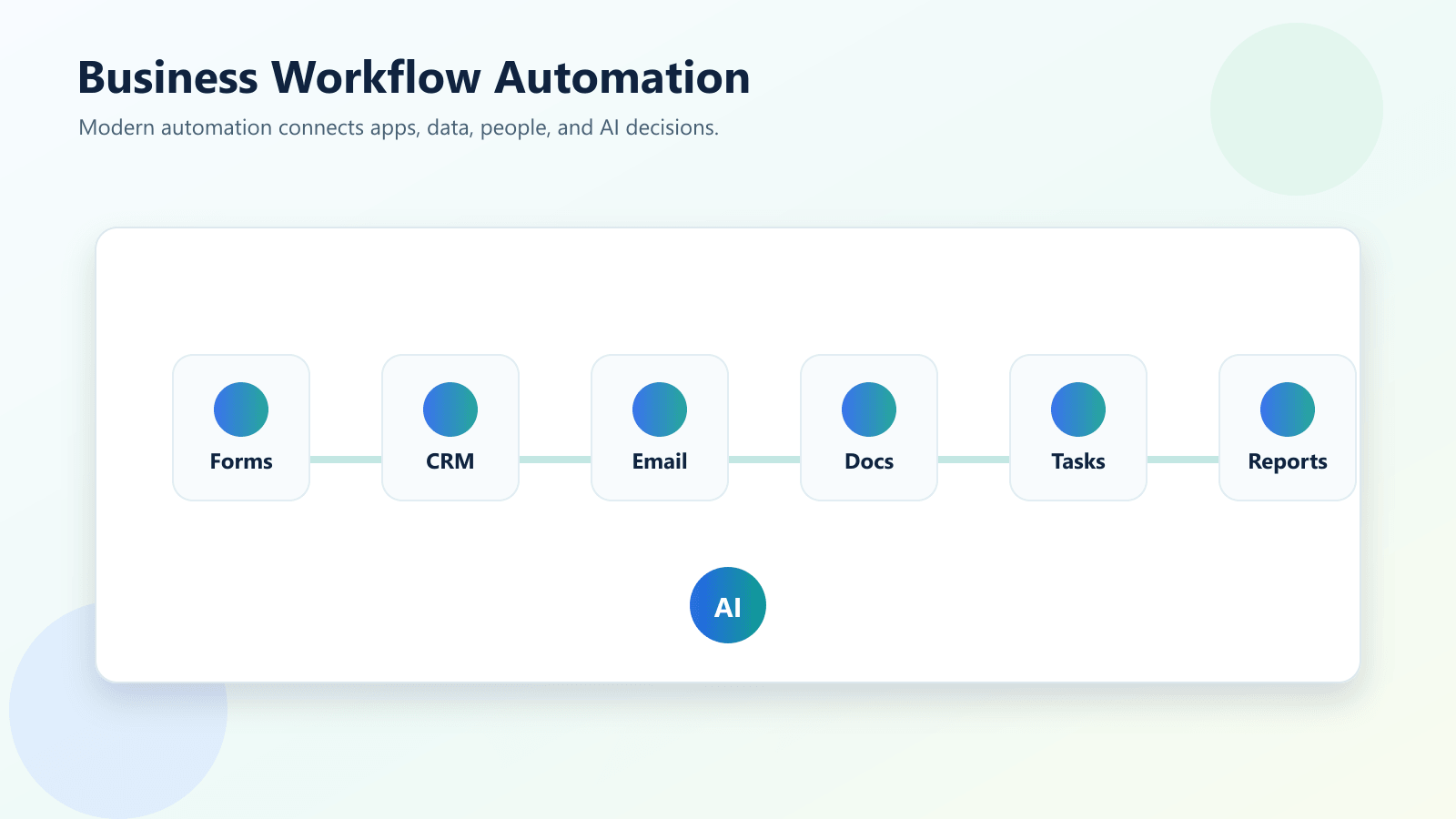
Top 10 AI Automation Platforms for Businesses in 2026
1. Zapier
Best for: Small businesses, agencies, and teams that want fast no-code automation across many apps.
What it does: Zapier connects thousands of apps and now leans heavily into AI orchestration, agents, chatbots, tables, forms, and app actions.
AI automation strengths: It helps teams connect business tools, reduce repeated manual steps, and bring AI closer to real work instead of leaving it inside a separate chat window.
Business use cases: Lead routing, CRM updates, AI email drafts, support triage, task creation, and internal notifications.
Practical note: Choose Zapier when your team needs speed, simplicity, and broad app coverage more than deep enterprise process control.
2. Make
Best for: Visual builders who want flexible multi-step workflows with branching logic.
What it does: Make uses visual scenarios to connect apps, move data, and build more advanced automation paths. Its AI agents are useful for teams that want transparent automation flows.
AI automation strengths: It helps teams connect business tools, reduce repeated manual steps, and bring AI closer to real work instead of leaving it inside a separate chat window.
Business use cases: Marketing operations, data sync, content pipelines, customer onboarding, reporting, and multi-app approval flows.
Practical note: Choose Make when you want more visual control over complex workflow logic and your team is comfortable learning a richer builder.
3. Microsoft Power Automate
Best for: Businesses already using Microsoft 365, Teams, SharePoint, Dynamics, and Power Platform.
What it does: Power Automate is Microsoft’s workflow automation platform for cloud flows, desktop flows, approvals, and business process automation with Copilot support.
AI automation strengths: It helps teams connect business tools, reduce repeated manual steps, and bring AI closer to real work instead of leaving it inside a separate chat window.
Business use cases: Document approvals, Teams notifications, SharePoint workflows, Excel updates, Dynamics CRM actions, and internal operations.
Practical note: Choose Power Automate when your business lives inside Microsoft tools and needs governance, identity, and enterprise administration.
4. n8n
Best for: Technical teams, startups, and businesses that want flexible, self-hostable automation.
What it does: n8n is a workflow automation platform with a node-based builder, strong API flexibility, and AI workflow support for teams that want more control.
AI automation strengths: It helps teams connect business tools, reduce repeated manual steps, and bring AI closer to real work instead of leaving it inside a separate chat window.
Business use cases: AI research workflows, internal tools, API automation, data enrichment, lead processing, and custom backend automations.
Practical note: Choose n8n when your team has technical confidence and wants control over hosting, logic, and custom integrations.
5. UiPath
Best for: Enterprises that need robotic process automation, document processing, and governed automation at scale.
What it does: UiPath combines RPA, AI agents, document processing, process mining, orchestration, and enterprise governance in one automation platform.
AI automation strengths: It helps teams connect business tools, reduce repeated manual steps, and bring AI closer to real work instead of leaving it inside a separate chat window.
Business use cases: Finance operations, insurance workflows, healthcare administration, legacy system automation, document-heavy workflows, and call center operations.
Practical note: Choose UiPath when your business has complex legacy systems, high-volume operations, and strict governance needs.
6. Automation Anywhere
Best for: Enterprise teams that need RPA, AI agents, and process automation for repetitive back-office work.
What it does: Automation Anywhere focuses on automating business processes with bots, document automation, process discovery, and AI-assisted automation.
AI automation strengths: It helps teams connect business tools, reduce repeated manual steps, and bring AI closer to real work instead of leaving it inside a separate chat window.
Business use cases: Invoice handling, HR administration, claims processing, service operations, finance workflows, and repetitive data entry.
Practical note: Choose Automation Anywhere when your automation program is centered on RPA and high-volume repeatable processes.
7. Workato
Best for: Mid-market and enterprise teams that need integration, automation, and governed AI agent access to business systems.
What it does: Workato is an integration and automation platform known for recipes, enterprise connectors, workflow governance, and agentic orchestration capabilities.
AI automation strengths: It helps teams connect business tools, reduce repeated manual steps, and bring AI closer to real work instead of leaving it inside a separate chat window.
Business use cases: RevOps automation, employee onboarding, finance workflows, IT operations, customer lifecycle automation, and governed AI access to systems.
Practical note: Choose Workato when integration quality, governance, and cross-department process automation matter more than simple one-off workflows.
8. Tray.ai
Best for: Enterprise teams building governed AI agents, MCP workflows, iPaaS automation, and data orchestration.
What it does: Tray.ai positions itself around AI orchestration, agent building, MCP governance, intelligent iPaaS, and enterprise workflow automation.
AI automation strengths: It helps teams connect business tools, reduce repeated manual steps, and bring AI closer to real work instead of leaving it inside a separate chat window.
Business use cases: Lead routing, IT service desk automation, AI agent governance, data integration, sales operations, and complex multi-system workflows.
Practical note: Choose Tray.ai when your organization needs one platform for agents, automation, integration, and governance.
9. Salesforce Agentforce
Best for: Sales, service, marketing, and customer operations teams already using Salesforce.
What it does: Agentforce is Salesforce’s AI agent platform designed to work with CRM data, customer workflows, sales processes, service operations, and Salesforce apps.
AI automation strengths: It helps teams connect business tools, reduce repeated manual steps, and bring AI closer to real work instead of leaving it inside a separate chat window.
Business use cases: Sales follow-up, service responses, customer account actions, marketing journeys, Slack workflows, and CRM-based automation.
Practical note: Choose Agentforce when Salesforce is your customer system of record and you want AI agents close to CRM data and customer workflows.
10. HubSpot Breeze
Best for: Small and mid-sized businesses using HubSpot for marketing, sales, service, and CRM.
What it does: HubSpot Breeze brings AI tools and agents into HubSpot’s customer platform for content, sales, service, and data work.
AI automation strengths: It helps teams connect business tools, reduce repeated manual steps, and bring AI closer to real work instead of leaving it inside a separate chat window.
Business use cases: Marketing content support, CRM cleanup, lead follow-up, customer service assistance, sales research, and campaign support.
Practical note: Choose HubSpot Breeze when you want AI automation inside a simpler CRM and growth platform rather than a separate enterprise automation layer.
How to Choose the Right AI Automation Platform
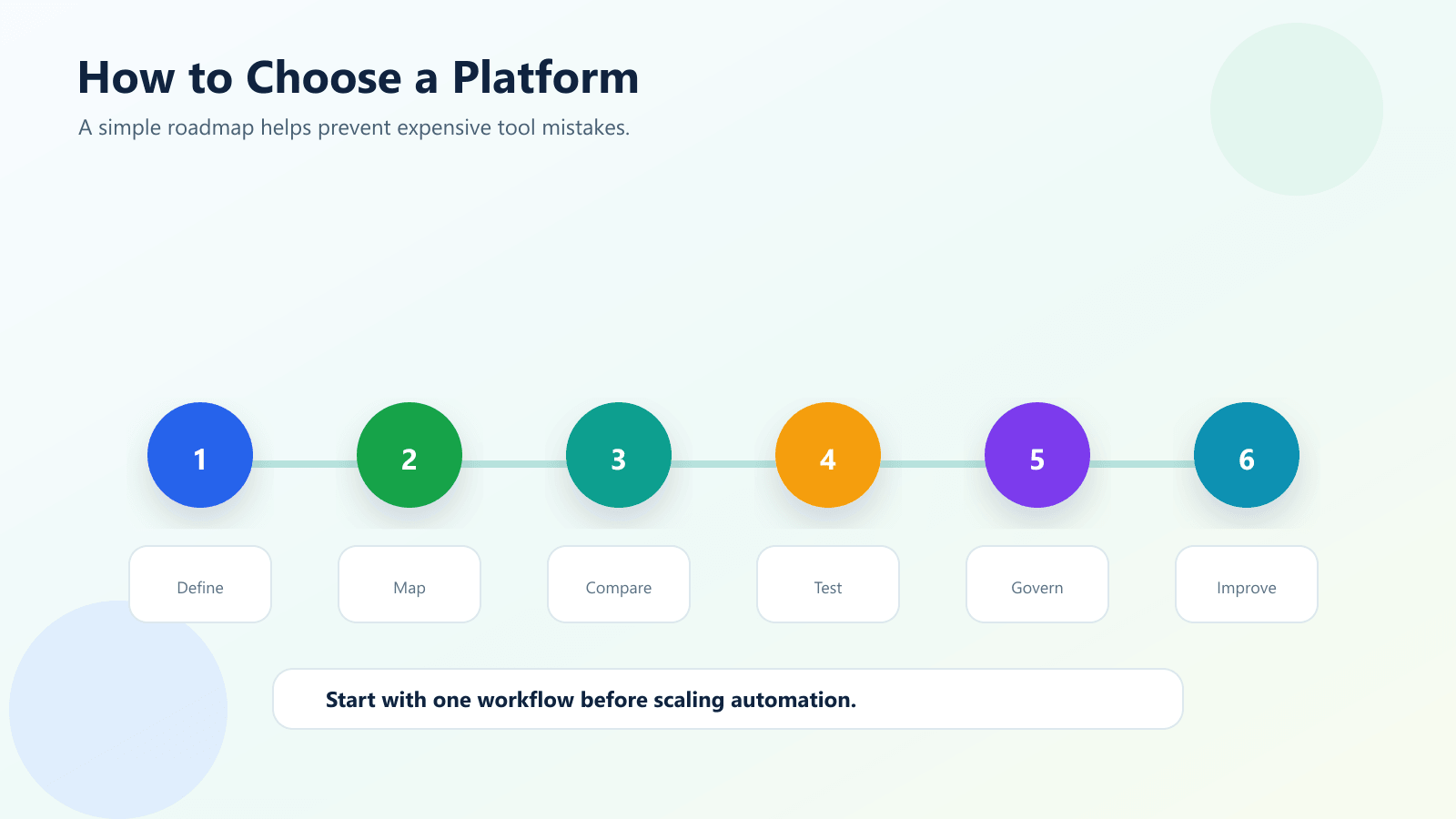
Choosing a platform is easier when you start with the workflow instead of the software.
Step 1: Pick one process to improve
Start with one workflow that wastes time or causes mistakes. Good examples include lead follow-up, CRM updates, invoice processing, support ticket routing, onboarding, internal approvals, or reporting.
Step 2: Map your current tools
List the systems involved. This may include your CRM, email platform, Google Workspace, Microsoft 365, Slack, Teams, accounting software, forms, support desk, database, or website.
Step 3: Decide who will maintain it
If non-technical staff will maintain the workflow, a no-code tool may be better. If developers or automation specialists will maintain it, n8n, Tray.ai, Workato, or enterprise platforms may fit better.
Step 4: Check governance and security
AI automation can touch sensitive data. Check permissions, audit logs, approval steps, data handling, user roles, and admin controls before scaling.
Step 5: Test one workflow before buying deeply
Build a small proof of concept. Measure whether it saves time, reduces errors, improves response speed, or creates better reporting.
Step 6: Expand carefully
Once the first workflow works, expand into related processes. Do not automate everything at once.
Key Benefits of AI Automation Platforms
- Faster response to leads, customers, and internal requests
- Less copy-and-paste work between tools
- More consistent CRM and data updates
- Better use of AI inside real business workflows
- Improved visibility into repeated processes
- Fewer missed follow-ups and manual reminders
- Easier workflow scaling as the business grows
- Better customer experience through faster communication
- More time for strategy, sales, service, and creative work
AI automation works best when it removes friction from work your team already understands.
Common Mistakes to Avoid
Choosing the platform before defining the workflow
This is the most common mistake. A tool cannot fix a process that nobody has clearly mapped.
Automating too much too quickly
Start with one high-value workflow. A simple working automation is better than a large unfinished automation plan.
Ignoring data quality
Automation depends on clean data. If your CRM fields are messy, your automation will also be messy.
Forgetting human review
AI can draft, summarize, classify, and recommend. But important customer, legal, finance, and compliance actions still need review.
Not planning ownership
Every workflow needs an owner. Someone should monitor errors, update logic, and improve the automation over time.
How IQBIRDS Helps Your Business
IQBIRDS helps businesses choose, plan, and implement practical AI automation systems.
Instead of picking a tool based on hype, IQBIRDS starts with the business workflow. What is taking too much time? Where are leads being missed? Which data is copied manually? Which reports are delayed? Which customer actions should happen faster?
From there, IQBIRDS can help design automation using the right platform for your situation. That may include CRM automation, AI agent workflows, email automation, document automation, reporting dashboards, or integrations between your existing tools.
If you are comparing platforms, useful IQBIRDS services include AI Automation Services, AI Integration Services, AI CRM Development, and AI Agent Development.
For related reading, see AI Automation for Small Businesses: 10 Practical Use Cases and AI Chatbot vs AI Workflow Automation: What Does Your Business Need?.
External References
- Zapier AI Automation Platform
- Microsoft Power Automate
- UiPath Business Automation Platform
- Tray.ai AI Orchestration Platform
FAQs
What is an AI automation platform?
An AI automation platform helps businesses connect apps, automate workflows, use AI agents, move data, trigger actions, and reduce repetitive manual work.
What is the best AI automation platform for small businesses?
For many small businesses, Zapier, Make, HubSpot Breeze, and n8n are strong starting points because they are easier to adopt than heavy enterprise platforms.
What is the best AI automation platform for enterprises?
Enterprises often consider Microsoft Power Automate, UiPath, Workato, Tray.ai, Automation Anywhere, and Salesforce Agentforce because they offer stronger governance, integrations, and scale.
Are AI automation platforms the same as RPA tools?
No. RPA tools automate repetitive screen and system tasks. AI automation platforms may include RPA, but they also connect apps, use AI agents, automate decisions, and orchestrate workflows.
Can AI automation replace employees?
AI automation should reduce repetitive work, not replace the judgment and creativity of a team. The best workflows keep humans involved for important approvals, exceptions, and strategy.
How should a business choose an AI automation platform?
Start with your use case, existing tools, technical skill, security needs, budget, and maintenance capacity. The best platform is the one your team can use consistently.
How can IQBIRDS help my business?
IQBIRDS can help your business choose the right AI automation platform, design workflows, connect your CRM and business tools, and build practical automations that reduce manual work.
Conclusion
The best AI automation platform in 2026 is not the same for every business.
Zapier and Make are strong for fast no-code workflows. Power Automate is a natural fit for Microsoft-based teams. n8n is useful for technical teams that want control. UiPath and Automation Anywhere are strong for enterprise RPA and back-office operations. Workato and Tray.ai fit more advanced integration and orchestration needs. Salesforce Agentforce and HubSpot Breeze work well when automation should live close to CRM and customer workflows.
The smartest path is to start with one business process, test the automation, measure the result, and expand from there.
Ready to Choose the Right AI Automation Platform?
If you want help comparing AI automation platforms or building workflows that connect your CRM, email, documents, sales, marketing, and operations tools, contact IQBIRDS for a free consultation. IQBIRDS can help you choose the right platform and turn it into real business automation.
Need AI Automation?
Discover how IQBirds helps businesses automate workflows and build custom digital products.