
AI Automation
Intelligent Document Processing and Predictive Analytics: A Practical Guide for Businesses
Introduction
Most businesses do not have a data shortage. They have a document problem.
Invoices arrive as PDFs. Contracts sit in shared folders. Loan forms, claims, purchase orders, receipts, and onboarding documents move through email threads. Teams read them manually, copy important details into spreadsheets or CRMs, and then try to make business decisions from data that is often late, incomplete, or inconsistent.
That is where intelligent document processing and predictive analytics work well together.
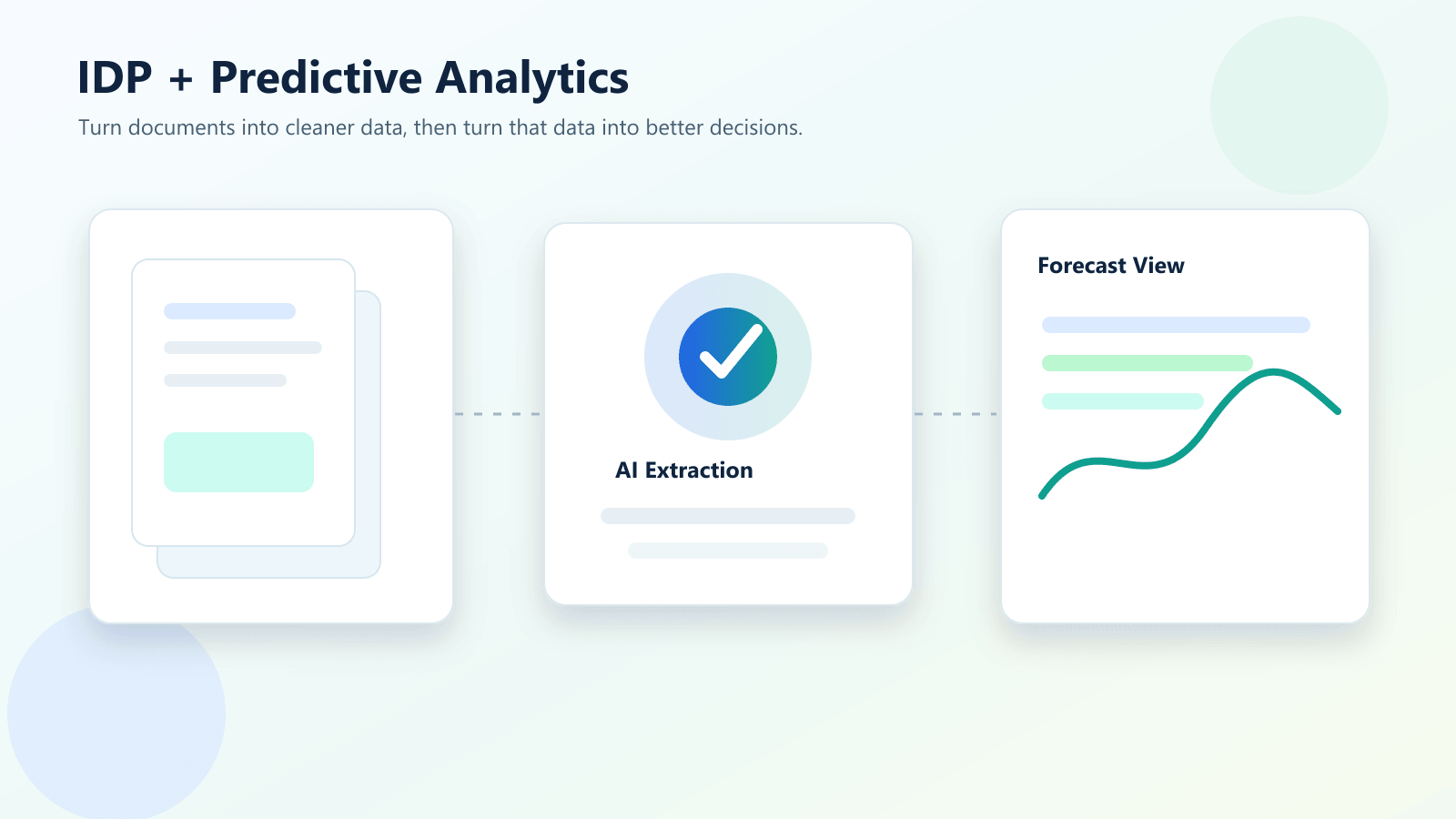
Intelligent document processing, often called IDP, helps businesses read documents, extract important fields, classify files, validate information, and send clean data into the right systems. Predictive analytics uses historical and current data to estimate what is likely to happen next.
When these two capabilities are connected, a business can move from simple document storage to smarter decisions. Instead of only asking, “What is written in this document?” the business can start asking, “What does this document tell us about risk, cash flow, delays, demand, or customer behavior?”
In this guide, we will explain the topic in plain English. You will learn what IDP means, how predictive analytics fits into the workflow, where businesses can use it, what benefits to expect, and how to implement it without making the process more complicated than it needs to be.
What Is Intelligent Document Processing?
Intelligent document processing is a practical way to automate the handling of business documents.
Traditional OCR mainly reads text from scanned files. IDP goes further. It can understand document layout, classify document types, extract fields, validate data, and connect the results to other tools.
For example, an invoice may include a vendor name, invoice number, payment amount, due date, tax amount, purchase order number, and line items. A basic OCR tool may only return the text. An IDP workflow can identify which text belongs to each field, check whether the numbers make sense, and send the results into an accounting system.
Google describes Document AI as a way to transform unstructured document data into structured data that is easier to understand, analyze, and use. Microsoft Azure Document Intelligence also focuses on extracting structured business-ready content from forms and documents. The important idea is simple: documents become usable data.
Common documents IDP can process
- Invoices and receipts
- Contracts and agreements
- Insurance claims
- Loan applications
- Purchase orders
- Shipping documents
- Medical intake forms
- HR onboarding files
- Customer forms
- Compliance reports
The best use cases are usually repetitive, high-volume, and important enough that manual errors create cost or delay.
What Is Predictive Analytics?
Predictive analytics uses data to estimate future outcomes.
It does not guarantee the future. It looks for patterns in historical and current data, then produces a forecast, score, probability, or signal that helps a team make better decisions.
In a business setting, predictive analytics can help answer questions like:
- Which invoices are likely to be paid late?
- Which claims need manual review?
- Which customers are likely to churn?
- Which contracts may create risk?
- Which orders are likely to be delayed?
- Which leads are most likely to become customers?
IBM explains predictive analytics as the use of data, statistical algorithms, and machine learning techniques to identify the likelihood of future outcomes based on historical data. In simpler words, it helps your business stop guessing when there is enough data to make a smarter estimate.
Why documents matter for prediction
Many predictive analytics projects struggle because useful data is trapped in documents.
A spreadsheet may show an invoice total, but the actual PDF may contain line-item details, payment terms, delivery information, or notes that explain risk. A CRM may show a customer name, but the signed contract may reveal renewal dates, service terms, and obligations. A claims system may have a case number, but the attached documents may contain details that change the risk level.
IDP helps unlock that information. Predictive analytics helps the business use it.
How IDP and Predictive Analytics Work Together
Intelligent document processing and predictive analytics are different tools, but they support the same goal: turning messy information into better business decisions.
The workflow usually looks like this.
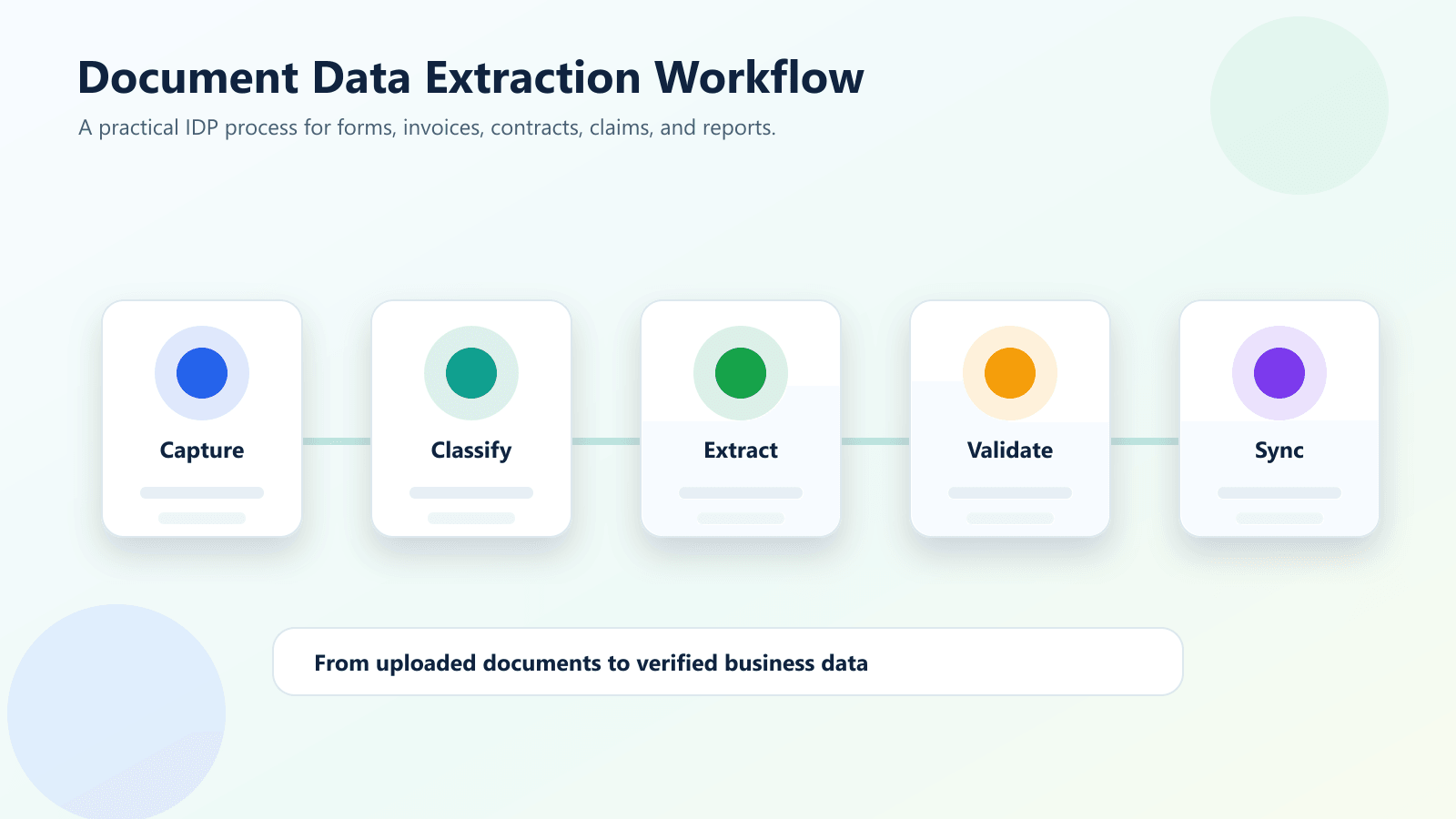
1. Documents are captured
Documents may come from email, upload forms, shared drives, CRMs, accounting systems, or customer portals.
2. IDP classifies the document
The system identifies whether the file is an invoice, contract, claim, purchase order, tax form, or another document type.
3. Data is extracted
Important fields are pulled from the document. This may include names, dates, totals, addresses, terms, IDs, line items, and custom business fields.
4. Data is validated
The system checks whether extracted data is complete and reasonable. For example, invoice totals should match line items, required fields should not be missing, and dates should follow expected formats.
5. Clean data moves into business systems
The extracted data can update a CRM, accounting platform, ERP, spreadsheet, database, or analytics dashboard.
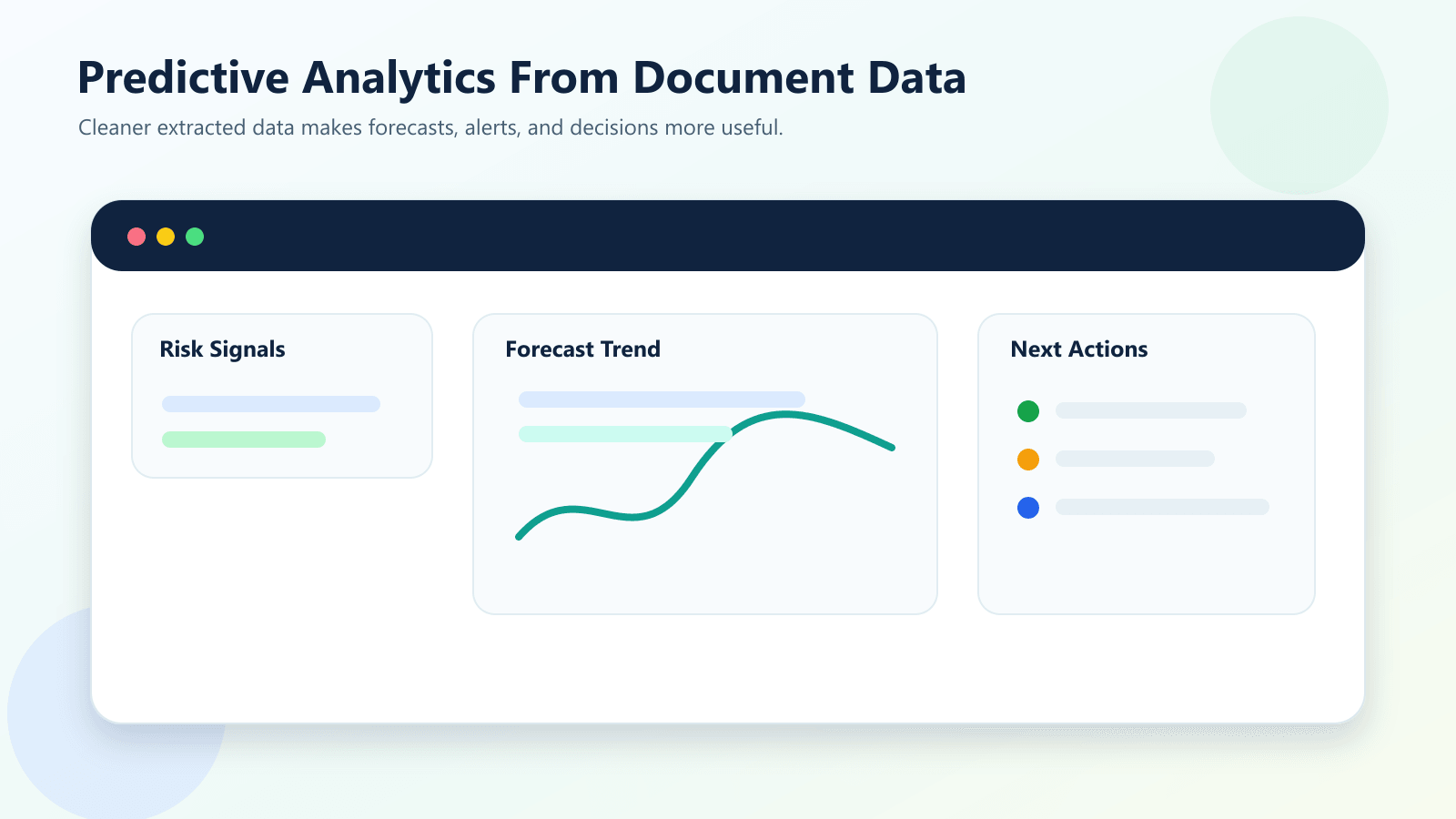
6. Predictive models use the data
Once document data is structured, predictive analytics can estimate risk, demand, delay, churn, payment behavior, or operational bottlenecks.
7. Teams act on the result
The output may trigger a task, alert, approval, follow-up, report, or decision workflow.
This is where the real value appears. IDP reduces manual document work. Predictive analytics helps the business decide what to do next.
Traditional Document Processing vs AI-Powered IDP
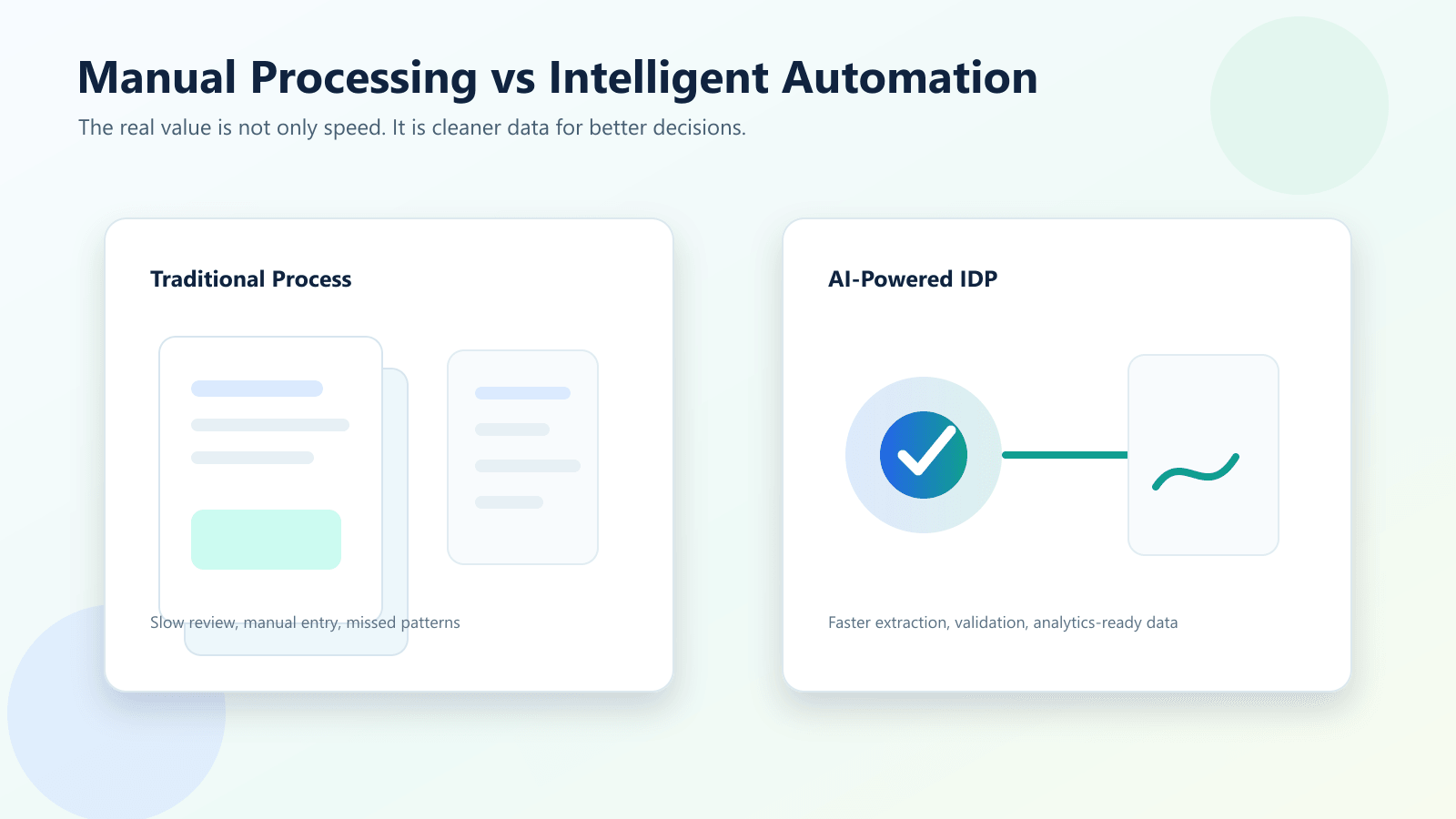
| Feature | Traditional Process | AI-Powered IDP and Analytics |
|---|---|---|
| Data entry | Manual copy and paste | Automated extraction and validation |
| Speed | Slow and dependent on staff availability | Faster document intake and processing |
| Accuracy | Prone to typing errors and missed details | More consistent with validation rules and review steps |
| Document types | Works best when documents are simple | Can handle many structured and semi-structured formats |
| Reporting | Often delayed or incomplete | Data can feed dashboards and analytics faster |
| Predictive value | Limited because data is trapped in documents | Stronger because document data becomes structured |
| Scalability | Requires more people as volume grows | Handles higher volume with repeatable workflows |
| Cost | Higher long-term manual effort | Lower admin effort after setup and tuning |
This comparison shows why IDP is more than a document scanning tool. The biggest improvement is not only speed. It is the ability to create reliable data from documents and then use that data for reporting, automation, and predictive analytics.
Manual processing may be acceptable for a small number of documents. But as volume grows, errors and delays grow with it. AI-powered document automation creates a more consistent process.
Business Use Cases for IDP and Predictive Analytics
Finance and accounting
Finance teams can use IDP for invoice processing automation, receipt extraction, purchase order matching, and payment term review.
Predictive analytics can then estimate which invoices may be paid late, which vendors may create cash flow pressure, or which expenses are trending upward.
Sales and CRM operations
Sales teams often deal with proposals, contracts, onboarding forms, and customer documents.
IDP can extract customer details, contract dates, plan types, renewal terms, and signed agreement information. Predictive analytics can help identify renewal risk, upsell opportunities, or accounts that need attention.
For related workflows, IQBIRDS also covers practical CRM automation in How AI CRM Automation Improves Sales Follow-Up and Reporting.
Insurance and claims
Claims processing involves forms, evidence, reports, invoices, IDs, and supporting documents.
IDP can classify incoming documents and extract claim details. Predictive analytics can help flag high-risk claims, estimate processing time, or prioritize cases that need faster review.
Legal and contract review
Legal and operations teams can use IDP to extract dates, parties, clauses, renewal terms, payment obligations, and risk indicators from contracts.
Predictive analytics can help identify contracts that may need review before renewal, agreements with unusual terms, or patterns that create operational risk.
Logistics and operations
Shipping documents, purchase orders, delivery notes, customs forms, and supplier documents often contain information that impacts operations.
IDP can extract the details. Predictive analytics can help forecast delays, supplier issues, inventory pressure, or order exceptions.
HR and onboarding
HR teams can use IDP to process applications, identity documents, onboarding forms, certificates, and employee records.
Predictive analytics can help forecast hiring bottlenecks, onboarding delays, or workforce planning needs.
Step-by-Step Guide to Implement IDP and Predictive Analytics
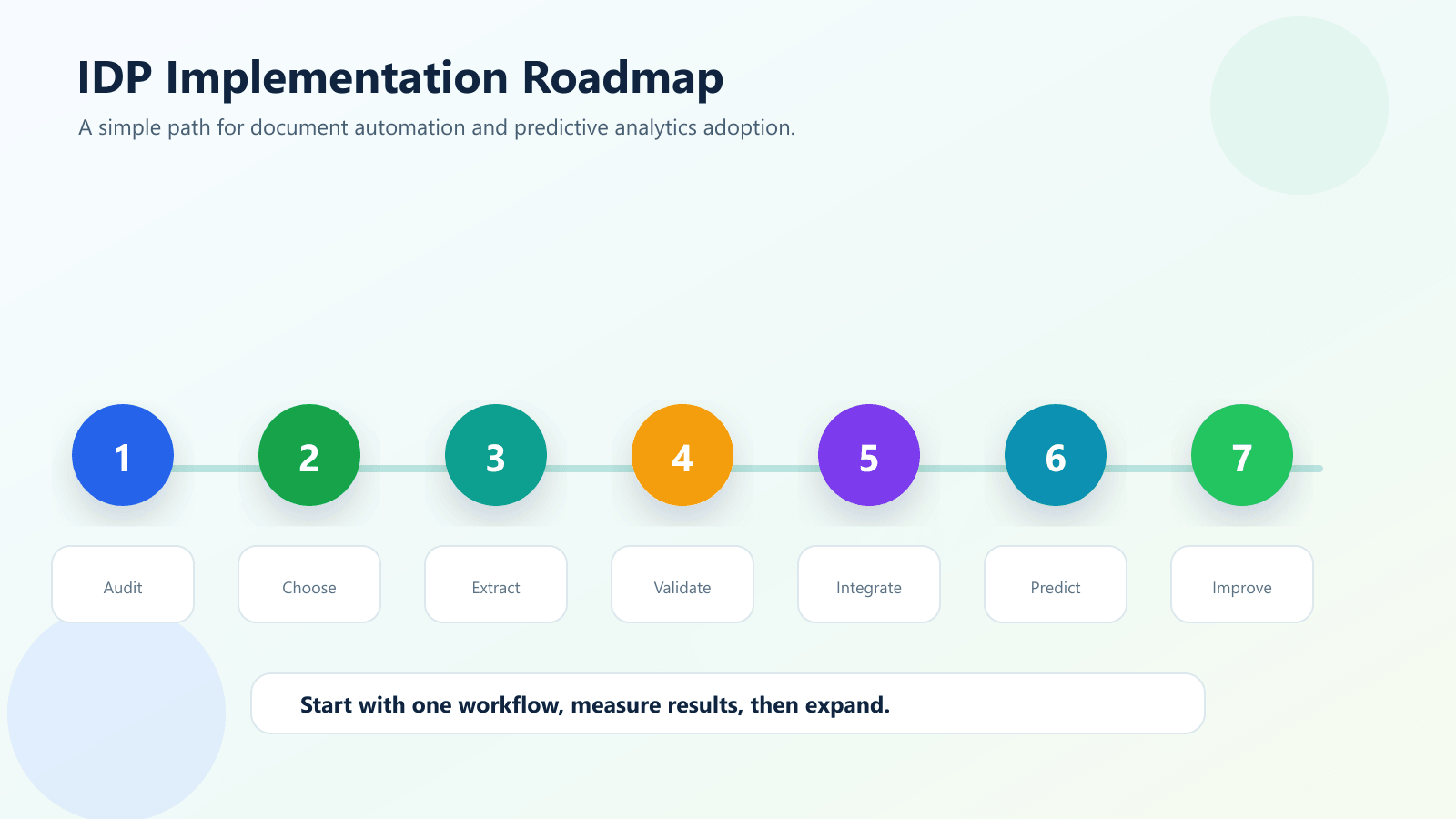
Step 1: Start with one document workflow
Do not begin with every document in the company.
Choose one workflow that is repetitive, painful, and easy to measure. Good starting points include invoice processing, contract intake, claim review, or customer onboarding.
Step 2: Map the manual process
Write down what happens today. Where does the document arrive? Who reviews it? What data is copied? Which system is updated? Where do errors happen? Which steps create delays?
This simple map prevents you from automating confusion.
Step 3: Define the fields you need
List the fields that must be extracted. For an invoice, this may include vendor name, invoice number, due date, total amount, tax amount, purchase order number, and line items.
For a contract, it may include party names, start date, end date, renewal terms, payment terms, and key obligations.
Step 4: Set validation rules
Validation is important because extracted data should not flow blindly into your systems.
Examples:
- Required fields must be present.
- Currency values must follow the expected format.
- Invoice totals should match line items.
- Dates should be logical.
- Vendor names should match approved records.
Step 5: Decide where human review is needed
Good automation does not remove people from every decision.
Use human review for low-confidence extractions, unusual documents, high-value transactions, legal risk, compliance concerns, or customer-facing decisions.
Step 6: Connect IDP to business systems
Once data is extracted and validated, send it to the right place. This may be a CRM, ERP, accounting tool, Google Sheets report, database, or analytics platform.
IQBIRDS supports this kind of system connection through AI Integration Services and AI Automation Services.
Step 7: Add predictive analytics
After the workflow is producing clean data, predictive analytics becomes more useful.
Start with one prediction goal. For example:
- Predict late payments.
- Predict claim review priority.
- Predict customer renewal risk.
- Predict supplier delays.
- Predict document approval time.
Step 8: Monitor and improve
Track accuracy, review time, exception rates, user feedback, and business outcomes. IDP and predictive analytics improve when teams review real results and adjust the process over time.
Key Benefits of IDP and Predictive Analytics
- Faster document processing
- Less manual data entry
- Fewer copy-and-paste errors
- Better visibility into document-heavy workflows
- Cleaner data for reporting and dashboards
- Stronger forecasting and risk detection
- Faster customer, vendor, and internal responses
- Better compliance support through audit trails
- More scalable operations as document volume grows
- More useful automation across CRM, finance, HR, and operations
The main benefit is not simply “using AI.” The real benefit is creating a repeatable process where documents become structured data and structured data supports better decisions.
Best Practices for Better Results
Keep the first project narrow
A focused workflow is easier to test and improve. One successful automation project is better than a large unfinished project.
Use clean document examples
Collect real samples of the documents your team processes. Include common formats, edge cases, scanned files, and poor-quality examples.
Build validation into the workflow
Do not treat extraction as the final step. Add checks, confidence thresholds, and review queues.
Connect to real business outcomes
Measure results such as processing time, error rate, approval speed, cost per document, and number of exceptions.
Protect sensitive data
Documents may contain personal, financial, legal, or medical information. Use role-based access, secure storage, audit logs, and clear data retention rules.
Keep people in the loop
Human review is still valuable, especially for exceptions. The goal is to reduce repetitive work, not remove judgment from important decisions.
Common Mistakes Businesses Make
Automating before cleaning the process
If the manual workflow is unclear, automation will make the problem faster instead of better. Map the process first.
Expecting perfect accuracy immediately
IDP systems need testing, validation, and improvement. Plan for review steps, especially at the beginning.
Ignoring document variation
Invoices, contracts, and forms often come in different layouts. Test with real document variety before scaling the system.
Sending extracted data everywhere
Only send useful, validated data to business systems. Too much unfiltered data creates noise.
Treating predictive analytics as magic
Predictive analytics depends on data quality. If the extracted data is poor, the prediction will also be weak.
Choosing tools before defining the use case
Start with the business problem, not the software. The tool should fit the workflow.
How IQBIRDS Helps Your Business
IQBIRDS helps businesses design practical AI automation systems that connect document processing, workflows, CRM data, and analytics.
For a business that handles many invoices, claims, contracts, forms, or customer documents, IQBIRDS can help map the workflow, identify where automation makes sense, design the extraction process, connect the data to business tools, and plan reporting or predictive analytics around the result.
This can include:
- AI document processing workflows
- Automated data extraction
- CRM and business system integration
- AI automation for document-heavy operations
- Reporting dashboards
- Predictive analytics planning
- Human review and approval workflows
The focus is practical. The system should save time, reduce errors, and make business decisions easier. It should not create another complicated tool your team has to manage.
You can explore related services here: AI Automation Services, AI Integration Services, and AI CRM Development.
For related reading, see How to Use AI to Reduce Manual Admin Work in Your Business and AI Automation for Small Businesses: 10 Practical Use Cases.
External References
- Google Cloud Document AI Overview
- Microsoft Azure Document Intelligence Overview
- IBM: What Is Intelligent Document Processing?
- IBM: What Is Predictive Analytics?
FAQs
What is intelligent document processing?
Intelligent document processing is the use of AI, OCR, machine learning, and rules to read documents, extract useful data, classify files, and send that data into business systems.
How does predictive analytics work with IDP?
IDP turns documents into structured data. Predictive analytics can then use that data to forecast risks, delays, cash flow, demand, fraud, or customer behavior.
What types of documents can IDP process?
IDP can process invoices, receipts, contracts, loan applications, claims, purchase orders, forms, shipping documents, and many other structured or unstructured files.
Is intelligent document processing only for large companies?
No. Small and mid-sized businesses can use IDP for practical workflows like invoice handling, document review, CRM updates, reporting, and customer onboarding.
What is the difference between OCR and intelligent document processing?
OCR mainly converts text from scanned documents into machine-readable text. IDP goes further by understanding layout, extracting fields, classifying documents, validating data, and connecting results to workflows.
What are common IDP implementation mistakes?
Common mistakes include automating messy processes, skipping human review, ignoring data quality, choosing tools before defining the workflow, and expecting perfect accuracy from day one.
How can IQBIRDS help my business?
IQBIRDS can help your business plan and build document automation workflows that extract data, connect with CRM or business systems, and support smarter reporting and predictive analytics.
Conclusion
Intelligent document processing and predictive analytics work best when they are treated as part of one business workflow.
IDP helps turn invoices, forms, contracts, claims, and other documents into structured data. Predictive analytics helps use that data to forecast outcomes, detect risk, prioritize work, and support better decisions.
The best starting point is simple. Choose one document-heavy process, define the fields you need, add validation, connect the data to your systems, and then use analytics to learn from the results.
If your business is spending too much time reading documents, copying data, and reacting late to problems, this is a strong area to improve.
Ready to Turn Documents Into Better Decisions?
If you want to reduce manual document work and build smarter workflows around your business data, contact IQBIRDS for a free consultation. IQBIRDS can help you plan an intelligent document processing and predictive analytics workflow that fits your tools, team, and growth goals.
Need AI Automation?
Discover how IQBirds helps businesses automate workflows and build custom digital products.