
AI Automation
Signs Your Business Is Ready for AI Automation
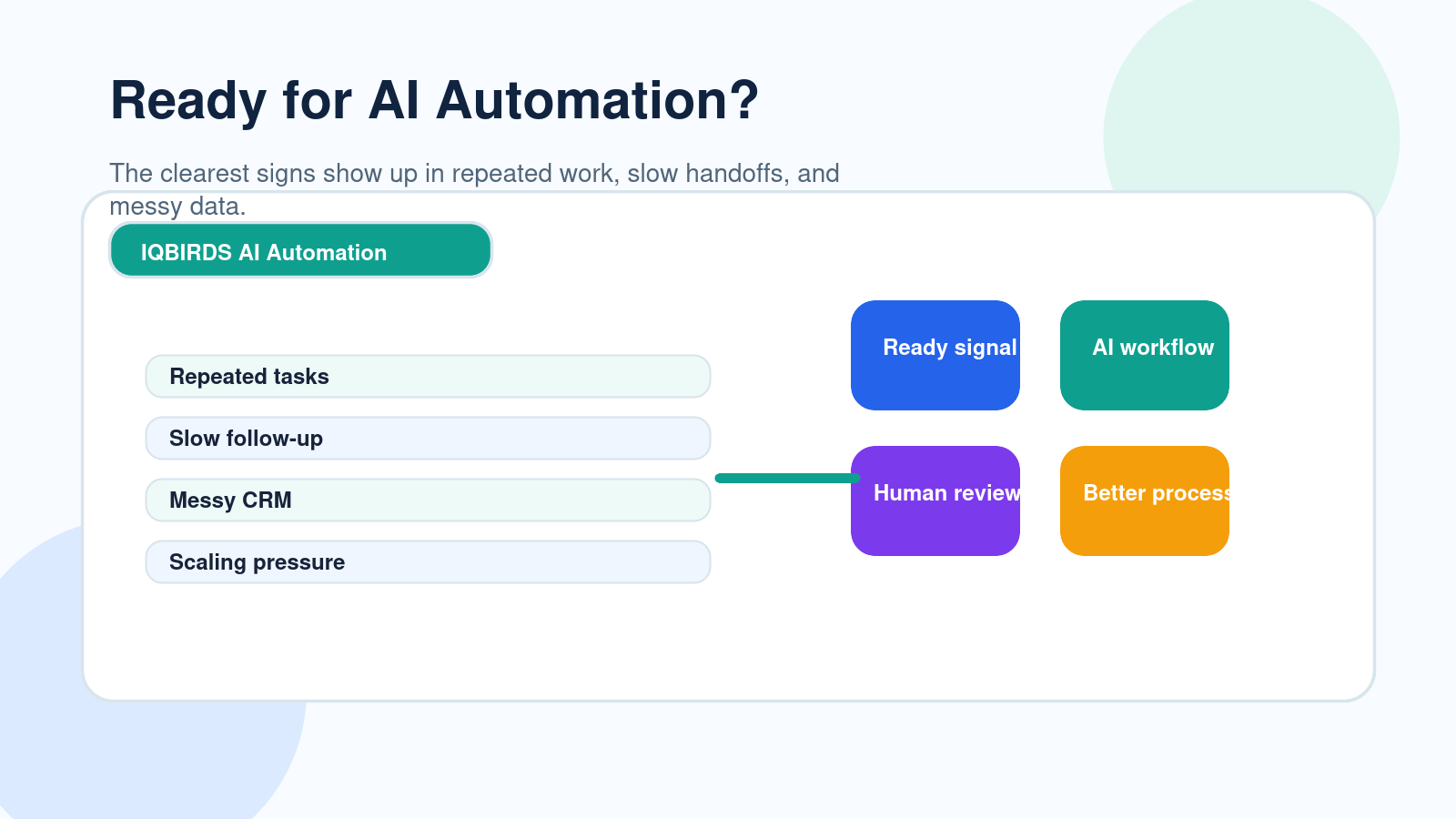
AI automation works best when a business already has a real process problem to solve.
It is not something you add just because everyone is talking about AI. It becomes valuable when your team is spending too much time on repeated tasks, missing follow-ups, copying data between tools, preparing the same reports, or struggling to keep up with growing demand.
Many businesses wait too long before automating. They hire more people for admin work, add more spreadsheets, create more manual checklists, and hope the process will somehow become easier. Usually, it does not.
Other businesses move too fast. They try to automate everything at once before they understand the workflow. That creates confusion, weak results, and tools nobody wants to use.
The right time is somewhere in the middle.
Your business is ready for AI automation when the workflow is clear enough to improve, the pain is real enough to measure, and the team is ready to let software handle the repetitive work while people stay involved in important decisions.
This guide explains the practical signs your business is ready for AI automation and how to start without disrupting your team.
What AI Automation Actually Means for a Business
AI automation means using artificial intelligence and connected workflows to complete repeated business tasks with less manual effort.
It can help with lead routing, CRM updates, email drafts, customer support summaries, document processing, task reminders, reporting, data entry, scheduling, internal alerts, and workflow handoffs.
The key is that AI automation does not only answer questions. It helps move work forward.
For example, when a new lead fills out a form, an AI automation workflow can read the message, summarize the request, identify the service needed, add the details to the CRM, assign the lead to the right person, and draft a follow-up email for review.
That is different from a team member manually reading the form, copying details, checking the CRM, creating a task, and writing the first response.
Automation is about task fit
The best automation projects start with the right task.
If a task is repeated, rule-based, time-sensitive, and easy to check, it may be a good fit for AI automation. If a task needs deep judgment, empathy, negotiation, or accountability, it should usually include human review.
That balance is what makes automation useful instead of risky.
Sign 1: Your Team Repeats the Same Tasks Every Day
The clearest sign is repetition.
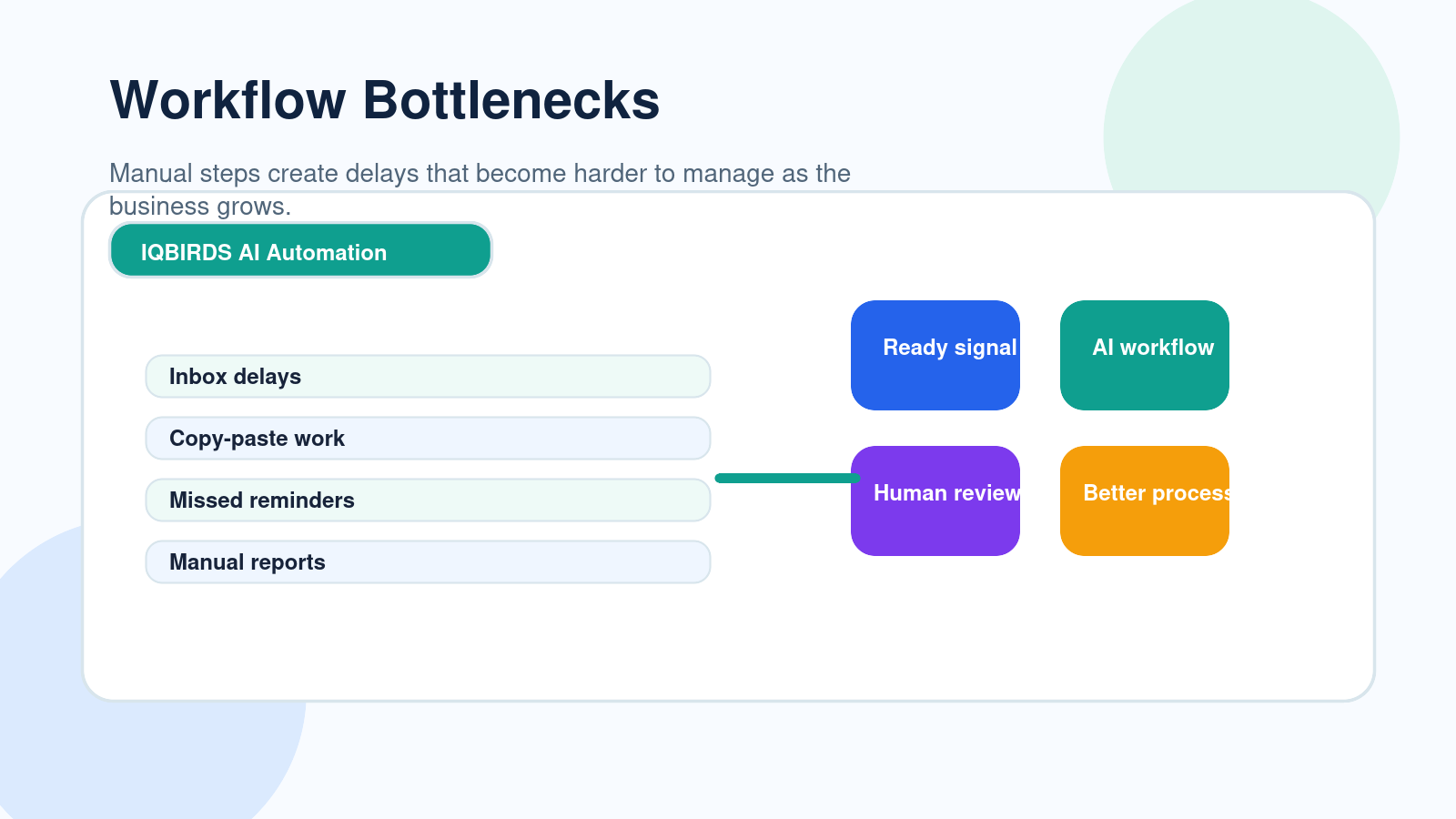
If your team performs the same steps every day, there is probably an automation opportunity. This may include copying lead details into a CRM, sending the same type of email, updating spreadsheets, tagging requests, creating tasks, checking statuses, or preparing weekly reports.
Repetition is not always bad. Some repeated work is necessary. The problem starts when skilled people spend hours on tasks that software can handle faster and more consistently.
AI automation can remove a large amount of this admin work. It can read inputs, classify information, draft messages, update fields, and trigger the next step.
This gives the team more time for customer conversations, decision-making, planning, creative work, and problem-solving.
Practical example
A sales assistant manually checks website form submissions every morning. They copy the name, email, phone number, message, service interest, and source into the CRM. Then they create a task for the sales team.
With AI automation, the lead can be captured instantly, summarized, added to the CRM, tagged by service type, and assigned to the correct salesperson. The assistant only reviews exceptions.
Sign 2: Leads or Customer Requests Are Slipping Through the Cracks
If leads, support requests, or internal tasks are being missed, the business is ready for automation.
This often happens when work depends on inboxes, spreadsheets, chat messages, and memory. Someone assumes another person replied. A lead stays in an unread email. A support request is not assigned. A customer follow-up is forgotten after a meeting.
These small gaps can become expensive.
AI automation can help by creating tasks, sending alerts, routing requests, drafting replies, and reminding the right person at the right time.
The goal is not to remove human communication. The goal is to make sure the process never depends only on someone remembering to check one more place.
Best practice
Create a clear rule for every incoming request.
Where does it go? Who owns it? What should happen first? What happens if there is no response? Which cases need human review?
Once those rules are clear, AI automation can help enforce them consistently.
Sign 3: Your CRM or Spreadsheets Are Always Messy
Messy data is a strong sign that manual work is becoming too hard to manage.
Common problems include duplicate contacts, missing phone numbers, unclear lead sources, wrong pipeline stages, inconsistent company names, and notes scattered across emails or chat messages.
When data is messy, reporting becomes weak. Sales teams lose context. Managers cannot see what is happening. Marketing cannot measure which channels are working.
AI automation can help clean up the process at the point where data enters the system.
It can extract key fields from emails, forms, documents, and notes. It can summarize messages, flag missing information, standardize labels, and create cleaner records.
Practical example
A company receives service inquiries from a website form, Facebook messages, email, and referrals. Each source has different details. Some leads are added to a spreadsheet. Some go to the CRM. Some stay in the inbox.
AI automation can create one lead intake workflow that captures the source, summarizes the request, checks for duplicates, and sends the data into the CRM in a consistent format.
Sign 4: Response Time Is Hurting Sales or Service
Slow response time is one of the easiest signs to spot.
If customers wait too long for answers or leads wait too long for follow-up, your process needs help.
Speed matters because interest fades. A prospect who is ready to talk today may choose another provider tomorrow. A customer with a support issue may become frustrated if nobody responds quickly.
AI automation can trigger immediate actions when something happens.
It can send an internal alert, draft a personalized reply, assign a task, route the request, update the record, or start a nurture workflow.
Even when a human should approve the final message, AI can prepare the work so the team responds faster.
Manual Process vs AI Automation Readiness
| Business Area | Manual Process | AI Automation Ready Process |
|---|---|---|
| Lead capture | Lead waits in an inbox or spreadsheet | Lead is captured, summarized, and routed instantly |
| Follow-up | Depends on memory or manual reminders | Tasks, alerts, and draft replies are triggered automatically |
| CRM data | Incomplete, duplicated, or updated late | Fields are filled more consistently at intake |
| Reporting | Reports require manual collection | Data flows into dashboards and summaries faster |
| Customer service | Requests are assigned by hand | Requests are classified and routed by urgency or topic |
| Scaling | More volume requires more admin work | Higher volume can be handled with better workflow design |
| Human role | People handle every small step | People review, approve, decide, and improve the process |
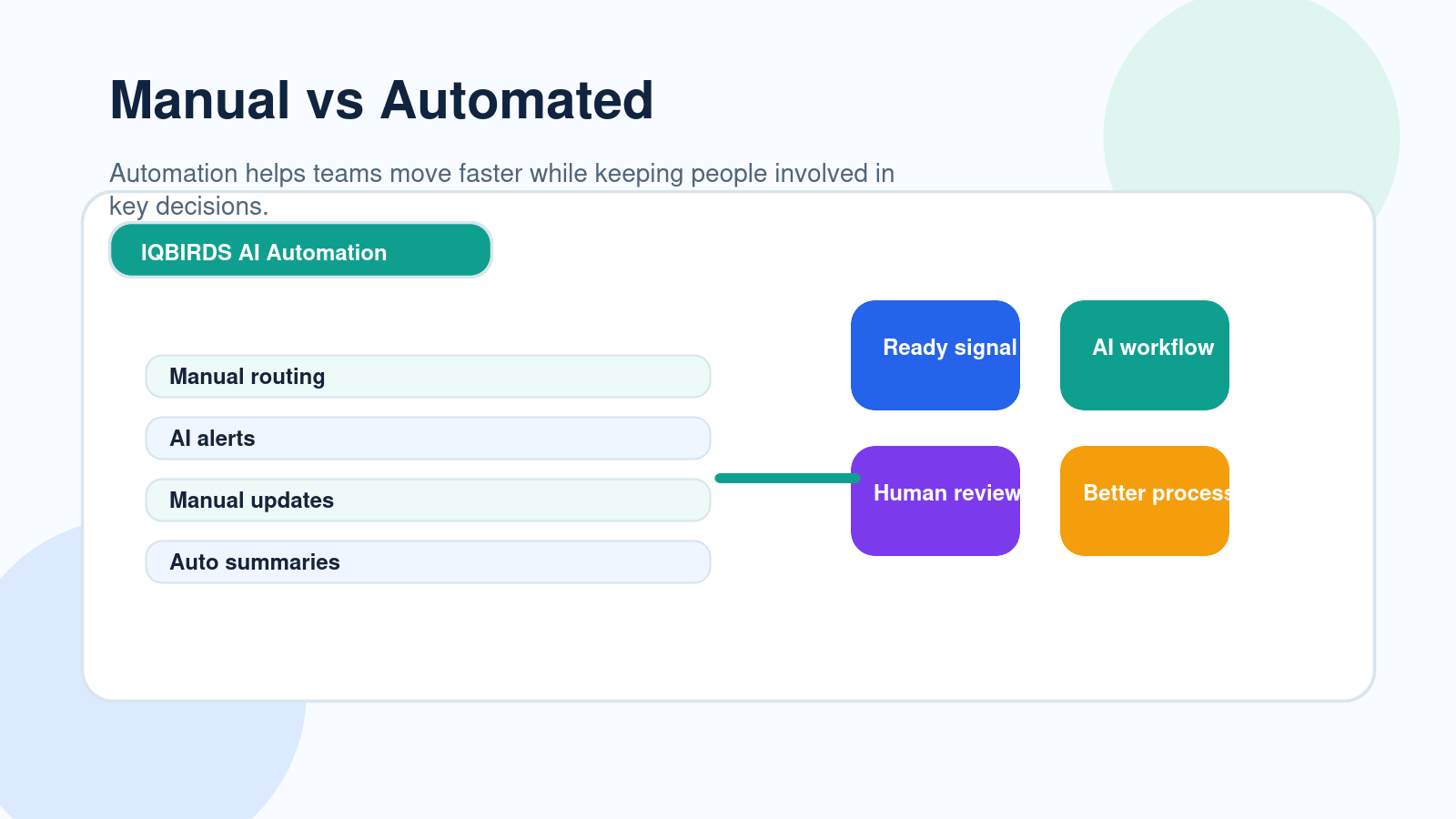
The table shows the difference between a business that is simply busy and a business that is ready for AI automation. When the same problems appear again and again, automation can create structure, speed, and consistency while keeping people involved where judgment matters.
Useful Research and Related IQBIRDS Reading
Modern workflow platforms show how automation connects apps, data, approvals, and business processes. Microsoft Power Automate focuses on workflow automation across tools, IBM explains workflow automation as a way to improve repeated business processes, and the NIST AI Risk Management Framework highlights the importance of governance and risk awareness when using AI.
For related IQBIRDS reading, see How Businesses Waste Leads Without AI Automation, Can AI Replace Your Business Operations Team?, and AI Workflow vs Human Workflow: Where Automation Wins.
If your business wants help turning manual processes into practical automation, explore AI Automation Services, AI Integration Services, and AI CRM Development.
Useful external references include Microsoft Power Automate, IBM Workflow Automation, NIST AI Risk Management Framework, and Google Cloud Vertex AI.
Sign 5: Your Team Cannot Scale Without More Admin Work
Growth should not automatically mean more manual work.
If every new customer, lead, order, project, or support request adds more admin tasks, the business will eventually hit a limit.
This is common in growing service businesses and agencies. The team can sell more, but operations become slower. Managers spend more time checking work. Employees spend more time updating tools. Customers feel the delays.
AI automation helps by creating repeatable workflows that handle the routine parts of scale.
For example, onboarding a new client can trigger a welcome email draft, project folder creation, CRM update, internal task list, kickoff reminder, and document collection workflow.
The team still manages the relationship. The automation handles the repeated setup.
Sign 6: You Already Know the Process, but It Takes Too Long
Some businesses are not disorganized. They simply have processes that take too much time.
The team knows what to do. The steps are clear. The output is predictable. But the work is still done manually.
This is one of the best situations for AI automation because the workflow is already understood.
If your team can explain the process clearly, automation can often help complete the repeated parts faster.
Good automation candidates
- Weekly report preparation
- Lead intake and qualification
- CRM record updates
- Email follow-up drafts
- Customer onboarding tasks
- Document data extraction
- Support ticket summaries
- Internal approval reminders
- Meeting note summaries
- Invoice or payment reminders
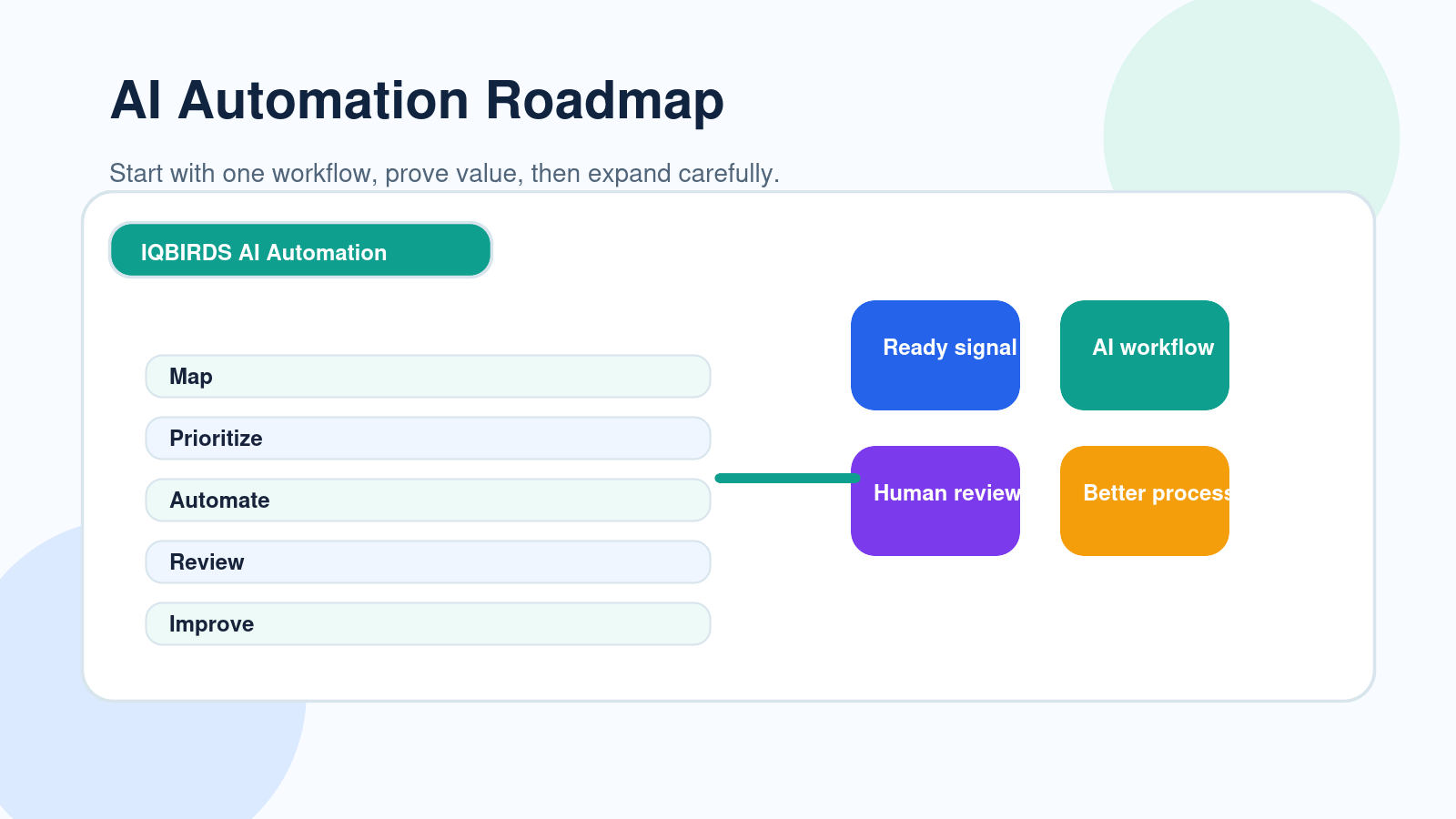
Step-by-Step Guide to Start AI Automation
Step 1: Pick one workflow
Do not start with the whole company.
Choose one workflow with repeated tasks and a clear business outcome. Good examples include lead follow-up, CRM updates, onboarding, support ticket routing, reporting, or document processing.
Step 2: Map every step
Write down the trigger, the data used, the tools involved, the people responsible, the decision points, and the final output.
This helps you see what should be automated and what should remain human-led.
Step 3: Find the repeated tasks
Look for tasks that happen the same way every time.
These are usually the best first automation targets because they are easier to test and measure.
Step 4: Add human approval where needed
AI automation should not remove human control from sensitive decisions.
Use approval steps for customer-facing messages, financial changes, legal issues, high-value leads, hiring decisions, and any workflow that affects trust.
Step 5: Test with real examples
Use real emails, forms, documents, leads, and support requests.
Clean test data can make an automation look better than it is. Real examples show where the workflow needs stronger rules.
Step 6: Measure before expanding
Track response time, manual hours saved, error reduction, follow-up completion, CRM quality, customer satisfaction, and team adoption.
Expand only after the first workflow proves value.
Key Benefits of Starting at the Right Time
- Less time spent on repeated admin work
- Faster response to leads and customers
- Cleaner CRM and operational data
- Fewer missed follow-ups and handoffs
- More consistent reporting
- Better use of employee time
- Easier scaling without adding the same amount of manual work
- Clearer visibility into workflow performance
- Better customer experience
- More confidence when expanding automation
The main benefit of AI automation is not speed alone. It is creating a more reliable way for work to move through the business.
Common Mistakes to Avoid
Automating too many workflows at once
Start small. A focused workflow is easier to test, improve, and trust.
Choosing tools before understanding the process
Do not start with software. Start with the workflow. Once the process is clear, choose the tool that fits.
Ignoring messy data
AI automation needs usable data. Clean your forms, CRM fields, labels, and source tracking before expecting strong results.
Removing people from important decisions
Keep human review in workflows that involve money, customer trust, legal risk, brand reputation, or complex judgment.
Not training the team
Your team needs to know what the automation does, where to review output, how to fix mistakes, and when to override the workflow.
How IQBIRDS Helps Your Business
IQBIRDS helps businesses decide where AI automation makes sense and how to implement it without creating confusion.
The process starts with workflow mapping. Which tasks repeat? Which tools are disconnected? Where are leads or requests delayed? Which steps require approval? Which parts can be safely automated?
From there, IQBIRDS can help build automation across CRM systems, email, Google Sheets, forms, documents, support tools, project management platforms, and reporting dashboards.
This can include lead routing, CRM updates, email drafts, document extraction, task reminders, reporting summaries, onboarding workflows, and human approval systems.
The goal is simple: automate the work that slows your team down, keep people involved where they add value, and create systems that help the business grow with less manual friction.
FAQs
How do I know if my business is ready for AI automation?
Your business is likely ready for AI automation if your team repeats the same manual tasks, misses follow-ups, struggles with messy data, spends too much time on reports, or cannot scale operations without adding more admin work.
What business tasks should be automated first?
Start with low-risk, repetitive tasks such as CRM updates, lead routing, email drafts, reminders, data entry, report preparation, document summaries, and internal notifications.
Is AI automation only for large companies?
No. Small businesses can benefit from AI automation because it helps lean teams save time, respond faster, reduce manual errors, and manage more work without immediately hiring more people.
What should not be automated too early?
Businesses should avoid fully automating sensitive customer messages, financial approvals, legal decisions, hiring decisions, and complex judgment calls without human review.
Do I need perfect data before starting AI automation?
You do not need perfect data, but you do need usable data. Clean fields, clear forms, consistent labels, and reliable source tracking make AI automation much more effective.
How long does it take to implement AI automation?
A simple workflow can often be planned and tested quickly, while larger automation systems may need more time for mapping, integration, testing, training, and improvement.
How can IQBIRDS help my business?
IQBIRDS can help your business assess automation readiness, map workflows, choose high-impact use cases, connect tools, build AI automation systems, and add human approval steps where needed.
Conclusion
Your business is ready for AI automation when manual work starts slowing growth, hurting response time, creating messy data, or making the team repeat the same tasks every day.
That does not mean you should automate everything immediately.
Start with one clear workflow. Focus on repeated tasks. Keep human approval where decisions matter. Test with real examples. Measure the result before expanding.
AI automation works best when it supports the team, improves the process, and makes the business easier to manage.
Ready to Find Your Best AI Automation Opportunity?
If your business is spending too much time on manual work, IQBIRDS can help. Contact IQBIRDS for a free consultation and discover which workflows are ready for practical, reliable AI automation.
Need AI Automation?
Discover how IQBirds helps businesses automate workflows and build custom digital products.