
AI Automation
Can AI Replace Your Business Operations Team?
AI is changing how businesses manage daily operations, but it is not a simple replacement for an operations team.
Business operations involve hundreds of small decisions, updates, reminders, approvals, reports, and handoffs. Some of this work is repetitive and perfect for automation. Some of it still needs human judgment, communication, and accountability.
That is why the real question is not, “Can AI replace your business operations team?”
The better question is, “Which parts of business operations should AI handle, and which parts should stay with people?”
When the answer is clear, AI business operations can save time, reduce errors, improve response speed, and help teams work with better visibility. When the answer is rushed, automation can create confusion, poor customer experiences, and processes that nobody trusts.
This guide explains where AI can take over operational work, where human teams still matter, and how to build a balanced model that gives your business the best of both.
What Your Business Operations Team Actually Does
Before deciding whether AI can replace an operations team, it helps to understand what that team really does.
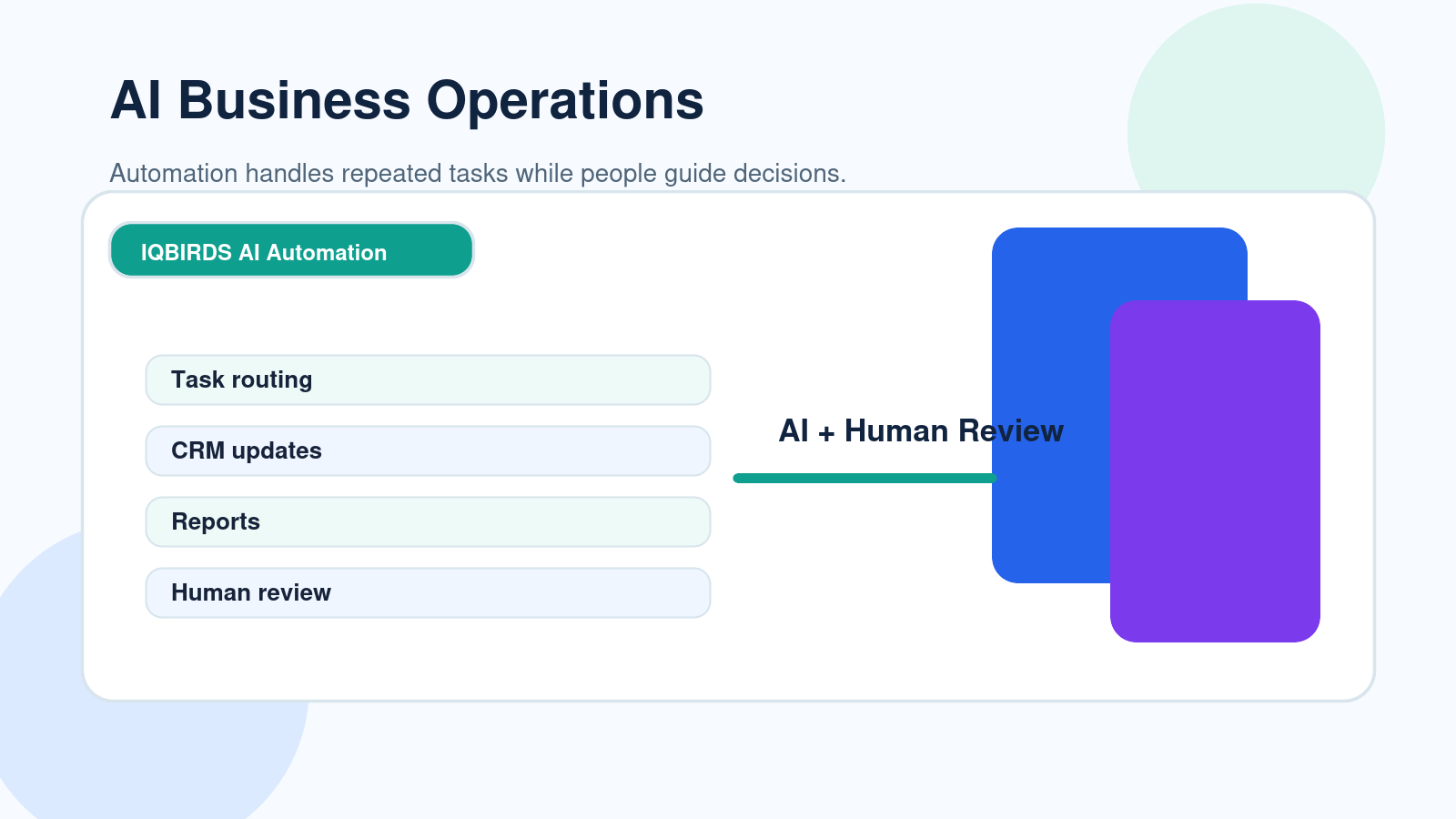
Business operations teams keep the company moving. They manage the daily process behind sales, service, delivery, reporting, internal communication, customer follow-up, scheduling, documentation, and task coordination.
In many small businesses, this work is handled by a few people wearing many hats. In larger companies, it may be handled by dedicated operations managers, coordinators, analysts, sales operations teams, customer success operations teams, and back-office staff.
The work often includes updating CRM records, checking forms, assigning tasks, preparing reports, sending reminders, tracking deadlines, following up with customers, reviewing data, and making sure nothing gets lost between departments.
Some of these tasks need experience and judgment. Others are repeated admin work that drains time every week.
The problem with manual operations
Manual operations are easy to start but hard to scale.
At first, a spreadsheet, inbox, and a few reminders may be enough. But as the business grows, the same process becomes slower. Leads get missed. CRM records become messy. Reports take longer. Customers wait for replies. Team members spend more time chasing updates than solving real problems.
This is where AI business operations becomes useful. AI does not need to take over every responsibility. It can start by removing the work that is repeated, predictable, and easy to check.
What AI Business Operations Can Replace
AI can replace tasks more easily than roles.
That difference matters. A role contains context, relationships, ownership, and judgment. A task may only require collecting data, checking a condition, creating a summary, or moving information from one place to another.
AI business operations works best when it replaces repeated tasks inside a workflow, not the entire person responsible for the process.
1. Repetitive data entry
Operations teams often spend hours copying information between forms, spreadsheets, CRMs, email tools, support systems, and project management platforms.
AI can extract details from forms, emails, PDFs, and call notes. It can update CRM fields, create tasks, add labels, and keep records cleaner.
For example, when a new lead submits a website form, AI can identify the service requested, summarize the message, add the lead to the CRM, assign the correct sales owner, and draft the first follow-up email.
This does not require a person to copy and paste details. The team can review the important cases instead of touching every record manually.
2. Status updates and reminders
Many operations workflows fail because people forget to follow up.
AI-powered workflow automation can monitor deadlines, send reminders, update task statuses, and notify the right person when something needs attention.
This is helpful for sales follow-ups, onboarding steps, project handoffs, support tickets, invoice reminders, and internal approvals.
Instead of asking someone to check every system manually, the automation watches the workflow and pushes the next action forward.
3. Report preparation
Business reports often require collecting numbers from different tools and turning them into a useful summary.
AI can help prepare weekly sales summaries, support summaries, campaign updates, lead reports, customer feedback summaries, and operational dashboards.
The human team should still review the final interpretation, but AI can reduce the time spent gathering and formatting information.
4. First-draft communication
AI can draft emails, customer replies, internal updates, meeting summaries, and task notes.
This is useful because many messages follow a similar pattern. A human can review, adjust the tone, and approve the final message.
The best approach is not fully automatic communication for every case. It is AI-assisted communication where the team stays in control.
What AI Should Not Replace
AI is strong at speed and repetition, but business operations are not only about speed.
Some parts of operations require responsibility, trust, and experience. These areas should not be fully replaced by AI without human review.
Customer trust and sensitive communication
If a customer is angry, confused, or dealing with a serious issue, a careless automated response can make the situation worse.
AI can summarize the issue and suggest a response, but the final message should often come from a person. Human tone, empathy, and context still matter.
Complex decisions
Operations teams make decisions that are not always visible in a workflow chart.
They know when to make an exception, when to escalate, when to slow down, and when a customer or project needs special attention.
AI can support these decisions with summaries, recommendations, and data. But if the decision affects money, trust, compliance, or customer experience, a person should remain involved.
Process ownership
Automation needs an owner.
If nobody owns the workflow, the business will not know whether the automation is working, failing, or creating hidden problems.
AI can run a process, but it cannot be accountable for the business outcome. Your team still needs people who understand the process and are responsible for improving it.
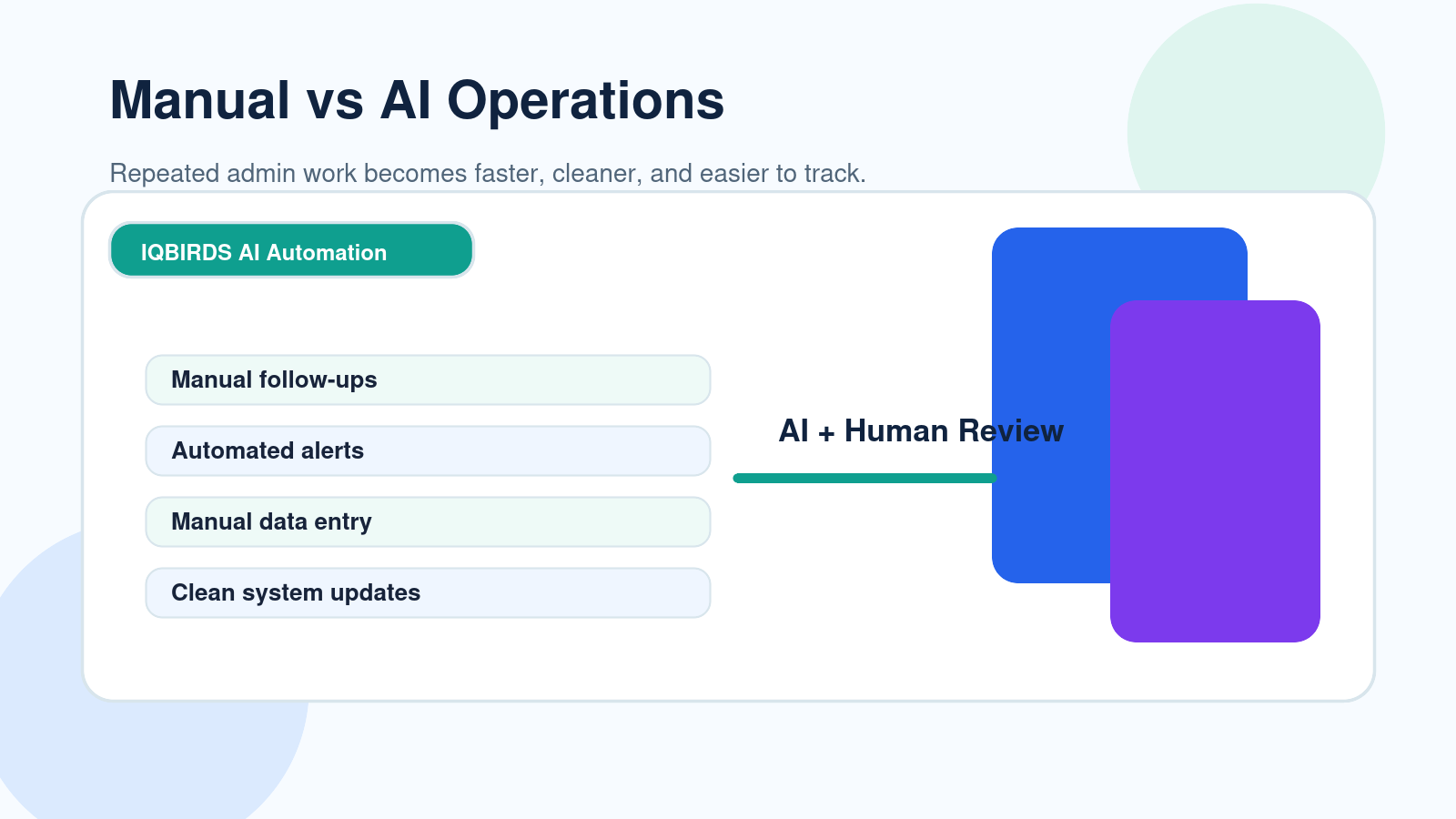
AI Business Operations vs Human Operations Team
| Operations Area | AI Business Operations | Human Operations Team |
|---|---|---|
| Speed | Runs instantly and can work around the clock | Depends on team availability and workload |
| Repetitive tasks | Strong for repeated, rule-based work | Can become slow, tiring, and inconsistent |
| Data entry | More consistent when systems are connected | Prone to copy-paste mistakes |
| Customer empathy | Needs human review for sensitive cases | Better at tone, trust, and relationship handling |
| Complex decisions | Useful for recommendations and summaries | Stronger for judgment and accountability |
| Scalability | Handles higher volume without adding manual effort | Usually requires more people as volume grows |
| Best use | Repeated tasks, routing, summaries, alerts, reports | Approvals, exceptions, strategy, communication, ownership |
This table shows why AI should not be treated as a simple replacement for people. AI business operations wins when work is repeated, structured, and time-sensitive. Human operations teams still win when the work requires judgment, empathy, ownership, or careful decision-making.
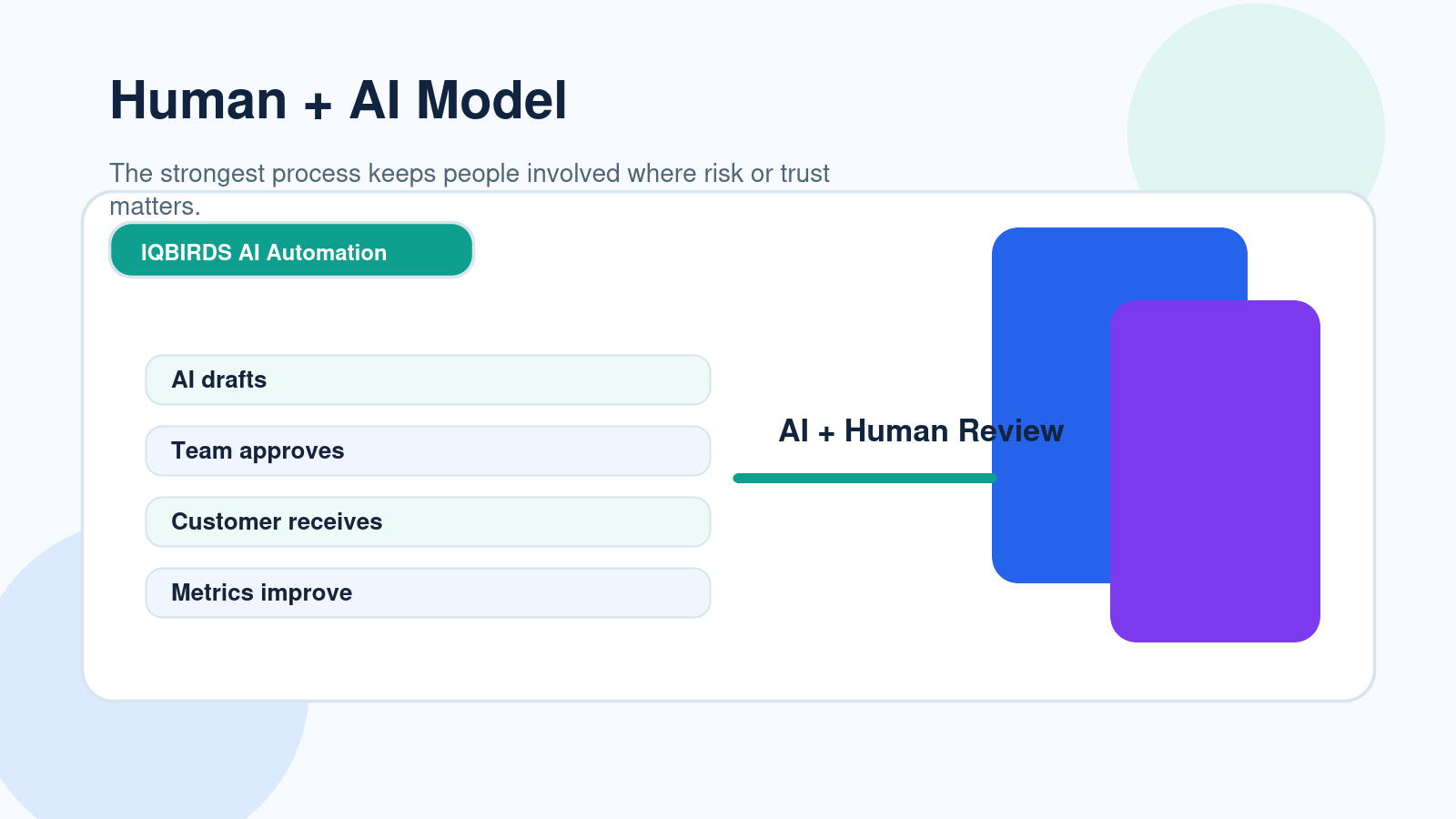
The strongest model combines both. AI handles the repeated operational movement. People handle the moments where context and responsibility matter.
Useful Research and Related IQBIRDS Reading
Modern automation platforms are moving toward connected workflows, approvals, and AI-assisted process management. Microsoft Power Automate, IBM workflow automation resources, OpenAI business resources, and the NIST AI Risk Management Framework all point to the same practical lesson: automation should be useful, measurable, and governed.
For related IQBIRDS reading, see Hidden Costs of Manual Business Processes in 2026, Why Most AI Automation Projects Fail Before Launch, and AI Workflow vs Human Workflow: Where Automation Wins.
If your business wants practical implementation help, explore AI Automation Services, AI Integration Services, and AI CRM Development.
Useful external references include Microsoft Power Automate, IBM Workflow Automation, NIST AI Risk Management Framework, and OpenAI for Business.
Step-by-Step Guide to Introduce AI Into Business Operations
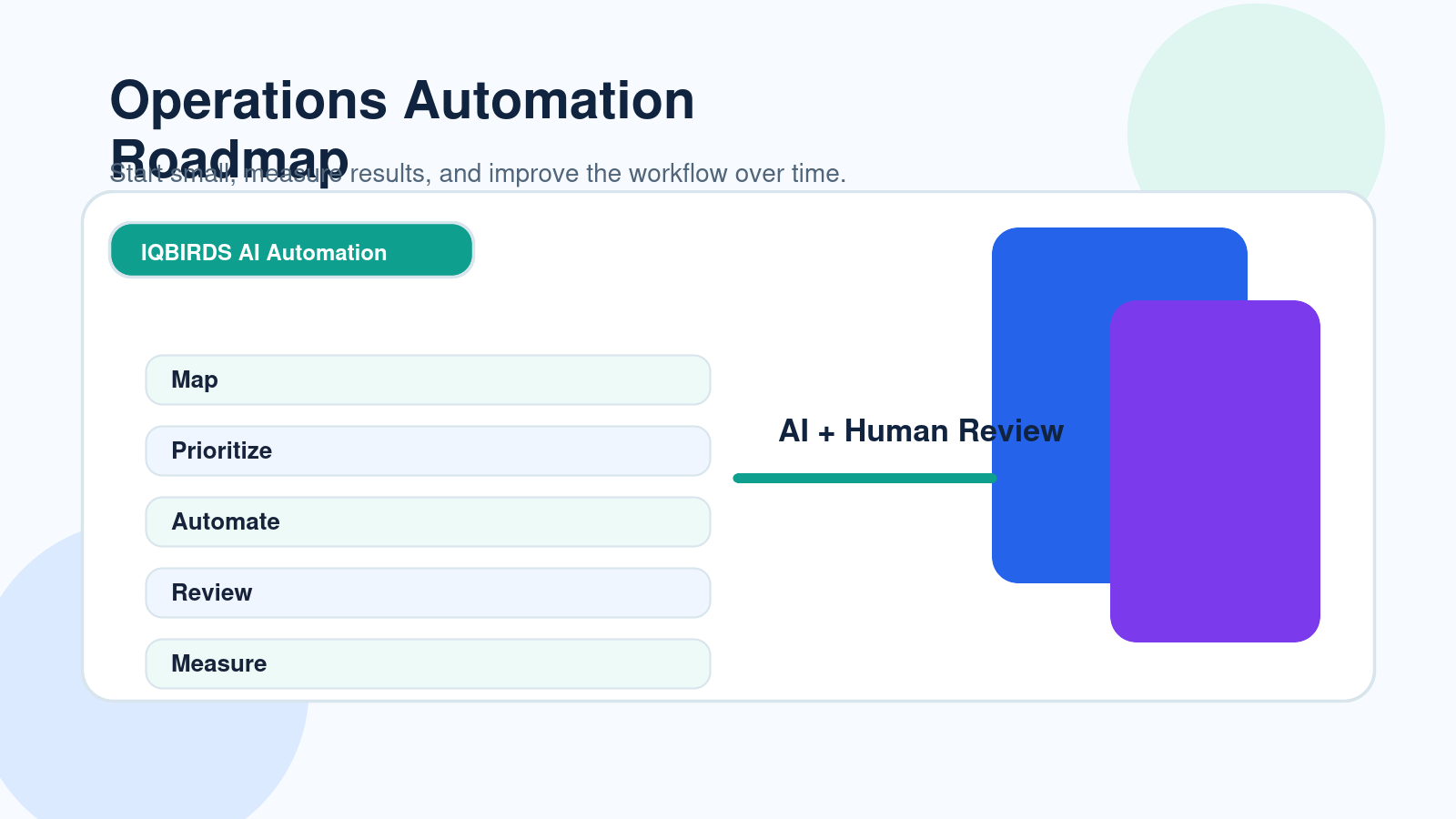
Step 1: Map one real workflow
Start with one workflow, not the entire company.
Choose a process that happens often, such as lead follow-up, customer onboarding, support ticket routing, invoice reminders, weekly reporting, or CRM updates.
Write down the trigger, each step, each tool involved, each handoff, and each approval point.
Step 2: Separate tasks from decisions
Look at every step and ask a simple question: is this a repeated task or a business decision?
Repeated tasks are good candidates for automation. Decisions may need AI support, but they often require human approval.
Step 3: Choose the safest automation first
Do not begin with the most sensitive workflow.
Start with a low-risk task that saves visible time. This could be creating CRM tasks, summarizing form submissions, routing leads, drafting internal updates, or sending reminders.
Step 4: Add human review
Human review makes automation easier to trust.
The AI can prepare the work, but the team approves customer messages, sensitive changes, finance actions, and important decisions.
Step 5: Connect the right tools
AI business operations becomes more valuable when it connects with your actual systems.
This may include your CRM, email platform, forms, Google Sheets, project management software, support desk, document storage, calendar, and reporting tools.
Step 6: Test with messy examples
Real business data is rarely perfect.
Test with incomplete forms, long messages, duplicate contacts, unusual requests, unclear customer language, and edge cases. This shows whether the workflow can survive normal daily operations.
Step 7: Measure the outcome
Measure time saved, response speed, fewer missed follow-ups, reduced manual errors, cleaner CRM records, and team adoption.
If the workflow does not improve a real business result, it needs adjustment.
Key Benefits of AI Business Operations
- Faster response times for leads, customers, and internal requests
- Less manual data entry across daily systems
- Cleaner CRM records and better reporting
- Fewer missed follow-ups and forgotten tasks
- More consistent handoffs between teams
- Lower admin workload for operations staff
- Better visibility into process performance
- More time for people to focus on decisions and customers
- Easier scaling without adding manual work at the same rate
- Stronger control when human approval is built into the workflow
The main benefit is not replacing the operations team. The main benefit is helping that team spend less time on repeated admin work and more time improving the business.
Common Mistakes to Avoid
Trying to replace the whole team at once
This is the fastest way to create resistance and risk.
Start by automating tasks, not removing roles. A strong operations team can become more valuable when AI removes the repetitive work from their day.
Automating a broken process
If the workflow is unclear, automation will only move the confusion faster.
Clean the process before adding AI. Decide who owns each step, what the expected output is, and when human approval is required.
Ignoring data quality
AI business operations needs reliable inputs.
If your CRM fields are inconsistent, forms are unclear, or records are duplicated, the automation will struggle. Fix the data structure early.
Removing human review too soon
Human review is not a weakness. It is a safety layer.
Keep people involved in customer-facing, financial, legal, sensitive, or high-value workflows until the process is proven and trusted.
Not training the team
Automation changes how people work.
Your team needs to understand what the AI does, what it does not do, how to check its output, and how to report problems.
How IQBIRDS Helps Your Business
IQBIRDS helps businesses build AI business operations systems that support the team instead of creating confusion.
The work starts with understanding your current process. Which tasks repeat every day? Which tools hold important information? Where do delays happen? Which handoffs are manual? Which decisions need human approval?
From there, IQBIRDS can help design and build practical automation across CRM, email, Google Sheets, forms, documents, task tools, customer support workflows, and reporting systems.
This can include lead routing, CRM updates, AI-generated summaries, customer email drafts, document processing, task reminders, approval workflows, dashboard updates, and connected business process automation.
The goal is simple: automate the repeated work, keep people in control of important decisions, and create an operations model that is easier to manage as your business grows.
FAQs
What does AI business operations mean?
AI business operations means using artificial intelligence to support or automate operational tasks such as routing work, updating records, summarizing information, preparing reports, and helping teams make faster decisions.
Can AI replace a full business operations team?
AI can replace some repeated tasks, but it should not replace the full operations team in most businesses. People are still needed for judgment, exceptions, strategy, customer trust, approvals, and accountability.
Which operations tasks are best for AI automation?
AI works best for repetitive, rule-based, high-volume tasks such as data entry, report preparation, lead routing, email drafts, document summaries, task reminders, and workflow updates.
Where should humans stay involved in operations?
Humans should stay involved in sensitive customer issues, finance decisions, legal or compliance matters, hiring decisions, strategic planning, and any workflow where context or accountability matters.
Is AI business operations useful for small businesses?
Yes. Small businesses can use AI business operations to reduce admin work, respond faster to leads, keep records cleaner, and make daily workflows easier to manage without hiring a large team.
How do I start with AI business operations?
Start by mapping one workflow, finding repeated tasks, choosing a low-risk automation opportunity, adding human review, testing with real examples, and measuring time saved or errors reduced.
How can IQBIRDS help my business?
IQBIRDS can help your business map operations workflows, identify automation opportunities, connect tools, build AI-powered workflows, add human approval steps, and create a practical automation system that supports your team.
Conclusion
AI can replace parts of your business operations work, but it should not replace the full operations team without careful thought.
AI business operations is best for repeated tasks, data movement, summaries, reminders, routing, and reports. Human teams are still better for judgment, empathy, strategy, exceptions, and accountability.
The winning approach is a balanced model. Let AI handle the repeated operational load. Let people guide the process, approve sensitive actions, and improve the system over time.
That is how businesses get the speed of automation without losing the value of human thinking.
Ready to Improve Your Business Operations With AI?
If your business wants to reduce manual work, improve response speed, and build smarter workflows, IQBIRDS can help. Contact IQBIRDS for a free consultation and create an AI business operations system that supports your team and helps your business grow.
Need AI Automation?
Discover how IQBirds helps businesses automate workflows and build custom digital products.