
AI Automation
Why Most AI Automation Projects Fail Before Launch
AI automation can look simple from the outside.
A business sees a repeated task, chooses an AI tool, connects a few apps, and expects the workflow to save time. The demo works. The idea sounds useful. The team gets excited.
Then the project slows down before launch.
The CRM fields are messy. Nobody agrees on the exact workflow. The automation sends the wrong notification. The AI draft sounds fine in one case and risky in another. The manager who requested the project does not have time to approve the test cases. The team starts to lose confidence.
This is why many AI automation projects fail before launch. The failure usually does not happen because AI is useless. It happens because the business process is not ready for automation.
AI automation works best when the workflow is clear, the data is usable, the approval rules are defined, and the team knows who owns the process after launch. Without those basics, even a powerful automation tool can create more confusion.
This guide explains the most common reasons AI automation projects fail before launch and how to avoid them before your business spends time and money on a workflow that never goes live.
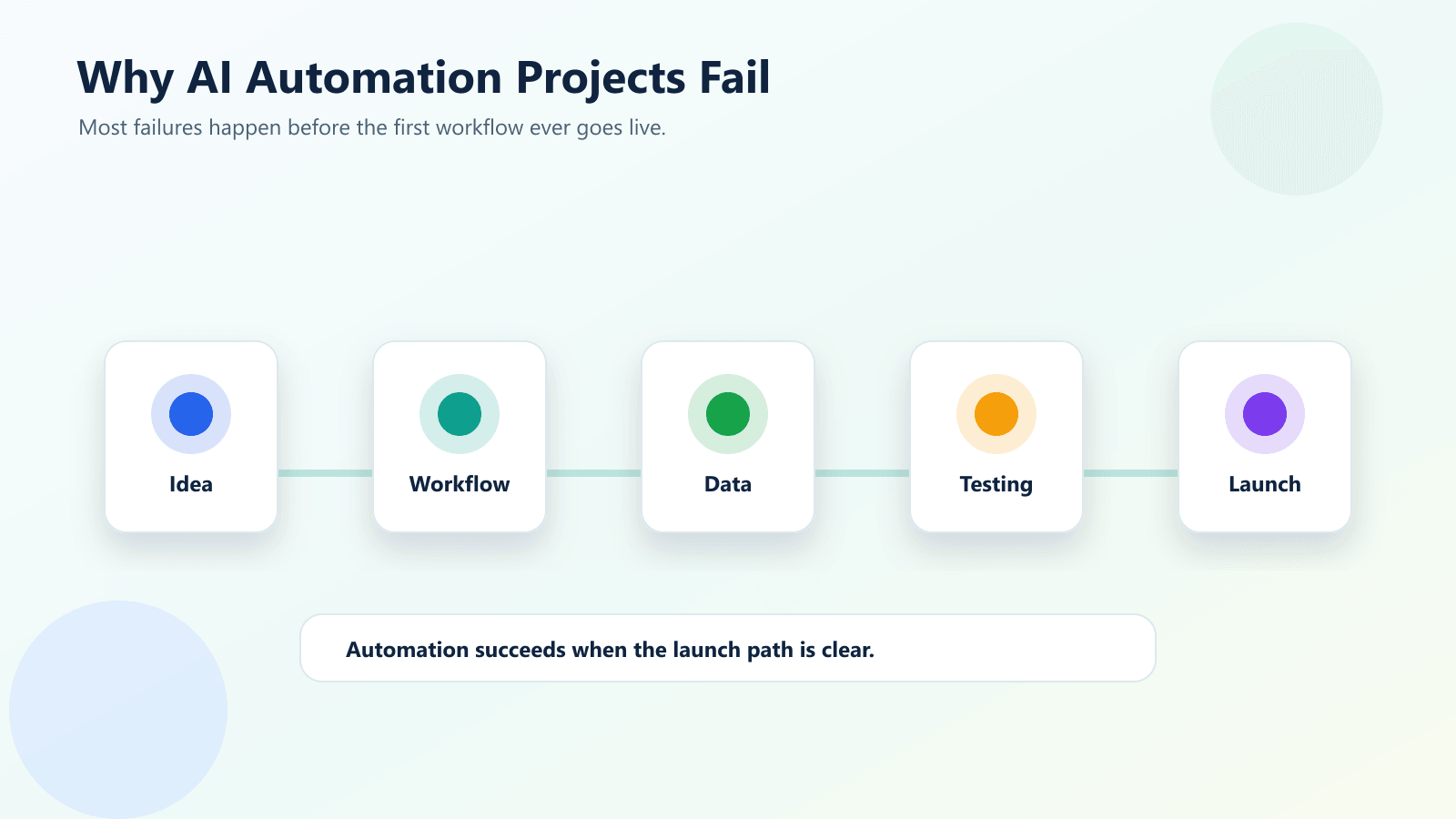
The Real Reason AI Automation Projects Fail Early
Most failed AI automation projects start with a tool instead of a process.
Someone says, “We need AI automation.” Then the business starts looking at platforms, chatbots, agents, workflow builders, CRM plugins, and app connectors. That sounds logical, but it skips the most important question.
What exact business process are we trying to improve?
AI automation should not begin with software. It should begin with a repeated workflow that wastes time, creates delays, causes errors, or leads to missed opportunities.
For example, “use AI in sales” is too broad. A better starting point is “when a new website lead arrives, summarize the inquiry, check if the lead is qualified, create a CRM task, and send a draft follow-up email for human review.”
That kind of workflow is specific. It has a trigger, inputs, actions, review points, and a measurable outcome.
When the process is vague, the project becomes vague. When the project is vague, launch becomes risky.
Common Reasons AI Automation Fails Before Launch
The goal is not specific enough
Many projects begin with a general goal like saving time, improving productivity, or using AI. Those goals are not wrong, but they are not specific enough to build around.
A better goal connects automation to a business result.
For example, reduce manual lead routing time from two hours to five minutes. Send first-response email drafts within ten minutes of a new inquiry. Reduce invoice data entry errors by 50 percent. Keep CRM records updated after every sales call.
Clear goals make it easier to design the workflow, test the result, and decide whether the project is worth launching.
The workflow is not mapped
AI automation cannot fix a process nobody understands.
Before launch, the team needs to know where the workflow starts, what data is required, who receives the output, when human approval is needed, and what happens when something goes wrong.
If five employees handle the same task in five different ways, automation will expose that inconsistency quickly.
Mapping the workflow does not need to be complicated. A simple list of steps is enough at the beginning. The important part is agreement.
The data is messy
AI automation depends on usable data.
If customer names are duplicated, CRM stages are inconsistent, email labels are unclear, form fields are missing, or documents use different formats, the automation will struggle.
Messy data creates messy automation. It can route leads incorrectly, generate weak summaries, create duplicate tasks, or trigger the wrong follow-up.
Before launch, teams should clean the most important fields and define what data is required for the workflow to run safely.
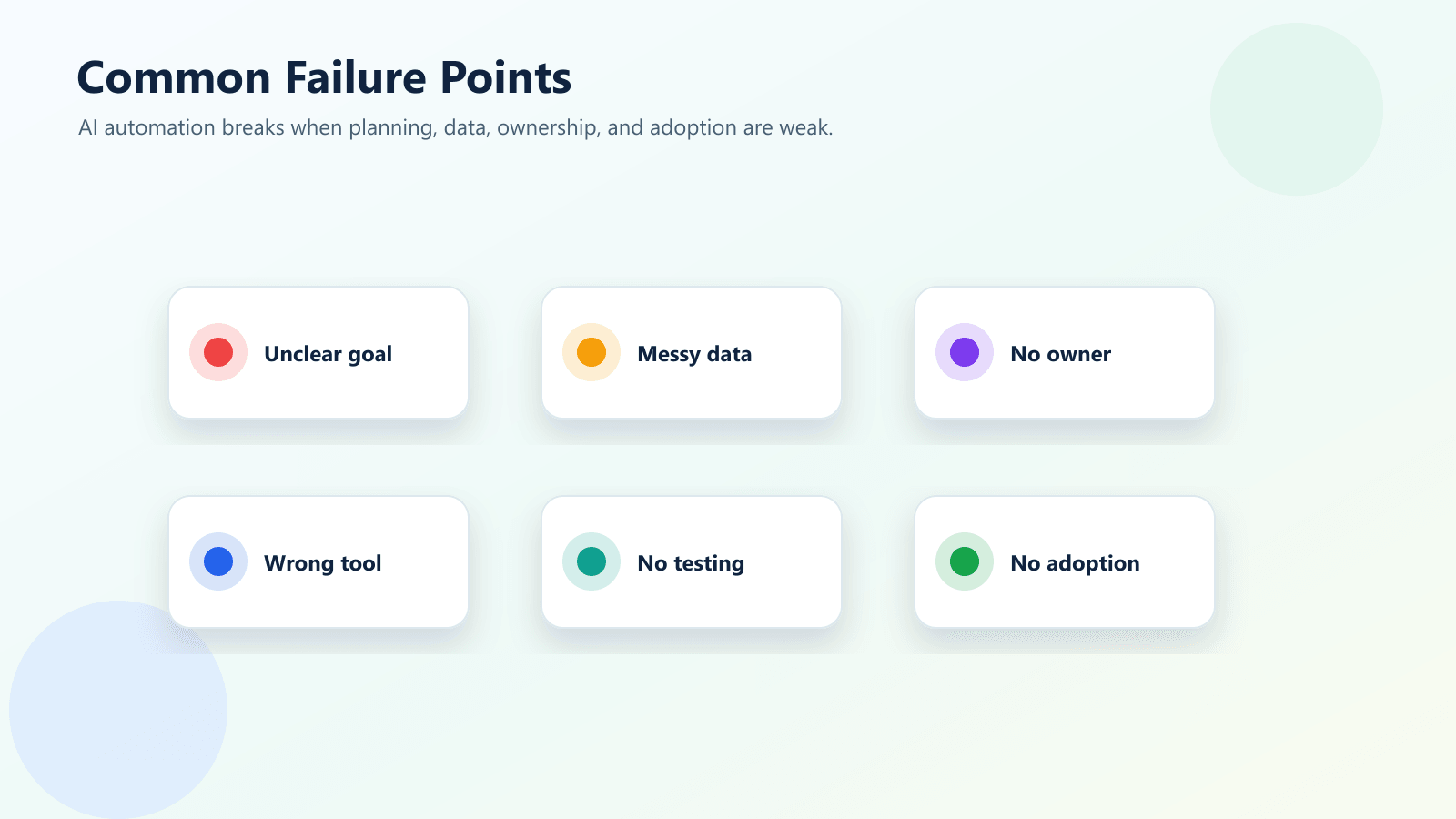
Nobody owns the automation
An automation workflow needs an owner.
This is the person or team responsible for decisions, testing, approvals, improvements, and monitoring after launch. Without ownership, the project can get stuck between marketing, sales, operations, IT, and leadership.
AI automation touches real work. That means someone must decide what counts as success, what risks are acceptable, and who fixes the workflow when business rules change.
The team expects AI to make every decision
AI is useful for summarizing, drafting, classifying, scoring, and recommending. But that does not mean every action should be fully automatic.
Some workflows need human review.
Sales emails, customer complaints, legal issues, pricing decisions, finance approvals, hiring decisions, and sensitive customer data should not be treated casually. A safer workflow may allow AI to prepare the output while a person approves the final action.
This keeps the automation useful without removing judgment where it still matters.
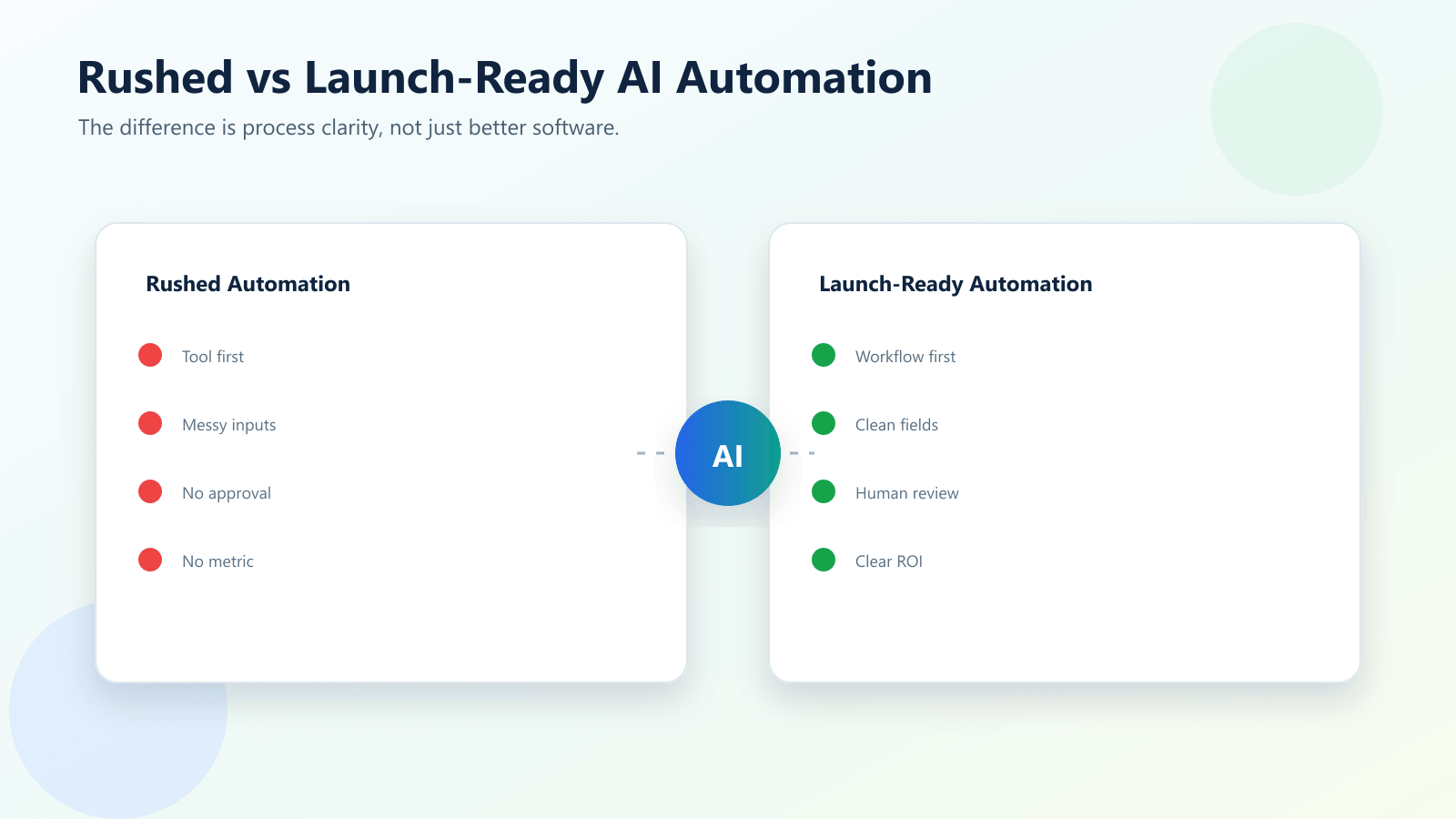
Rushed Automation vs Launch-Ready Automation
| Area | Rushed AI Automation | Launch-Ready AI Automation |
|---|---|---|
| Starting point | Starts with a tool or trend | Starts with a clear business workflow |
| Goal | General productivity promise | Specific measurable outcome |
| Data | Uses messy fields and inconsistent records | Cleans the required fields first |
| Ownership | Unclear team responsibility | One clear workflow owner |
| AI role | AI makes too many decisions too early | AI supports defined steps with guardrails |
| Testing | Tested with a few ideal examples | Tested with real examples and edge cases |
| Human review | Added after problems appear | Designed before launch |
| Launch readiness | Risky and hard to trust | Easier to monitor, improve, and scale |
This comparison matters because most automation failures are preventable. A rushed workflow may look impressive in a demo, but it often breaks when real customers, messy data, and unexpected scenarios appear. A launch-ready workflow is more careful. It may start smaller, but it has a much better chance of becoming useful.
Useful Research and Related Reading
Many AI adoption problems are really workflow and organizational problems. Microsoft’s Power Automate guidance focuses on automating business processes across apps and approvals, not only adding AI for its own sake. IBM’s AI governance guidance also highlights the importance of risk, oversight, and responsible use when AI becomes part of real operations.
For broader AI planning, the NIST AI Risk Management Framework is useful because it encourages organizations to think about risks, measurement, governance, and monitoring. OpenAI’s business resources also show how AI systems are strongest when they are connected to clear use cases and human workflows.
Inside IQBIRDS, related reading includes AI Automation for Small Businesses: 10 Practical Use Cases, How to Use AI to Reduce Manual Admin Work in Your Business, and AI Chatbot vs AI Workflow Automation: What Does Your Business Need?.
If your business needs help connecting tools and workflows, IQBIRDS also offers AI Automation Services, AI Integration Services, and AI CRM Development.
External resources worth reviewing include Microsoft Power Automate, IBM AI Governance, NIST AI Risk Management Framework, and OpenAI for Business.
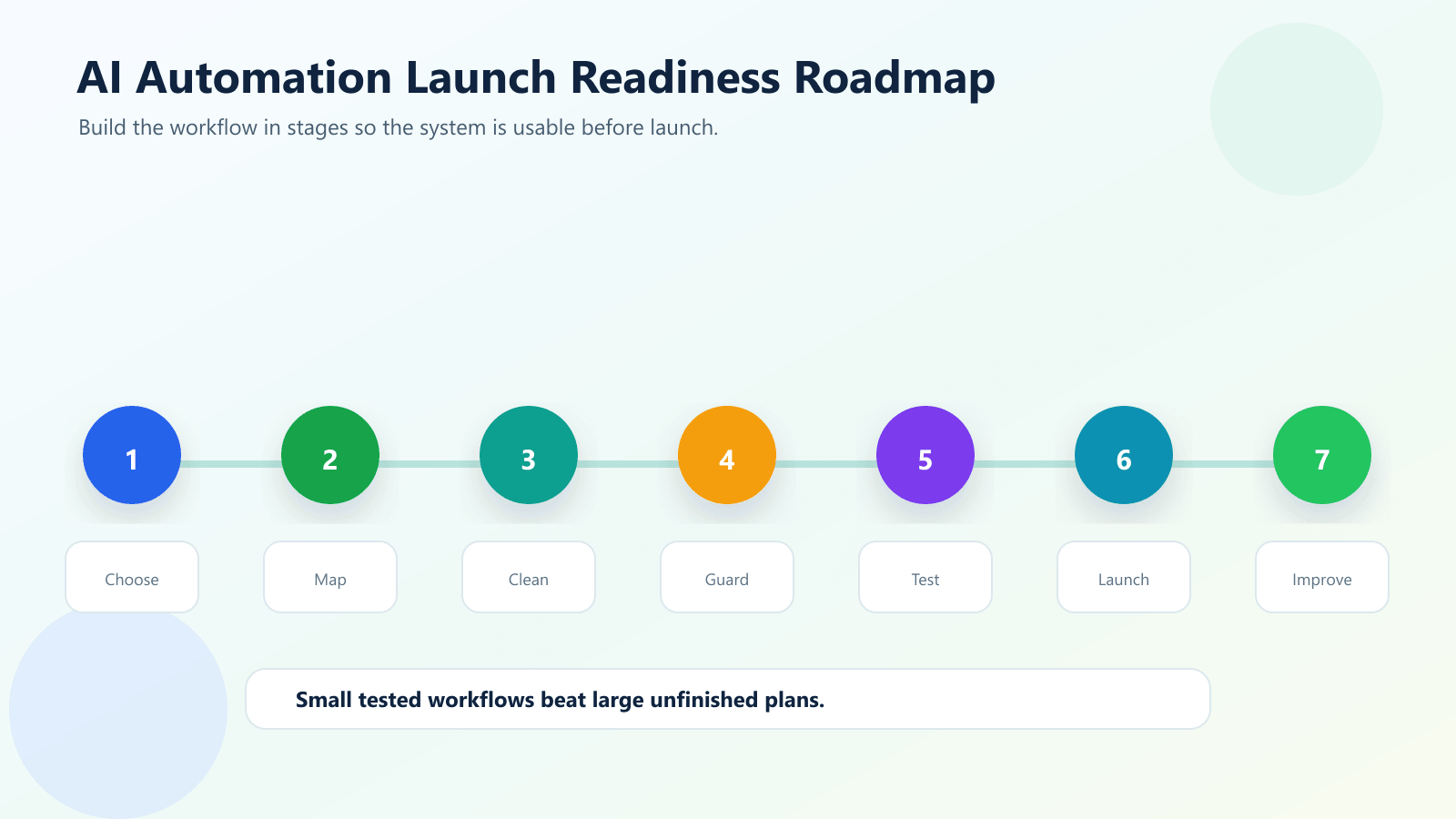
Step-by-Step Guide to Avoid Failure Before Launch
Step 1: Choose one workflow
Start with one process, not the whole business.
Good starting points include lead follow-up, CRM updates, invoice intake, appointment reminders, support ticket routing, review requests, content draft routing, or internal task creation.
The workflow should be repeated often enough that automation saves time, but simple enough that your team can test it clearly.
Step 2: Define the trigger
Every automation needs a starting point.
The trigger might be a new form submission, a new email, a CRM stage change, a new row in Google Sheets, a missed call, a uploaded document, or a support ticket.
If the trigger is unclear, the automation will be hard to control.
Step 3: List the required data
Write down the information the automation needs to work.
For a lead workflow, this may include name, email, phone, service interest, message, source, budget, and location. For an invoice workflow, it may include vendor name, invoice number, amount, due date, tax, and approval status.
Only automate once the required fields are clear.
Step 4: Decide what AI should do
AI should have a specific role.
It can summarize a message, classify a request, draft a reply, score a lead, extract document data, suggest a next step, or identify missing information.
Do not ask AI to control the whole process from the beginning. Give it one useful job inside the workflow.
Step 5: Add human approval where needed
Human review is not a weakness. It is a safety layer.
For example, AI can draft the follow-up email, but a salesperson approves it. AI can score the lead, but the sales manager reviews high-value opportunities. AI can extract invoice data, but finance approves payment.
Step 6: Test with real examples
Testing only perfect examples is one of the fastest ways to create a failed launch.
Use real messy examples. Test incomplete forms, unusual requests, duplicate contacts, angry customer messages, long emails, short emails, bad formatting, and edge cases.
Step 7: Launch small and monitor
Launch the workflow for one team, one form, one service, or one customer type first.
Monitor errors, time saved, user feedback, and customer experience. Improve the workflow before expanding.
Key Benefits of Doing AI Automation the Right Way
- Faster response times
- Less manual data entry
- Fewer missed leads and follow-ups
- Cleaner CRM and reporting data
- Better team consistency
- Safer customer communication
- More reliable handoffs between tools
- Lower admin workload over time
- Better visibility into repeated processes
- Easier scaling as the business grows
The benefit is not just that AI does work faster. The real benefit is that the business gets a repeatable workflow that people can trust.
Common Mistakes to Avoid
Buying the tool before defining the process
A tool can support a workflow, but it cannot invent a clear business process for you.
Define the workflow first. Then choose the tool.
Automating a process that changes every week
If the rules are constantly changing, the automation will need constant repairs.
Start with a stable workflow.
Ignoring user adoption
If the team does not trust the automation, they will work around it.
Train the users, explain the purpose, and show where human review remains.
Skipping error handling
Every workflow needs a plan for missing data, failed app connections, duplicate records, and low-confidence AI outputs.
Without error handling, small issues become launch blockers.
Measuring activity instead of outcome
Do not only measure how many automations ran.
Measure response time, error reduction, time saved, follow-up completion, lead conversion, customer satisfaction, or approval speed.
How IQBIRDS Helps Your Business
IQBIRDS helps businesses build AI automation that is practical, clear, and ready for real use.
The process starts with the business workflow. What task is repeated? Where does the delay happen? Which tool holds the data? Who needs to approve the result? What should happen when the automation is unsure?
From there, IQBIRDS can help design the workflow, connect tools, set up AI steps, add review points, test real examples, and prepare the automation for launch.
This can include CRM automation, email follow-up automation, AI agent workflows, document automation, lead routing, Google Sheets workflows, reporting dashboards, and integrations between business tools.
The goal is not to add AI everywhere. The goal is to build automation that saves time, reduces mistakes, and makes the business easier to run.
FAQs
Why do most AI automation projects fail before launch?
Most AI automation projects fail before launch because the business process is unclear, the data is messy, the tool is chosen too early, ownership is weak, or the workflow is not tested with real scenarios.
What is the biggest mistake in AI automation?
The biggest mistake is starting with the tool instead of the workflow. AI automation should begin with a clear business problem, process map, success metric, and approval plan.
How can a small business start with AI automation safely?
A small business should start with one repetitive workflow, keep a human review step, test with real examples, and measure whether the automation saves time or improves response speed.
Does AI automation require perfect data?
No, but it does require usable data. If fields are inconsistent, records are duplicated, or important information is missing, the automation will need cleaning and validation before launch.
Should AI automation fully replace manual work?
Usually no. The best AI automation removes repetitive steps while keeping people involved for exceptions, approvals, sensitive decisions, and customer-facing judgment.
How can IQBIRDS help my business?
IQBIRDS can help your business choose the right AI automation use case, map the workflow, connect tools, design safer approval steps, and build practical automation that is ready to launch.
Conclusion
AI automation projects rarely fail because the idea is bad. They usually fail because the business is not ready to launch the workflow.
The process is unclear. The data is messy. The owner is missing. The tool is chosen too early. The AI role is too broad. The team does not test enough real examples.
The solution is to slow down before launch so the automation can move faster after launch.
Start with one workflow. Define the trigger. Clean the required data. Give AI a clear job. Add human review. Test real scenarios. Launch small. Improve as you learn.
That is how AI automation becomes useful instead of becoming another unfinished project.
Ready to Build AI Automation That Actually Launches?
If your business wants to automate leads, emails, CRM updates, documents, reporting, or internal workflows, IQBIRDS can help you plan and build the right system. Contact IQBIRDS for a free consultation and turn your AI automation idea into a workflow your team can actually use.
Need AI Automation?
Discover how IQBirds helps businesses automate workflows and build custom digital products.