
AI Automation
Hidden Costs of Manual Business Processes in 2026
Manual business processes often feel harmless because they are familiar.
Someone updates a spreadsheet. Someone copies a customer detail from an email into a CRM. Someone sends a reminder by hand. Someone checks a payment status, prepares a weekly report, follows up with a lead, or asks another team member for approval.
Each task may only take a few minutes.
The problem is that those minutes repeat every day. They spread across employees, tools, departments, and customer touchpoints. By the end of the month, the real cost is much bigger than most business owners realize.
In 2026, this matters more because customers expect faster responses, teams are using more software, and competition moves quickly. A manual workflow that felt acceptable a few years ago can now create slow follow-up, messy reporting, missed sales opportunities, and unnecessary admin work.
Business process automation helps reduce that hidden cost by turning repeated manual steps into consistent workflows. It does not mean replacing your team. It means helping your team spend less time chasing tasks and more time doing work that actually moves the business forward.
What Counts as a Manual Business Process?
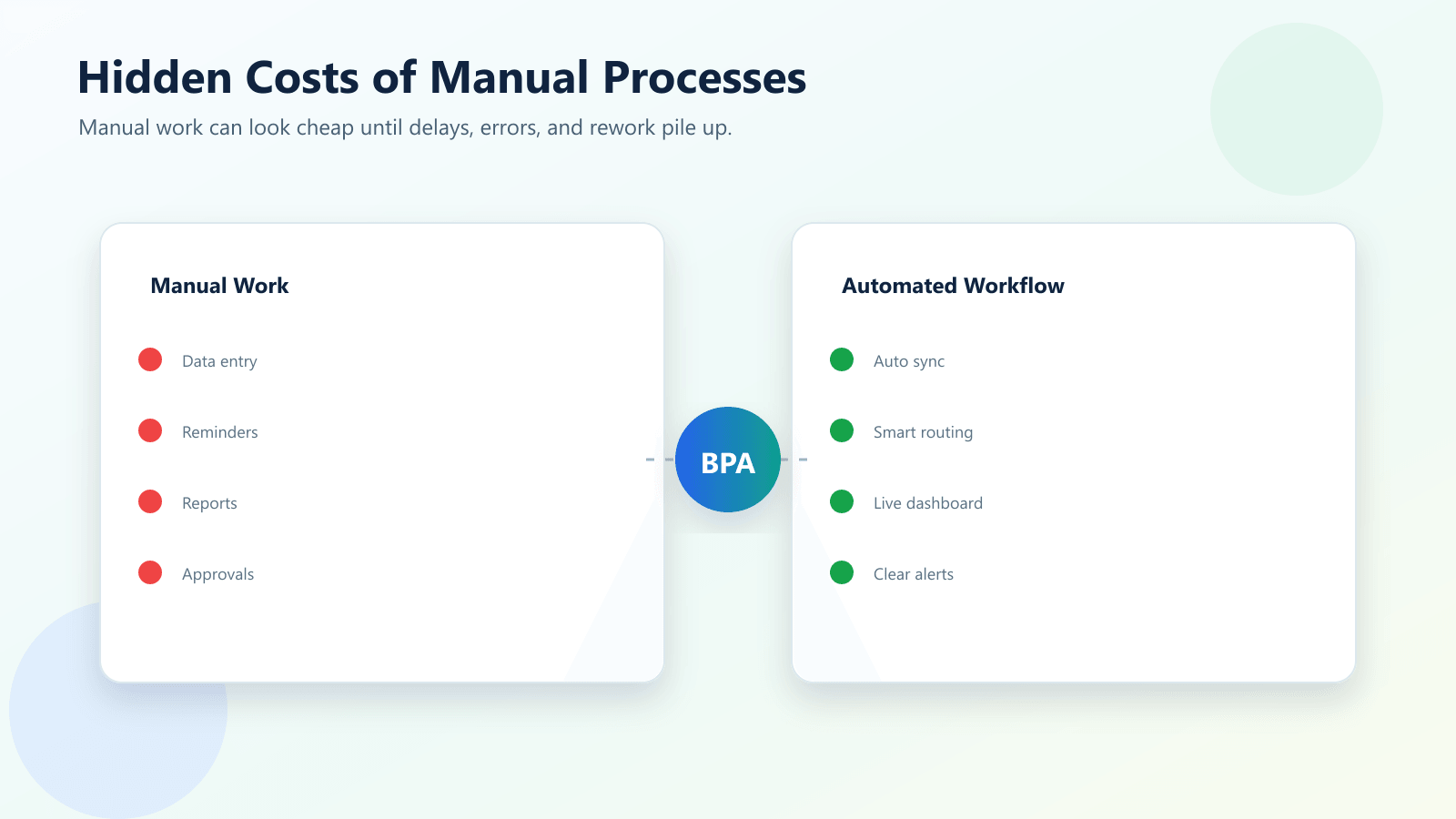
A manual business process is any repeated business task that depends heavily on a person doing the same steps by hand.
It can be simple, like copying form submissions into a spreadsheet. It can also be more complex, like routing a customer inquiry to the right team, checking whether a quote was approved, or preparing a report from several tools.
Common examples include:
- Manually entering leads into a CRM
- Sending the same follow-up emails again and again
- Copying invoice details into accounting software
- Updating spreadsheets after every call
- Checking email for approvals
- Moving tasks between project tools
- Creating weekly reports from multiple systems
- Manually assigning support tickets
- Reminding team members about deadlines
The problem is not that people are doing these tasks badly. The problem is that the tasks are too repetitive to depend on memory, speed, and manual effort forever.
The Hidden Costs Most Businesses Miss
Time lost in small repeated tasks
Manual work often hides inside small tasks.
Five minutes here. Ten minutes there. A few clicks after every email. A quick spreadsheet update after every sales call. A reminder message before every deadline.
One small task does not look expensive. But when the same task happens dozens or hundreds of times a month, it becomes a real cost.
This is one of the easiest places to start with business process automation. If the task has a clear trigger and repeated steps, it may be a strong automation candidate.
Errors from manual data entry
Manual data entry creates mistakes.
Names are misspelled. Phone numbers are copied incorrectly. CRM stages are forgotten. Invoice amounts are entered twice. A lead source is missing. A customer note gets placed in the wrong record.
These errors do more than make reports messy. They can affect sales follow-up, customer service, finance, marketing campaigns, and management decisions.
Automation can help by moving data between tools more consistently and validating important fields before the next step happens.
Slow customer response
Customers do not see your internal process. They only see the delay.
If a new lead waits hours for a reply because someone has to manually check a form, copy the details, assign the owner, and send the first email, the business may lose the opportunity before the conversation starts.
In service businesses, response speed often matters as much as pricing. A slower process can quietly reduce conversion rates.
Rework and duplicated effort
Manual processes often create duplicate work.
One person updates the spreadsheet. Another person updates the CRM. A manager asks for the same information in a report. Someone else checks the email thread to confirm what happened.
The business is not doing more valuable work. It is repeating the same information in different places.
Business process automation can reduce duplication by creating one clean workflow where data moves from the source to the right systems automatically.
Poor reporting and weak visibility
Manual reporting is often late, incomplete, or inconsistent.
If managers need to wait for someone to collect data from multiple tools, the report may already be outdated by the time it is finished. If different people update fields differently, the numbers may not be reliable.
This creates another hidden cost: leaders make decisions with weak information.
Automation helps by keeping records cleaner and making dashboards easier to maintain.
Manual Process vs Business Process Automation
| Area | Manual Business Process | Automated Business Process |
|---|---|---|
| Speed | Depends on employee availability | Runs when the trigger happens |
| Accuracy | Prone to copy-paste and memory errors | More consistent with rules and validation |
| Follow-up | Can be delayed or forgotten | Sends reminders, tasks, or drafts automatically |
| Reporting | Often late or incomplete | Updates data more consistently |
| Scalability | Requires more manual effort as volume grows | Handles more work with the same workflow |
| Cost | Hidden in admin time and rework | Lower admin burden after setup |
| Customer experience | Can feel slow or inconsistent | Faster and more reliable |
| Team focus | Employees spend time chasing tasks | Employees spend more time on higher-value work |
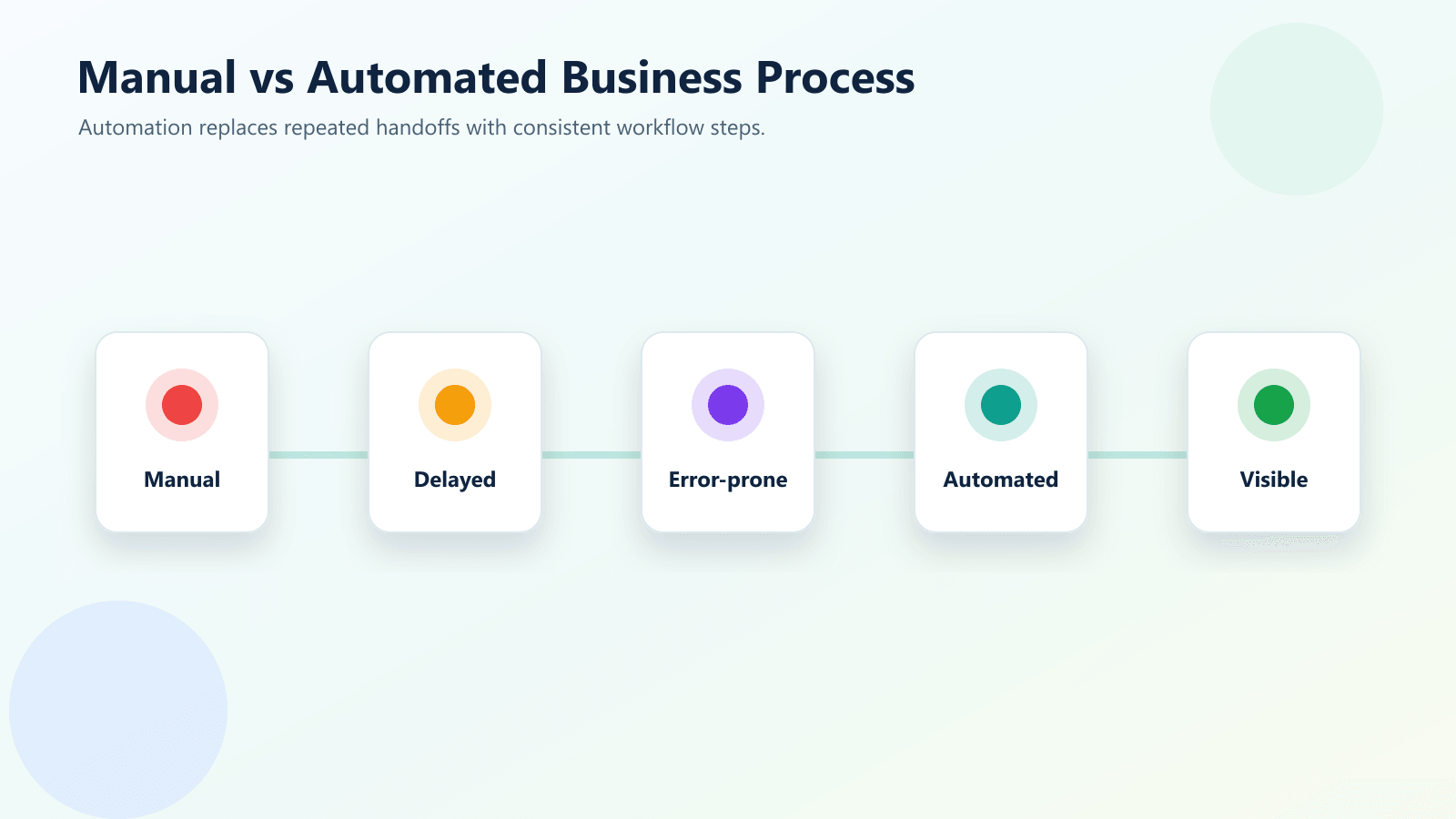
This comparison shows why manual work can become expensive even when it does not appear on an invoice. The cost is hidden inside time, errors, delays, and missed opportunities. Business process automation does not remove every human step, but it can remove the repeated steps that slow the business down.
Useful Research and Related Reading
Workflow automation is not new, but the business case is stronger in 2026 because teams are using more tools and customer expectations are higher. Microsoft describes Power Automate as a way to automate workflows across apps and services, while IBM’s automation resources focus on using automation to improve processes, reduce repetitive work, and create more consistent operations.
For teams planning automation, the biggest lesson is simple: automate a clear process, not a vague idea.
Related IQBIRDS reading includes How to Use AI to Reduce Manual Admin Work in Your Business, AI Automation for Small Businesses: 10 Practical Use Cases, and Why Most AI Automation Projects Fail Before Launch.
If your business needs help building practical workflows, IQBIRDS offers AI Automation Services, AI Integration Services, and AI CRM Development.
Useful external references include Microsoft Power Automate, IBM Business Automation, Gartner Business Process Automation, and Zapier Business Process Automation.
Step-by-Step Guide to Reduce Manual Process Costs
Step 1: List repeated manual tasks
Start by writing down the tasks your team repeats every week.
Look for tasks involving copying data, sending reminders, updating records, assigning work, checking statuses, creating reports, or moving information between tools.
Step 2: Estimate the real cost
Do not only count the time spent on the task.
Also consider mistakes, delays, missed leads, customer frustration, team interruptions, and management time spent fixing problems.
This helps you prioritize the workflows that matter most.
Step 3: Choose one workflow to automate first
Do not automate everything at once.
Choose one workflow with clear steps and a measurable result. For example, website lead to CRM, missed call to follow-up task, invoice received to approval queue, or support form to ticket assignment.
Step 4: Define the trigger and outcome
Every automation needs a starting point and a goal.
The trigger may be a form submission, email, CRM update, file upload, payment event, calendar booking, or new spreadsheet row. The outcome may be a task, notification, CRM update, email draft, report update, or approval request.
Step 5: Clean the required data
Automation works better when the important fields are clear.
Define required fields, remove duplicate records, standardize names, and decide what should happen when data is missing.
Step 6: Add review where needed
Not every workflow should be fully automatic.
Use human review for pricing, contracts, sensitive emails, complaints, finance approvals, and important customer decisions.
Step 7: Test and improve
Test with real examples, not perfect examples.
After launch, monitor errors, time saved, user feedback, and customer response. Improve the workflow before expanding it.
Key Benefits of Business Process Automation
- Faster lead and customer response
- Less manual data entry
- Fewer repeated admin tasks
- Cleaner CRM and reporting data
- Better team consistency
- Fewer missed follow-ups
- Faster approvals and handoffs
- Better visibility for managers
- Less employee frustration
- More scalable operations
The biggest benefit is not only speed. It is consistency. A business becomes easier to manage when important workflows happen the same way every time.
Why Manual Processes Become More Expensive Over Time
The hidden cost of manual work usually grows slowly. At first, the team can manage it because the number of leads, invoices, tasks, or customer requests is small. As the business grows, the same manual steps happen more often, but the process does not become more reliable.
This is why a manual process can feel fine in the early stage and become painful later. More customers create more handoffs. More tools create more places to update. More team members create more chances for inconsistent data. Business process automation helps by creating a cleaner workflow before the manual workload becomes too heavy to control.
Common Mistakes to Avoid
Automating without mapping the process
If the process is unclear, automation will make the confusion faster.
Map the workflow first.
Choosing tools before defining the problem
A popular automation tool is not a strategy.
Start with the business problem, then choose the tool that fits.
Ignoring employee adoption
If the team does not understand the workflow, they will avoid it.
Explain what is changing, why it matters, and where human review still belongs.
Forgetting exception handling
Every workflow needs a plan for missing data, duplicate records, failed app connections, and unusual customer requests.
Measuring the wrong result
Do not only measure how many automations ran.
Measure time saved, errors reduced, faster response, cleaner records, completed follow-ups, and better customer experience.
How IQBIRDS Helps Your Business
IQBIRDS helps businesses find and reduce the hidden cost of manual work.
The process starts by identifying repeated tasks that slow down your team. Then IQBIRDS helps map the workflow, choose the right automation approach, connect your tools, add AI where it makes sense, and build a process your team can actually use.
This can include CRM automation, lead routing, email follow-up automation, Google Sheets workflows, document processing, reporting dashboards, task automation, and integrations between business tools.
The goal is simple: reduce manual work, improve response speed, and make daily operations easier to manage.
FAQs
What are manual business processes?
Manual business processes are repeated tasks that people handle by hand, such as copying data, sending reminders, updating spreadsheets, routing leads, preparing reports, or checking approvals.
Why are manual processes expensive?
Manual processes are expensive because they create hidden costs such as delays, errors, duplicated work, missed opportunities, employee frustration, and slow customer response.
What is business process automation?
Business process automation uses software, workflows, integrations, and sometimes AI to complete repeated business tasks with less manual effort and more consistency.
What business processes should I automate first?
Start with high-volume, repetitive, rule-based processes that cause delays or errors, such as lead routing, CRM updates, invoice handling, email follow-ups, and reporting.
Can small businesses use business process automation?
Yes. Small businesses can start with simple automations for forms, CRM updates, emails, task reminders, appointment workflows, and reporting before moving into advanced automation.
How can IQBIRDS help my business?
IQBIRDS can help your business identify manual workflow costs, map processes, connect tools, and build practical business process automation systems that save time and reduce errors.
Conclusion
Manual business processes often cost more than they appear to cost.
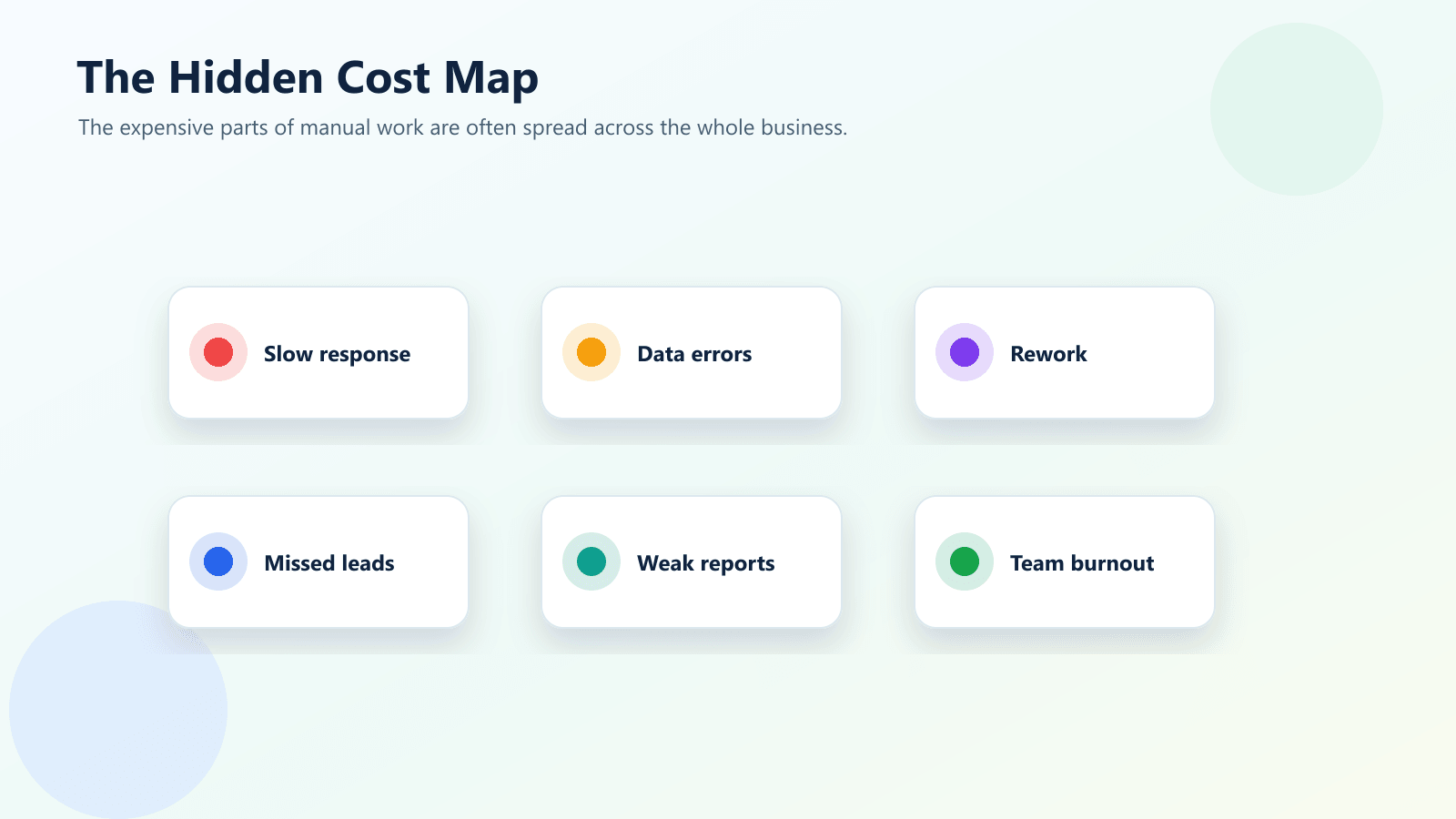
The visible cost is a few minutes of admin work. The hidden cost is slower response, repeated data entry, reporting delays, rework, missed opportunities, customer frustration, and team burnout.
Business process automation helps reduce those costs by turning repeated manual steps into clear, consistent workflows. It does not need to start with a huge transformation project. It can start with one painful workflow that your team repeats every week.
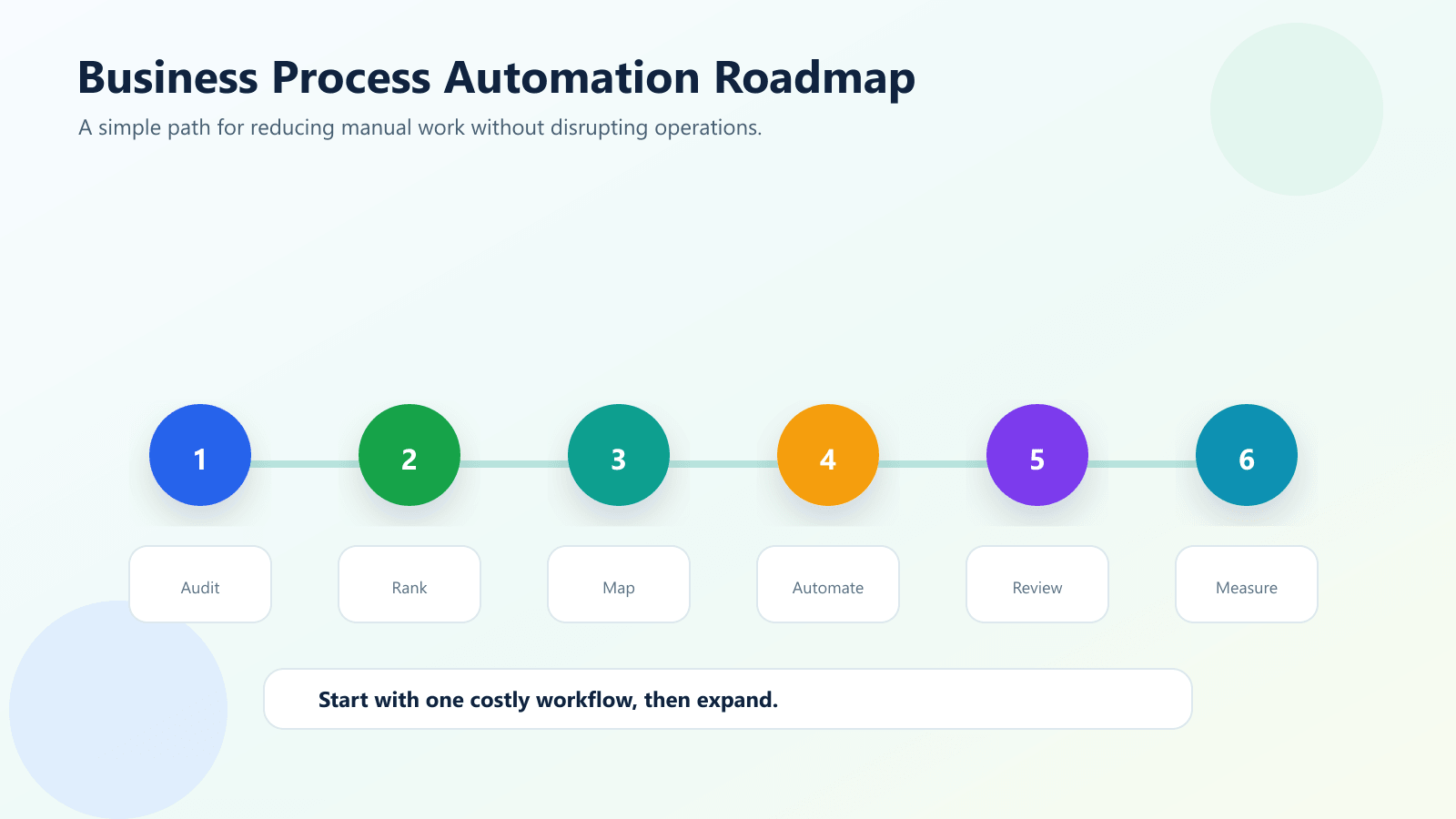
Start small. Map the process. Clean the required data. Add review where needed. Test with real examples. Measure the results.
That is how automation becomes practical instead of overwhelming.
Ready to Reduce Manual Work in Your Business?
If your business still depends on repeated manual tasks, IQBIRDS can help you find the hidden costs and build better workflows. Contact IQBIRDS for a free consultation and start turning manual processes into smarter business process automation.
Need AI Automation?
Discover how IQBirds helps businesses automate workflows and build custom digital products.