
AI Automation
AI Workflows Every Sales Team Should Automate
Sales teams do not lose time only during sales calls.
They lose time between the calls.
A lead arrives and someone has to copy details into the CRM. A salesperson needs to send the first reply. A follow-up reminder must be created. A meeting needs notes. A deal stage needs updating. A manager needs a pipeline report. A lead needs to be routed to the right person before it gets cold.
These tasks are important, but they are not always the best use of a salesperson’s time.
That is where sales workflow automation becomes valuable.
AI workflows can handle repeated sales tasks, organize customer data, prepare drafts, trigger reminders, summarize conversations, and keep the CRM updated. The sales team still handles the human work: discovery, trust, negotiation, relationship building, and closing.
This guide explains the AI workflows every sales team should automate, why they matter, and how to build automation that supports the team instead of making the sales process feel robotic.
What Sales Workflow Automation Means
Sales workflow automation means using AI, CRM workflows, rules, and integrations to move repeated sales tasks forward with less manual effort.
It can connect your website forms, CRM, email, calendar, chat tools, call notes, spreadsheets, and reporting dashboards. Instead of asking salespeople to manually update every step, the workflow can capture data, create tasks, draft messages, and alert the right person automatically.
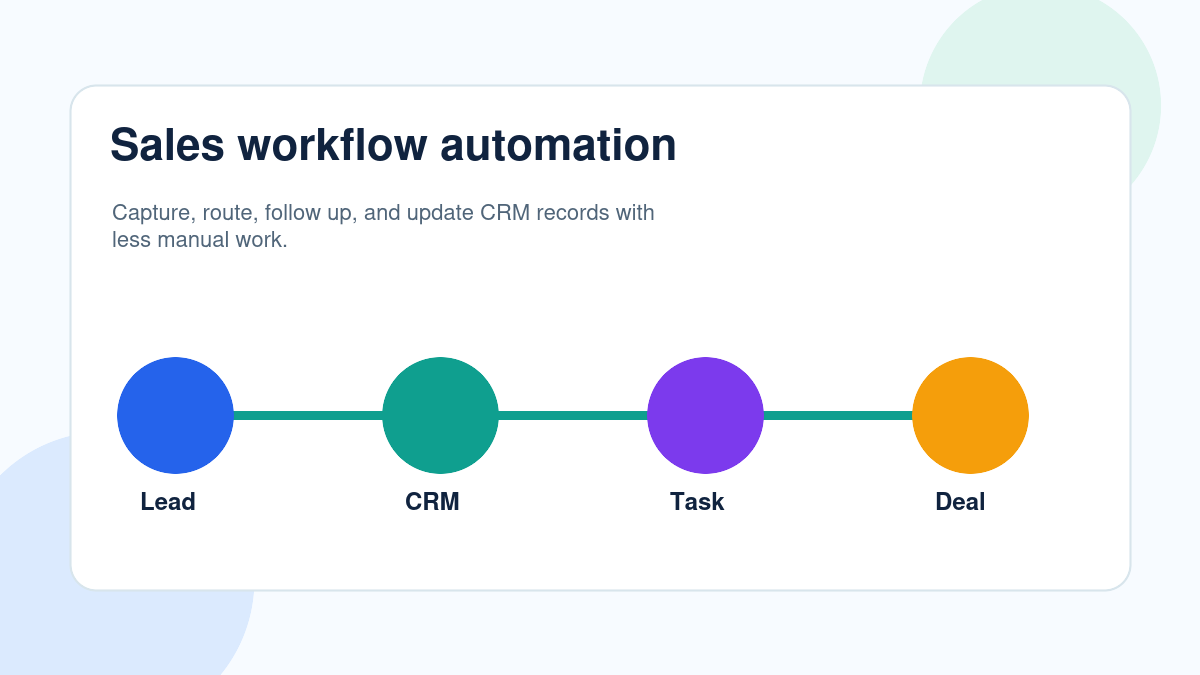
For example, when a new lead submits a form, the workflow can create the CRM record, summarize the inquiry, identify urgency, assign the lead, draft a response, and create a follow-up task.
The salesperson starts with context instead of admin work.
Automation should support the sales team
The goal is not to replace salespeople.
The goal is to remove the repeated work that slows them down. Sales still needs people for trust, empathy, complex questions, pricing, objection handling, and final decisions.
AI is strongest when it handles the process around the conversation.
Workflow 1: Lead Capture and CRM Creation
Every sales workflow starts with lead capture.
If leads are still being copied from forms, emails, social messages, spreadsheets, or chat tools into the CRM by hand, the team is losing time and creating risk.
Manual lead capture causes delays. It also creates incomplete records, duplicate contacts, missing sources, and unclear ownership.
AI sales automation can capture the lead immediately, create or update the contact, add the source, summarize the message, and attach the right details to the CRM record.
Practical example
A prospect fills out a form asking for a consultation. The workflow creates the CRM contact, tags the inquiry by service type, identifies the lead source, and creates a sales task.
The salesperson does not need to start by copying data. They can start by responding.
Workflow 2: Lead Qualification and Scoring
Not every lead deserves the same level of urgency.
Some leads are ready to buy. Some are researching. Some are not a good fit. Some are high-value opportunities that need fast attention.
AI workflows can help qualify leads by reading message content, form details, company size, industry, location, budget signals, source, and urgency.
The output does not need to be a final decision. It can be a useful signal for the sales team.
Best practice
Use AI lead scoring as guidance, not as the only decision-maker.
High-value, unusual, or strategic leads should still be reviewed by a human salesperson or manager.
Workflow 3: Lead Routing
A lead should not wait because nobody knows who owns it.
Lead routing is one of the easiest sales workflows to automate because the rules are often clear. Leads can be routed by location, service interest, company size, territory, urgency, language, source, or account owner.
When routing is manual, leads can sit in a shared inbox or be passed between team members. That delay can reduce the chance of conversion.
Automated routing gives every lead an owner and a next step.
Workflow 4: First-Response Drafts
Fast response matters, but sales teams do not always have time to write every first reply from scratch.
AI can draft a helpful first response based on the inquiry, service requested, source, and customer details. The salesperson can review the draft, adjust the tone, and send it quickly.
This is especially useful for website forms, demo requests, pricing questions, consultation requests, and after-hours inquiries.
The best first-response automation does not sound generic. It should reflect what the customer actually asked.
Workflow 5: Follow-Up Reminders
Many sales opportunities are lost after the first conversation.
A prospect says they need more time. A salesperson plans to check back next week. Then other work gets in the way. Without automation, follow-up depends on memory and discipline.
Sales workflow automation can create reminders based on deal stage, last contact date, email activity, missed calls, proposal status, or customer response.
This keeps opportunities from disappearing because the next step was never created.
Practical example
If a lead receives a proposal but does not respond within three days, the workflow can create a follow-up task and draft a short check-in email for the salesperson to review.
Workflow 6: Meeting Preparation and Summaries
Sales meetings require context.
Before a call, a salesperson may need to review CRM notes, email history, past meetings, support issues, website behavior, and the original inquiry.
AI can prepare a short meeting brief with the customer’s needs, recent activity, open questions, and suggested talking points.
After the meeting, AI can summarize notes, extract action items, update the CRM, and create follow-up tasks.
This saves time and improves consistency across the sales process.
Manual Sales Tasks vs AI Sales Workflow Automation
| Sales Area | Manual Workflow | AI Sales Workflow Automation |
|---|---|---|
| Lead capture | Leads are copied from forms or inboxes | Leads are captured and logged instantly |
| Qualification | Sales team reviews every lead manually | AI summarizes and flags urgency or fit |
| Routing | Leads may wait for assignment | Leads are routed by rules and signals |
| First response | Replies are written from scratch | AI drafts a response for review |
| Follow-up | Depends on memory and manual tasks | Reminders and drafts trigger automatically |
| Meetings | Notes and next steps are added later | AI can summarize and create action items |
| Reporting | Managers chase updates manually | Pipeline data is updated more consistently |
The table shows why sales workflow automation improves more than speed. It creates consistency. A manual sales process depends on every person remembering every step. AI workflows help make sure the process keeps moving even when the team is busy.
Useful Research and Related IQBIRDS Reading
Sales and CRM platforms are moving toward automation, AI support, and connected customer workflows. Salesforce sales automation resources, HubSpot Sales Hub, Microsoft Dynamics 365 Sales, and Microsoft Power Automate all focus on helping teams organize sales activity, automate repeated steps, and connect data across tools.
For related IQBIRDS reading, see How AI Creates a 24/7 Sales Pipeline, Why Fast Lead Response Beats Bigger Marketing Budgets, and AI CRM vs Traditional CRM: What’s Actually Different?.
If your business wants help automating sales workflows, explore AI Automation Services, AI CRM Development, and AI Integration Services.
Useful external references include Salesforce Sales Automation, HubSpot Sales Hub, Microsoft Dynamics 365 Sales, and Microsoft Power Automate.
Workflow 7: Proposal and Deal Stage Reminders
Deals often slow down after a proposal is sent.
The customer may need time. The salesperson may wait too long. The manager may not notice that a valuable opportunity is stuck.
AI workflows can monitor proposal status, deal stage, last activity, and expected close dates. If a deal is inactive, the workflow can trigger a reminder, draft a follow-up, or alert a manager.
This helps sales teams stay proactive without manually checking every deal.
Workflow 8: Pipeline Reporting
Sales managers need visibility, but pipeline reporting often becomes manual work.
If CRM data is incomplete, managers spend time asking for updates. If stages are outdated, forecasts become unreliable.
Sales workflow automation can help by updating activity, flagging missing fields, summarizing pipeline movement, and preparing weekly reports.
This gives managers better visibility and gives salespeople less reporting admin.
Workflow 9: Nurture Workflows for Not-Ready Leads
Not every lead is ready to buy immediately.
Some need education. Some need approval from a manager. Some need to compare options. Some may return months later.
Instead of letting these leads disappear, AI workflows can place them into nurture sequences based on interest, source, industry, or stage.
This may include useful emails, check-ins, case studies, reminders, booking links, or alerts when the lead becomes active again.
Step-by-Step Guide to Automate Sales Workflows
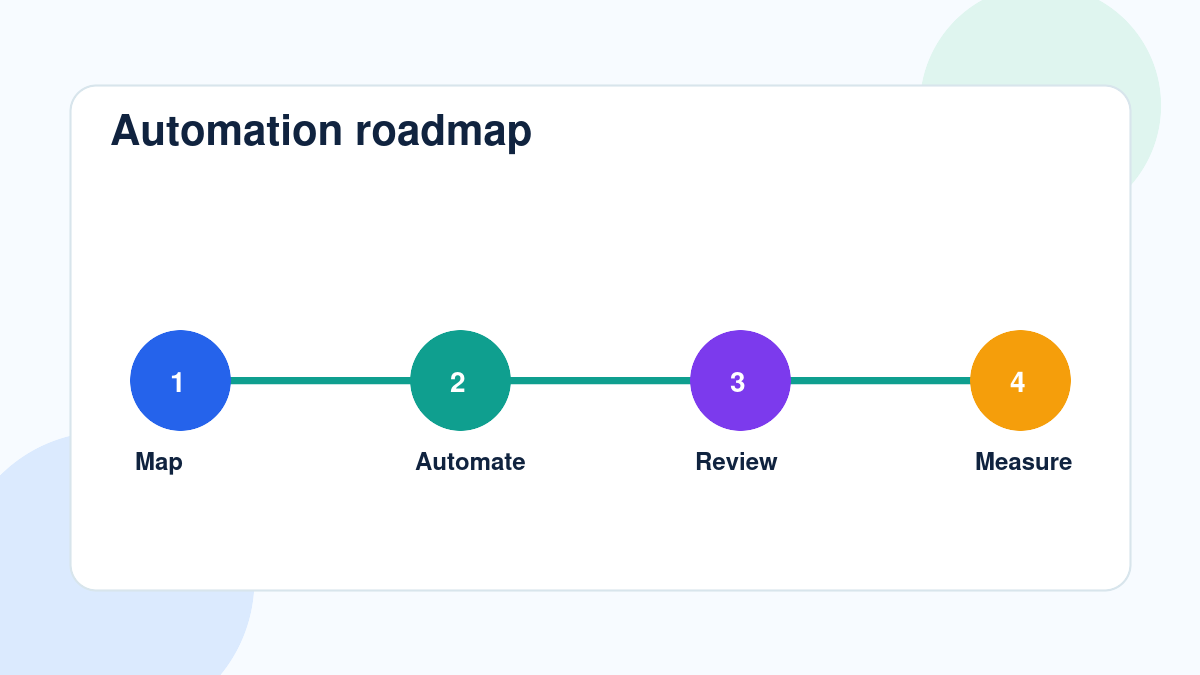
Step 1: Map the current sales process
Write down how leads enter the business, how they are qualified, how they are assigned, how follow-up happens, and how deals move through the pipeline.
Step 2: Identify repeated tasks
Look for tasks that happen every day: data entry, lead routing, reminders, email drafts, meeting notes, stage updates, and reporting.
Step 3: Choose one workflow first
Do not automate everything at once.
Start with a workflow that is repeated, measurable, and low-risk. Lead capture or follow-up reminders are often good starting points.
Step 4: Connect the CRM
Your CRM should hold the lead record, owner, stage, source, next step, and follow-up history.
Connect forms, email, calendar, chat, and reporting tools where they support the workflow.
Step 5: Add human review
Use human review for high-value leads, sensitive messages, pricing, discounts, contracts, and complex customer questions.
Step 6: Test with real examples
Use real leads, emails, notes, and pipeline records.
Testing with clean examples is not enough. Real sales data shows where the workflow needs stronger rules.
Step 7: Measure the outcome
Track response time, follow-up completion, CRM data quality, booked calls, pipeline movement, and time saved.
Expand only after the workflow proves value.
Key Benefits of Sales Workflow Automation
- Faster lead response
- Less manual CRM data entry
- Cleaner pipeline records
- More consistent follow-up
- Better lead routing and ownership
- More useful meeting preparation
- Fewer missed opportunities
- Less admin work for salespeople
- Better visibility for sales managers
- More time for conversations that move deals forward
The biggest benefit is focus. Sales workflow automation helps the team spend less time managing the process and more time working with customers.
Common Mistakes to Avoid
Automating before defining the sales process
If the pipeline is unclear, automation will create confusion.
Define stages, owners, required fields, and follow-up rules before building workflows.
Sending fully automated messages to every lead
AI can draft messages, but some messages need human review.
Use approval steps for high-value leads and sensitive conversations.
Ignoring CRM data quality
AI sales automation depends on usable data.
Clean key fields such as source, owner, service interest, stage, last contact date, and next step.
Trying to automate everything at once
Start with one workflow.
A focused workflow is easier to test, improve, and trust.
Measuring activity instead of outcomes
Do not only count how many automations ran.
Measure whether sales workflow automation improved response speed, follow-up, CRM quality, booked calls, and pipeline movement.
How IQBIRDS Helps Your Business
IQBIRDS helps businesses build AI sales workflows that remove admin work and protect more opportunities.
The process starts by mapping your sales workflow. Where do leads enter? Which tasks repeat? Which tools are disconnected? Where are follow-ups missed? Which CRM fields are messy? Which actions need human review?
From there, IQBIRDS can help connect your CRM, forms, email, Google Sheets, calendars, chat tools, proposal tools, and reporting dashboards.
This can include lead capture automation, AI lead summaries, routing rules, first-response drafts, follow-up reminders, meeting summaries, pipeline updates, nurture workflows, and manager reporting.
The goal is simple: give salespeople a cleaner process so they can spend more time selling and less time managing repetitive tasks.
FAQs
What is sales workflow automation?
Sales workflow automation uses software, AI, CRM workflows, and integrations to automate repeated sales tasks such as lead capture, routing, follow-up reminders, CRM updates, email drafts, and pipeline reporting.
Which sales workflows should be automated first?
Sales teams should start with lead capture, CRM updates, lead routing, first-response drafts, follow-up reminders, meeting preparation, pipeline updates, and sales reporting.
Can AI automate sales follow-up?
Yes. AI can draft follow-up emails, create reminders, summarize conversations, suggest next steps, and trigger nurture workflows while humans review important or sensitive messages.
Does sales workflow automation replace salespeople?
No. Sales workflow automation usually replaces repetitive admin work, not salespeople. It helps sales teams spend more time on conversations, relationships, and closing deals.
Is sales workflow automation useful for small teams?
Yes. Small sales teams can use automation to respond faster, keep CRM records cleaner, follow up more consistently, and manage more opportunities without adding more admin work.
What should not be fully automated in sales?
Complex discovery calls, pricing negotiations, high-value customer communication, contract decisions, strategic account management, and sensitive conversations should still include human judgment.
How can IQBIRDS help my business?
IQBIRDS can help your business map the sales process, identify repeatable workflows, connect CRM and lead tools, build AI sales automation, and add human review where needed.
Conclusion
Sales teams should not spend their best hours on repetitive admin work.
AI workflows can automate lead capture, qualification, routing, first-response drafts, follow-up reminders, meeting summaries, pipeline updates, reporting, and nurture workflows.
The strongest sales process uses automation for repeated tasks and keeps people involved where judgment, trust, and relationship matter.
When sales workflow automation is built correctly, the team responds faster, follows up more consistently, keeps the CRM cleaner, and spends more time on conversations that move deals forward.
Ready to Automate Your Sales Workflows?
If your sales team is losing time to manual updates, missed follow-ups, and disconnected tools, IQBIRDS can help. Contact IQBIRDS for a free consultation and build sales workflow automation that supports your team and helps your pipeline move faster.
Need AI Automation?
Discover how IQBirds helps businesses automate workflows and build custom digital products.